
What is dropiqo?
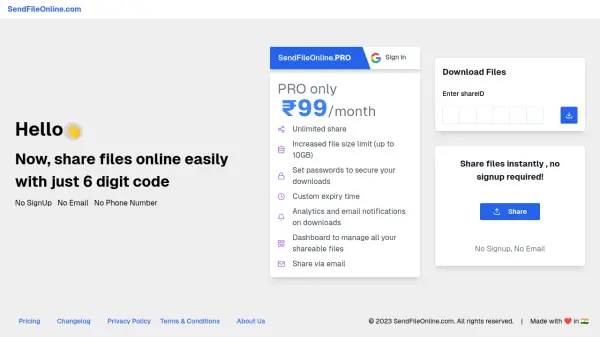
dropiqo is a file transfer platform that facilitates direct peer-to-peer transfers without storing files on servers, ensuring fast and private sharing. It supports various file formats including documents, images, videos, and code files, making it versatile for different user needs.
The platform offers multiple storage modes such as Snap, P2P, and Cloud, each optimized for specific requirements like speed, privacy, and convenience. Features include QR code scanning for instant downloads, email delivery with password protection, scheduled expiration controls, and analytics tracking for downloads.
Features
- Instant P2P File Transfers: Transfer files directly between devices without server storage for fast and private sharing
- Smart Storage Modes: Choose from Snap, P2P, or Cloud modes optimized for speed, privacy, and convenience
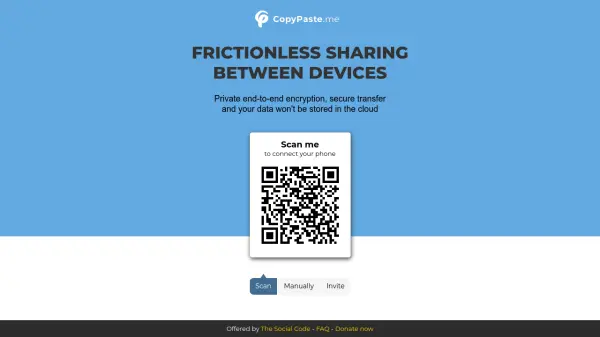
- Scan to Download: Download files instantly by scanning a QR code without requiring an account or app installation
- Direct Email Delivery: Send files directly to recipients via email with optional password protection for secure sharing
- Scheduled Expiration Control: Define how long files remain accessible with automatic deletion based on expiry settings
- Bulk File Sharing: Upload and share up to five files at once or combine them into a zip for streamlined transfers
- Analytics & Tracking: Track downloads with insights on visitor count, browser type, OS, and geolocation in Snap and Cloud modes
- Password-Protected Access: Secure file transfers across all modes with optional password protection for enhanced control
- Tiny URLs & QR Code Sharing: Generate short, shareable links and QR images for easy cross-device transfers
- Link-Based File Access: Access files through unique token links with or without QR code usage for secure sharing
Use Cases
- Transferring large files between colleagues without email attachments
- Sharing project files with clients securely using password protection
- Distributing media files to team members via QR codes for quick access
- Sending confidential documents with scheduled expiration to ensure temporary access
- Uploading multiple files at once for streamlined sharing in collaborative projects
- Tracking download analytics for shared files to monitor engagement and usage
- Using peer-to-peer transfers for fast file sharing without server delays
- Sending files directly to recipients' emails with automated password inclusion for security
FAQs
-
Is dropiqo P2P the same as torrents (BitTorrent)?
No, dropiqo P2P is not the same as torrents; it uses direct peer-to-peer transfers without server storage, focusing on private and fast file sharing. -
How are files transferred through dropiqo?
Files are transferred directly between devices using peer-to-peer technology, with options for Snap, P2P, or Cloud modes depending on user needs. -
How many files can I send at once?
You can upload and share up to five files at once, with the option to combine them into a zip file for streamlined transfers. -
How many receivers can join a P2P room?
The number of receivers in a P2P room depends on the mode and plan, with Pro offering higher limits for professional use. -
How long are my files stored?
Files are stored based on the expiration settings you configure, with automatic deletion after the set time to ensure temporary access.