

What is DocsOrb?
DocsOrb provides a secure solution for managing personal documents by offering private document storage with GDPR compliance. The app enables users to scan, organize, and access important paperwork through an intuitive interface designed for everyday use.
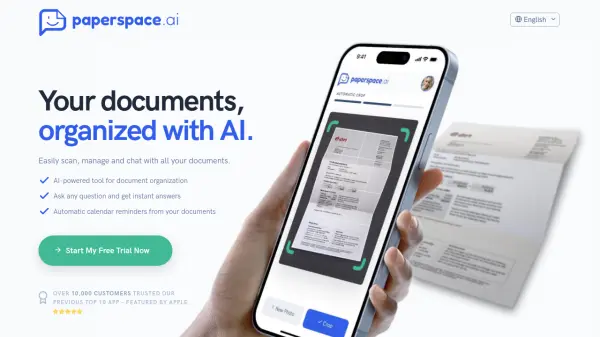
With AI capabilities integrated into the platform, users can automatically generate folders and extract key information from documents. The tool prioritizes data privacy by storing information locally on devices while offering optional cloud synchronization for premium users.
Features
- AI Folder Generation: Automatically creates organized folder structures for documents
- Information Extraction: Uses AI to identify and tag key information within documents
- Privacy-First Storage: Data stored locally on devices with GDPR compliance
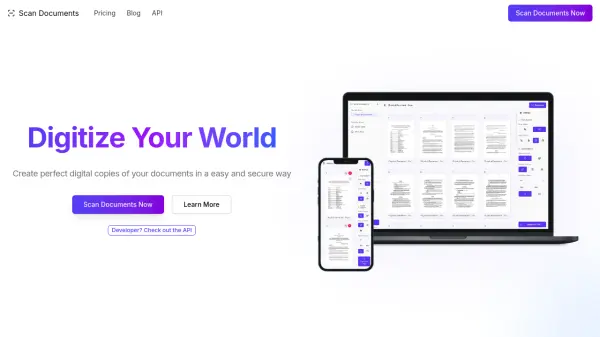
- Document Scanning: Capture and digitize physical documents through the app
- Key Information Tags: Unlimited tagging capability for organizing document details
Use Cases
- Organizing family health records and school forms
- Managing visa and immigration documents for expats
- Storing student loan paperwork and academic records
- Keeping track of tax documents and financial records
- Centralizing identification documents like passports and IDs
FAQs
-
What exactly does DocsOrb do?
DocsOrb helps users organize important documents by providing private document management with AI-powered features for families, expats, and students. -
How can I trust DocsOrb?
DocsOrb is built as privacy-first with GDPR compliance and stores data locally on your device for enhanced security. -
Why not just use iCloud Photos or Google Drive?
DocsOrb offers specialized document organization with AI features and privacy-focused storage specifically designed for personal document management. -
Is it really safe to scan sensitive documents like passports or bank cards with DocsOrb?
Yes, DocsOrb uses secure scanning with local data storage and privacy-first architecture to protect sensitive documents. -
How much of my data is processed by AI?
AI processes document content for folder generation and information extraction while maintaining privacy through local processing where possible.