What is DocsAI?
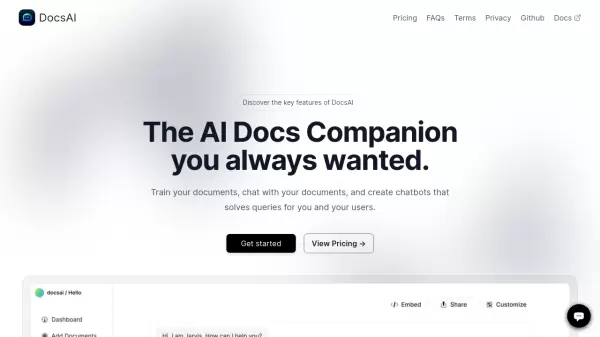
DocsAI is a comprehensive document management solution that modernizes workflow by allowing users to organize and train AI companions on their documentation. The platform seamlessly integrates with multiple sources, including websites, text files, PDFs, Word documents, Notion, and Confluence.
The platform offers customizable AI companions that match brand colors and initial setups, with the ability to suggest better answers for continuous improvement. DocsAI provides features such as embedded chat widgets, conversation summaries, mood analysis, and lead generation capabilities, all while maintaining mobile and tablet compatibility.
Features
- Multiple Source Integration: Support for websites, PDFs, Text Files, Docx, Notion and Confluence
- Customizable AI Companion: Personalize appearance and initial setup to match brand identity
- Chat Widget Integration: Embed chat functionality into any website
- Analytics & Insights: Generate conversation summaries, user mood analysis, and lead identification
- API Integration: Custom API access for direct bot interaction
- Multi-Language Support: Process documents across different languages
- Mobile Optimization: PWA support for mobile and tablet access
- Freedom Credits System: Retained credits even after subscription cancellation
Use Cases
- Customer support automation
- Document search and retrieval
- Website chat integration
- Lead generation
- Internal knowledge base management
- Customer interaction analysis
- Brand-specific documentation assistance
FAQs
-
What happens to my credits if I cancel my subscription?
Freedom credits are yours to keep forever even after cancellation of the subscription. You can continue to use all previously purchased credits. -
What file types does DocsAI support?
DocsAI supports websites, Text Files, PDFs, Docx, Notion and Confluence files. -
What platforms can I integrate DocsAI with?
DocsAI currently integrates with Slack, with upcoming integrations for Crisp, Discord, and various databases.