What is DeepWiki?
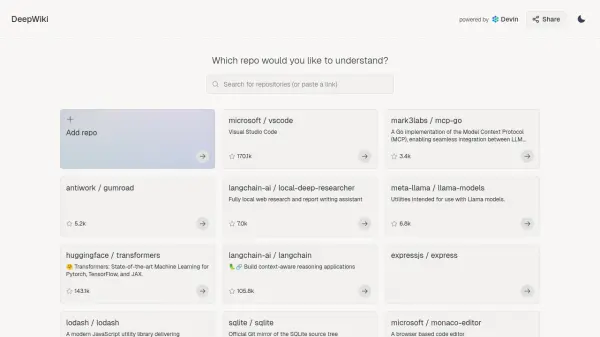
DeepWiki is an AI-driven tool designed to enhance the understanding of software repositories hosted on GitHub. Powered by Devin, it generates up-to-date documentation for virtually any public repository, transforming static code into an interactive learning resource. Users can simply provide the URL of a GitHub repository, and DeepWiki processes it to create documentation that can be queried and interacted with conversationally.
This tool aims to simplify the process of exploring and comprehending complex codebases, making it easier for developers and technical users to get acquainted with new projects or revisit existing ones. By offering a 'Deep Research for GitHub' experience, DeepWiki facilitates a more intuitive way to grasp the structure, functionality, and nuances of software projects without manually sifting through extensive code and traditional documentation.
Features
- AI-Powered Documentation Generation: Automatically creates understandable documentation for GitHub repositories.
- Conversational Interface: Allows users to ask questions and interact with the documentation.
- Repository Analysis: Processes public GitHub repositories via URL input.
- Powered by Devin: Leverages advanced AI for code understanding.
- Support for Numerous Repositories: Capable of analyzing a wide range of popular and diverse GitHub projects.
Use Cases
- Onboarding new developers to a project codebase.
- Understanding complex or unfamiliar software repositories.
- Quickly researching the structure and functionality of open-source projects.
- Generating summaries or explanations of specific parts of a codebase.
- Assisting technical writers in creating documentation.