Deep Art Effects favicon

Deep Art Effects
Transform Your Ideas into Breathtaking Pictures with AI

What is Deep Art Effects?

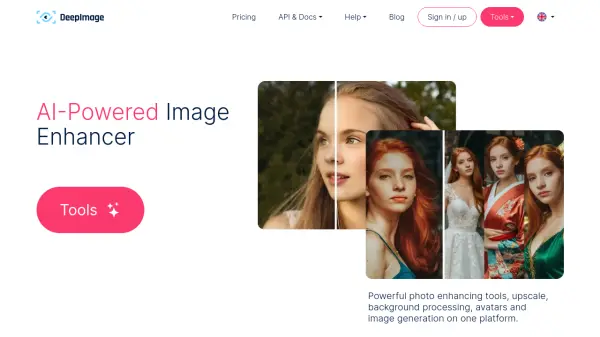
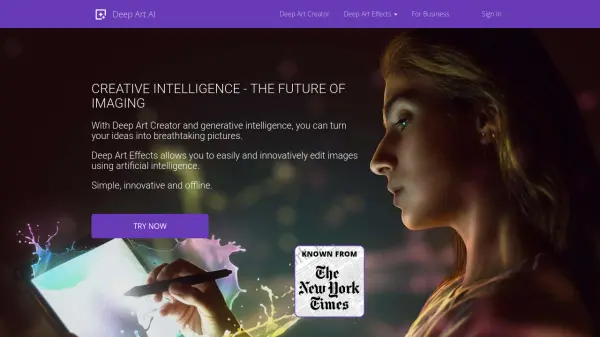
Deep Art Effects provides powerful image processing with one click through artificial intelligence. It allows for the creation of unique works of art from your pictures. Scale images to four times their original size without loss of quality, optimize or color images automatically, imitate the effects of expensive SLR cameras, and automatically remove backgrounds.

All processing is done offline, ensuring your images remain private and secure. Deep Art Effects does not send or process images in the cloud. The software offers a simple way to access the latest intelligent image technology.

Features

  • AI-Powered Image Editing: Easily and innovatively edit images using artificial intelligence.
  • Lossless Image Scaling: Scale images up to four times the original size without loss of quality.
  • Automatic Image Optimization: Automatically optimize and color images.
  • SLR Camera Effects: Imitate the effects of expensive SLR cameras.
  • Background Removal: Automatically cut out backgrounds from images.
  • Offline Processing: All images are processed locally, ensuring privacy and security.
  • Grayscale Image Colorization: Automatically colorize black and white images.

Use Cases

  • Creating unique artwork from photos.
  • Enhancing and upscaling images for print or digital display.
  • Restoring and colorizing old photographs.
  • Preparing images for websites and social media.
  • Removing backgrounds from product photos.
  • Creating artistic effects for digital art projects.

Related Tools:

Blogs:

  • Best AI tools for Product Photography

    Best AI tools for Product Photography

    Explore top AI tools that can elevate your product photography, helping you enhance images, streamline workflows, and create professional visuals with ease.

  • Top 6 AI note-taking tools for 2026: in-person, online, and hybrid use cases

    Top 6 AI note-taking tools for 2026: in-person, online, and hybrid use cases

    Most AI note-taking lists are really lists of meeting bots, which join your video call and transcribe it. That's useful, but it's half the picture. Decisions happen in hallway conversations, client dinners, on-site visits, and hybrid rooms where nobody is on a video link. This guide covers different parts of the note-taking workflow: hardware capture for in-person settings, platform-native tools for online calls, and AI layers for organizing and synthesizing what you've captured. It compares six tools by capture context, workflow fit, pricing, and limitations.

  • Best AI tools for trip planning

    Best AI tools for trip planning

    These tools analyze user preferences, budget constraints, and destination details to provide personalized itineraries, suggest optimal routes, recommend accommodations, and even offer real-time updates on weather and local events.

  • Best AI tools for recruiters

    Best AI tools for recruiters

    These tools use advanced algorithms and machine learning to automate tasks such as resume screening, candidate matching, and predictive analytics. By analyzing vast amounts of data quickly and efficiently, AI tools help recruiters make data-driven decisions, save time, and identify the best candidates for open positions.

Didn't find tool you were looking for?

Be as detailed as possible for better results