What is Aiarty?
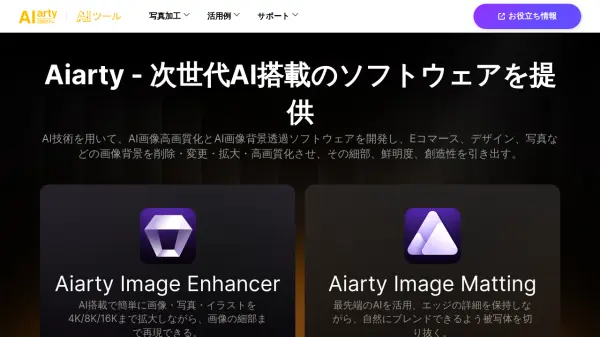
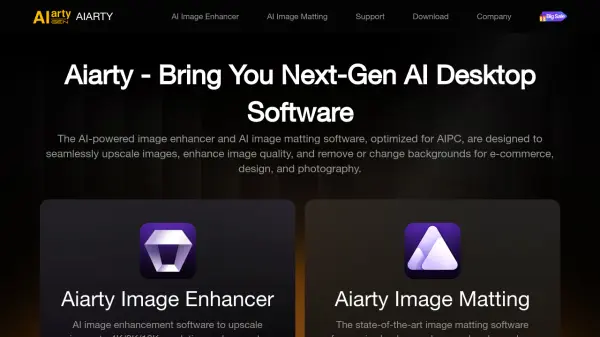
Aiarty provides cutting-edge AI tools for image enhancement, upscaling, and matting. The software leverages AI technology to effortlessly denoise, deblur, and upscale images to 4K/8K/16K resolution without quality loss, generating more details and further enhancing image quality and clarity.
Aiarty Image Matting delivers precise background removal and seamless foreground-background blending. It excels at matting complex images with hair/fur, semi-transparency, indistinct edges, or low light. The software is optimized for both AIGC images and traditional photos (RAW, DNG, TIFF, etc.).
Features
- Denoise: Reduces noise in images.
- Deblur: Sharpens blurry images.
- Upscale: Increases image resolution to 4K/8K/16K.
- More Detail: Generates additional image details.
- 8X Super Resolution: Upscales images up to 8 times.
- Refine Edge: Precisely refines edges in image matting.
- Alpha Matting: Handles semi-transparent elements.
- Brushes: Offers brushes for manual editing.
- AI Models: Multiple models for diverse image types.
- Batch Processing: Efficiently process up to 3,000 images.
Use Cases
- Upscale AI-generated images to 4K/8K/32K.
- Print small images in large sizes.
- Batch replace backgrounds for e-commerce.
- Remove/change photo backgrounds with AI.
- Unleash creativity for your visual content.
- Revolutionize your design workflow with AI.