
What is DataSkimmer?
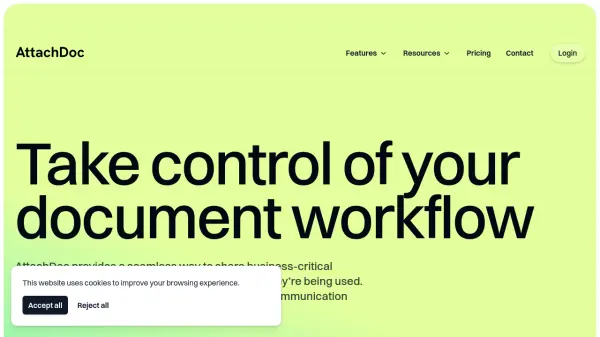
DataSkimmer is a powerful platform designed to simplify the way users share, organize, and preview files online. The service offers customizable branding options, allowing businesses to use their own logo and colors, and provides in-browser previews for various file formats, so recipients do not need additional software to access shared content. It supports multi-user security and landing pages for sharing related files under a single, easily managed link.
DataSkimmer also facilitates organization by enabling search across past uploads, and features tools to transform and enhance shared data automatically—such as converting proprietary formats to PDF, linking plain user IDs to fuller profiles, and adding interactive elements like Google Maps links. With a drag-and-drop builder for easy file management and editing, DataSkimmer streamlines workflow for individuals and teams who regularly distribute reports, documents, and data files.
Features
- Custom Branding: Share files with branded logos and colors
- In-Browser Previews: View most file formats without external software
- Landing Pages: Share multiple documents through a single link with added context
- Drag & Drop Builder: Easily edit and organize shared content
- Advanced Search: Search through past uploads for quick access
- File Format Conversion: Proprietary formats like PPTX automatically converted to PDF
- Automated Data Transformation: Set rules for conditional formatting, live links, and address mapping
- Multi-User Security: Secure sharing with password protection and credentialing
Use Cases
- Sharing business reports and presentations with colleagues or clients
- Organizing and distributing training materials with branded landing pages
- Safely previewing and sharing proprietary file formats without requiring recipients to install new software
- Collaborative editing and enhancement of distributed files for marketing teams
- Automating the transformation and enrichment of recurring data reports