What is Cult Pro?
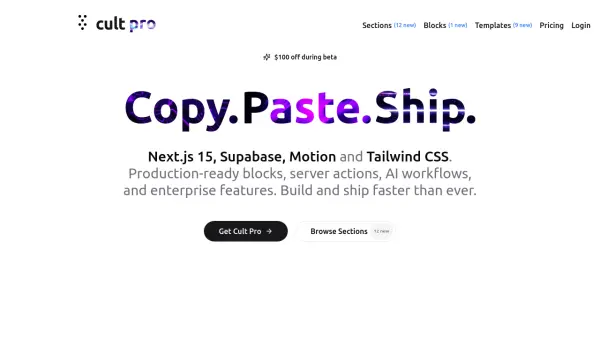
Cult Pro provides developers with a comprehensive collection of production-ready components, blocks, and templates designed for Next.js applications. Utilizing technologies like Supabase, Tailwind CSS, and Framer Motion, these assets are built to streamline the development process. Users can browse through various elements, preview their functionality, examine the code, and easily integrate them into their own projects.
The platform emphasizes rapid development and features several AI-powered functionalities. These include AI agent sandboxes, document processing pipelines, semantic image search, content summarization, and AI-driven UI generation. Cult Pro aims to help developers build and ship sophisticated web applications, including those with advanced AI features, more efficiently than ever before.
Features
- Next.js Blocks: Self-contained Next.js app blocks with preview, code viewing, and copy-paste functionality.
- AI-Powered Blocks: Includes components for AI agent experimentation, prompt engineering, document processing, profile enrichment, semantic search, content summarization, and chatbot creation.
- Full-Stack Templates: Functional templates like AI prompt manager, logo generator, travel itinerary planner, SEO analyzer, directory builder, and vector search applications.
- UI Component Sections: Ready-to-use React components (Heroes, Features, Bento, FAQ, CTA, Grid List) compatible with shadcn/ui, built with Tailwind CSS and Framer Motion.
- Technology Integration: Built with Next.js 15, Supabase, Motion, Tailwind CSS, Vercel AI SDK, OpenAI, and Claude.
- Development Tools: Includes features like server actions, Zod validation, Stripe subscription integration, and Trigger.dev background task management.
Use Cases
- Rapidly building Next.js web applications.
- Integrating AI features like chatbots, semantic search, or content analysis into projects.
- Developing SaaS applications with pre-built components for features like authentication and payments.
- Creating specialized tools like SEO analyzers, logo generators, or directory websites.
- Learning and implementing advanced AI patterns and full-stack development practices.
- Accelerating UI development with pre-designed Tailwind CSS components.
FAQs
-
What do I get with Cult UI Pro?
Access to all available blocks, components, and templates. -
How long do I have access?
You can choose between lifetime access with lifetime updates or a one-year license with one year of updates. -
Are updates included in my purchase?
Yes, lifetime access includes lifetime updates, and the annual license includes one year of updates.