CueCam Presenter favicon

CueCam Presenter
Take Your Video Presentations to the Next Level

What is CueCam Presenter?

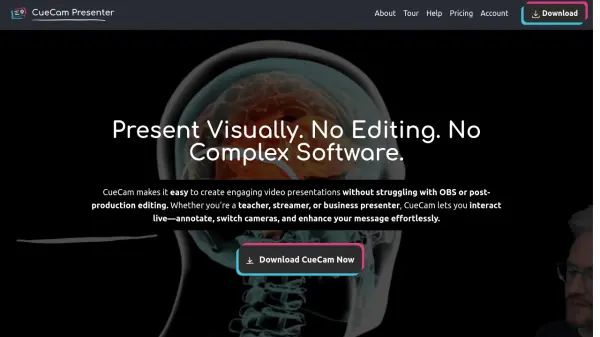
CueCam Presenter allows dynamic presentations, live annotations, and seamless video integration for remote calls, YouTube streams, and lessons. It is designed for professionals in various fields, including educators, coaches, and webinar hosts, to enhance audience engagement.

The platform is constantly evolving, with features and updates focused on improving sharing, editing and presentations. It helps to overcome difficulties in presentation and improve users confidence.

Features

  • Instant Screen Shares: Share content instantly during presentations.
  • iPhone as Webcam: Utilize an iPhone as a webcam.
  • Draw with your iPad: Connect and use Video Pencil for annotations.
  • Virtual Webcam: Use a virtual webcam for sharing.
  • Virtual Mic: Incorporate a virtual microphone.
  • Stream Deck Plugin: integration with Stream Deck.
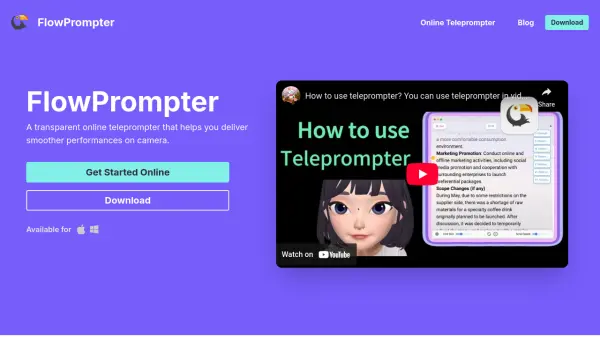
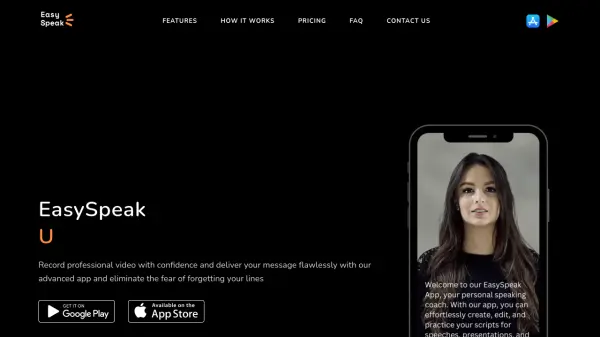
  • Teleprompter: Utilize teleprompter features.
  • Record Videos: Record video directly within the application.

Use Cases

  • Teaching and education
  • Coaching and training
  • Webinars and online presentations
  • Sales calls and demonstrations
  • Creating online courses
  • Recording scripted videos
  • Live streaming events
  • Remote meetings

Related Tools:

Blogs:

  • Chat with PDF AI Tools

    Chat with PDF AI Tools

    Easily interact with your PDF documents using our advanced AI-powered tool. Whether you're reading lengthy reports, research papers, contracts, or eBooks, our platform lets you chat directly with your PDF files, ask questions, extract insights, and get summaries in real-time.

  • Top 6 AI note-taking tools for 2026: in-person, online, and hybrid use cases

    Top 6 AI note-taking tools for 2026: in-person, online, and hybrid use cases

    Most AI note-taking lists are really lists of meeting bots, which join your video call and transcribe it. That's useful, but it's half the picture. Decisions happen in hallway conversations, client dinners, on-site visits, and hybrid rooms where nobody is on a video link. This guide covers different parts of the note-taking workflow: hardware capture for in-person settings, platform-native tools for online calls, and AI layers for organizing and synthesizing what you've captured. It compares six tools by capture context, workflow fit, pricing, and limitations.

  • Top AI tools for Teachers

    Top AI tools for Teachers

    Explore the top AI tools designed for teachers, revolutionizing the education landscape. These innovative tools leverage artificial intelligence to enhance teaching efficiency, personalize learning experiences, automate administrative tasks, and provide valuable insights, empowering educators to create engaging and effective educational environments.

Didn't find tool you were looking for?

Be as detailed as possible for better results