
What is Ctrome?
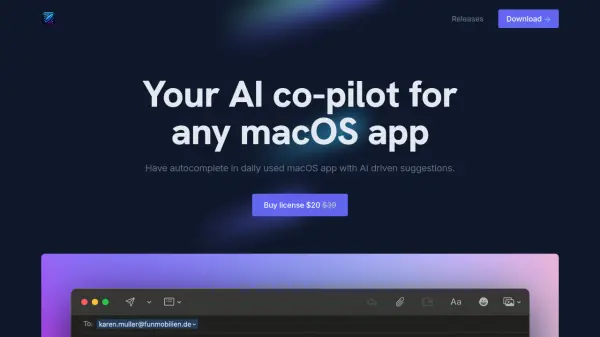
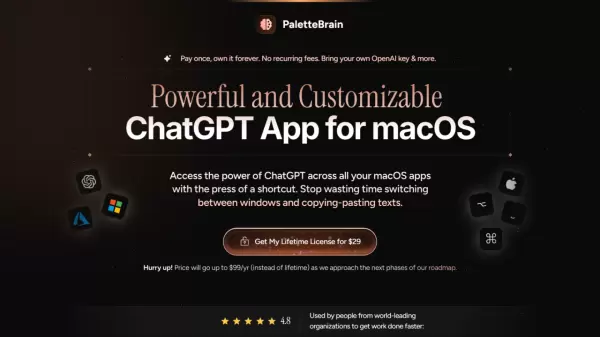
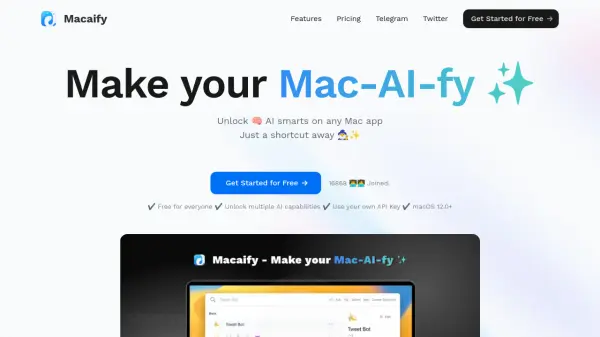
Ctrome is a Mac application designed to enhance productivity by seamlessly integrating AI capabilities into daily workflows. It provides users with instant access to AI-powered tools through keyboard shortcuts, allowing for quick interactions with services like ChatGPT, Claude, and Gemini without leaving their current applications. The tool supports features such as real-time translation across multiple languages, smart shortcuts for activating AI functionalities, and productivity gadgets for monitoring system performance and work hours.
Built with Electron, Ctrome prioritizes user privacy by not collecting or intercepting data, ensuring all interactions remain secure and direct between the user and trusted websites or local models. It is verified by the Apple Notary Service for safety and requires Accessibility permissions to enable cross-application functionality, making it a reliable companion for professionals, students, and creatives seeking efficient AI integration on macOS.
Features
- AI Chat Anywhere: Access ChatGPT, Claude, and Gemini directly from any app for instant answers and creative assistance
- Instant Translation: Translate text in any application with support for 10+ languages using simple shortcuts
- Smart Shortcuts: Press Control twice to summon the AI toolkit and access features without app limitations
- Productivity Gadgets: Track daily work hours and monitor CPU and RAM usage in real-time for productivity insights
- Local Model Support: Use Ollama local models with custom prompts for offline AI interactions
- Quick Notes and ToDo Management: Access notes and manage tasks anytime through shortcut-based tools
Use Cases
- Getting instant AI assistance while writing or coding without switching applications
- Translating text in emails or documents quickly during international communication
- Monitoring work hours and system performance to optimize productivity on Mac
- Managing tasks and notes efficiently through integrated tools during daily workflows
- Using local AI models for private, offline creative or analytical tasks
FAQs
-
Is Ctrome safe to use on Mac?
Yes, Ctrome is safe as it is built with Electron and verified by the Apple Notary Service, with no malicious software detected. It does not collect user data, ensuring privacy. -
Why does Ctrome require Accessibility permissions on macOS?
Ctrome needs Accessibility permissions to enable keyboard shortcuts and text selection features across all applications, allowing it to interact with other apps without collecting data. -
How do I activate Ctrome's AI toolkit?
Press the Control key twice to activate quick mode and access the AI toolkit from any application. -
Who can benefit from using Ctrome?
Ctrome is ideal for writers, developers, students, researchers, and professionals who want to integrate AI into their Mac workflow for quick assistance without app switching. -
How do I quit Ctrome or access its settings?
Right-click the Ctrome logo in the menu bar, then select Quit, Settings, or check the version to manage the application.