What is CPS Test?
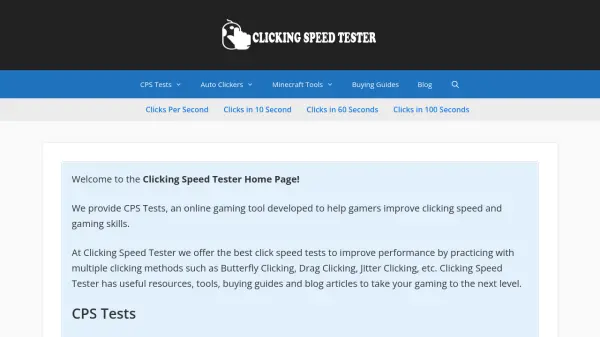
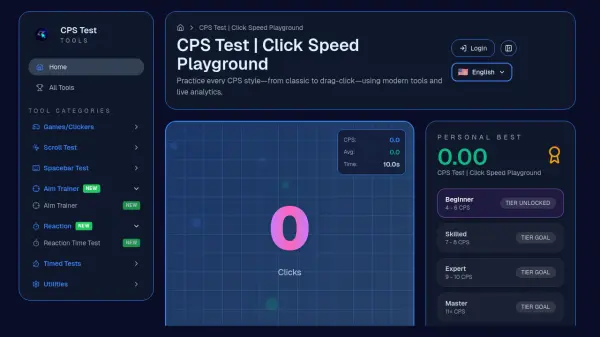
CPS Test is a specialized platform designed to measure and improve clicking speed through various testing methods. The tool provides real-time analytics and detailed statistics to help users track their performance across different clicking techniques including classic, jitter, butterfly, and drag clicking.
The platform features a comprehensive ranking system that categorizes users from Beginner to Master levels based on their CPS performance. With multiple test durations and specialized tools for different clicking techniques, users can systematically improve their gaming skills through regular practice and performance analysis.
Features
- Real-time Statistics: Live tracking of CPS, average CPS, max CPS, and total clicks during tests
- Multiple Clicking Techniques: Support for classic, jitter, butterfly, and drag clicking methods
- Comprehensive Ranking System: Beginner to Master levels based on CPS performance
- Multiple Test Durations: Options from 1 second to 100 seconds for different practice needs
- Performance Analytics: Detailed charts and statistics for tracking improvement over time
Use Cases
- Improving clicking speed for competitive gaming
- Practicing different clicking techniques like butterfly or jitter clicking
- Tracking gaming performance progress over time
- Warming up before gaming sessions
- Comparing skills with other players through global leaderboards
FAQs
-
What does CPS stand for?
CPS stands for Clicks Per Second, which measures how many times you can click your mouse button within one second. -
What are the different clicking techniques supported?
The platform supports classic clicking, jitter clicking, butterfly clicking, and drag clicking techniques. -
How does the ranking system work?
The ranking system categorizes users into Beginner (4-6 CPS), Skilled (7-8 CPS), Expert (9-10 CPS), and Master (11+ CPS) levels based on their clicking performance. -
What test durations are available?
Test durations range from 1 second to 100 seconds, including 1s, 2s, 5s, 10s, 15s, 30s, 60s, and 100s options. -
How can I improve my CPS score?
Regular practice, mastering proper clicking techniques, performing warm-up exercises, analyzing performance statistics, and taking regular breaks can help improve CPS scores.