
What is Click Speeder?
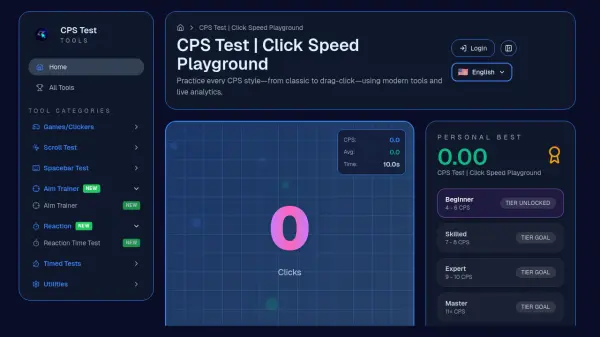
Click Speeder provides a specialized platform for testing and improving clicking speed through various timed challenges and performance tools. The core functionality revolves around measuring clicks per second (CPS) across multiple time variations, from one second to one hundred seconds, allowing users to track their progress and compete with others.
The platform includes additional tools like mouse testing, spacebar counters, aim trainers, and various gaming-related generators to support comprehensive performance improvement. Users can access these tools without account creation, with cross-browser compatibility and mobile-friendly design ensuring accessibility across devices.
Features
- Clicking Speed Test: Measures clicks per second across multiple time variations from 1 to 100 seconds
- Instant Results: Provides immediate feedback on clicking performance after each test
- Cross-Browser Compatibility: Works seamlessly across all major web browsers including Chrome, Firefox, and Safari
- Mobile Friendly: Optimized for use on mobile devices with responsive design
- No Account Required: Allows immediate access to all tools without registration
- Social Sharing: Enables users to share their scores on social media platforms
- Multiple Time Variations: Offers testing options ranging from 1 second to 100 seconds
- Performance Tools: Includes additional utilities like mouse testing, spacebar counters, and aim trainers
Use Cases
- Gamers testing and improving their clicking speed for competitive gaming
- Users practicing mouse accuracy for better computer navigation
- Individuals tracking their clicking performance progress over time
- Friends competing against each other in clicking speed challenges
- Gamers preparing for specific gaming techniques like butterfly clicking or jitter clicking
FAQs
-
What is considered a good click speed score?
Most players typically score between 8-10 clicks per second, with higher scores achievable through practice and specialized clicking techniques. -
How can I improve my clicking speed?
Regular practice with the click speed tests, using gaming mice instead of regular mice, adjusting mouse sensitivity settings, and learning specialized techniques like butterfly clicking or jitter clicking can help improve clicking speed. -
What are the different clicking methods available?
The platform supports various clicking methods including regular clicking, jitter clicking (using one finger with rapid vibrations), butterfly clicking (using two fingers alternately), and drag clicking (sliding fingers across the mouse button). -
Can I use this tool on mobile devices?
Yes, the platform is fully mobile-friendly and provides the same functionality on mobile devices as on desktop computers through responsive web design. -
What additional tools are available besides click speed testing?
The platform offers mouse testing tools, spacebar counters, aim trainers, reaction time tests, and various generators for gaming-related content like Minecraft tools and random name generators.