What is ChartBrick?
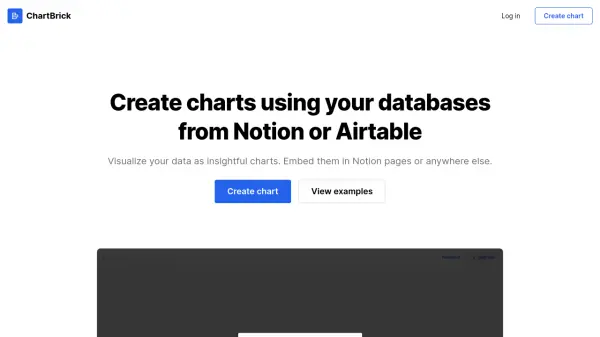
ChartBrick is an AI-powered data visualization tool designed to transform data from Notion or Airtable databases into insightful charts. It enables users to create, customize, and embed charts seamlessly without any coding knowledge. The tool supports various chart types and offers real-time data updates, ensuring that visualizations reflect the latest information.
With a focus on privacy, ChartBrick does not store user data, providing a secure environment for data handling. The platform is responsive and embeddable, allowing charts to adapt to any screen size and be integrated into various platforms. Customization options include aggregation, filtering, sorting, and multiple themes with dark mode, making it versatile for different user needs.
Features
- Chart Types: Supports column, bar, line, area, pie, donut, radar, and funnel charts
- Privacy First: Does not store any user data
- Real-time Generation: Creates charts with the latest data from sources
- Customizable Options: Includes aggregation, filtering, sorting, and multiple themes with dark mode
- Responsive Design: Charts adapt to any screen size
- Embeddable: Allows insertion of charts into Notion pages or other platforms
Use Cases
- Visualizing business metrics from Notion databases for reports
- Creating interactive charts for presentations using Airtable data
- Embedding real-time data charts into websites or blogs
- Generating custom charts for academic or research purposes
- Enhancing data analysis with visual tools for marketing insights
FAQs
-
What data sources does ChartBrick support?
ChartBrick supports integration with Notion and Airtable databases for creating charts. -
Can I download charts created with ChartBrick?
Yes, charts can be downloaded as images, and this feature is available in both free and paid plans. -
Is there a limit to the number of charts I can create with the free plan?
The free plan allows up to 3 charts and 3 embeds, while the unlimited plan offers unrestricted usage. -
How does ChartBrick handle user data privacy?
ChartBrick does not store any user data, ensuring privacy and security for all information processed.