What is Browser Kit for Figma?
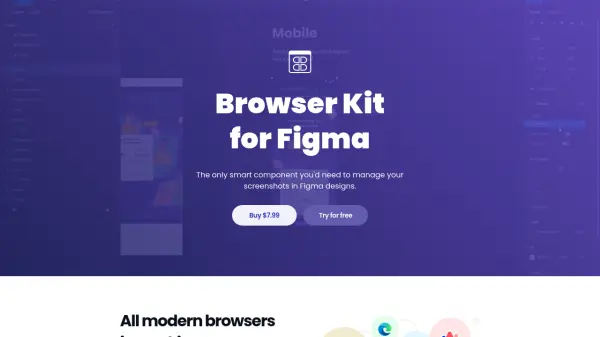
Browser Kit for Figma is a comprehensive design resource that offers a smart, resizable browser component for Figma. It includes all modern browsers such as Google Chrome, Firefox, Safari, Opera, EDGE, and Arc, available in both desktop and mobile versions for Mac and Windows. Designers can easily resize the browser interface, customize styles, names, address bars, favicons, and extensions, and switch between dark and light themes.
This tool streamlines the design process by enabling the creation of realistic prototypes and marketing materials without wasting time on manual screenshot management. It integrates seamlessly into any design system, helping designers showcase their work efficiently.
Features
- All Modern Browsers: Includes Chrome, Firefox, Safari, Opera, EDGE, and Arc for desktop and mobile.
- Simple and Easy Resize: The browser interface is resizable to any specified size.
- Flexible Customization: Quickly change style, name, address, favicon, and extensions.
- Theme Selection: Switch between dark and light themes across all browsers and devices.
Use Cases
- Creating realistic prototypes for web and mobile applications.
- Designing marketing and sales materials with browser mockups.
- Documenting design iterations with consistent browser frames.
- Showcasing designs in presentations or portfolios.
FAQs
-
Which browsers are included in Browser Kit?
Browser Kit includes Google Chrome, Firefox, Safari, Opera, EDGE, and Arc for both desktop and mobile versions. -
Can I resize the browser component?
Yes, the browser interface is resizable, allowing you to specify any desired size. -
Does Browser Kit support dark and light themes?
Yes, you can switch between dark and light themes for any browser and device. -
What is the pricing model?
Browser Kit is available for a one-time payment of $7.99. -
Is there a free trial available?
Yes, you can try Browser Kit for free before purchasing.