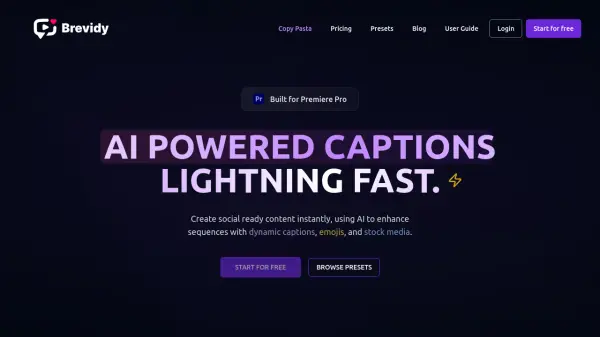
What is Brevidy?
Brevidy is a powerful Adobe Premiere Pro tool that revolutionizes video content creation through AI-powered capabilities. The platform combines automatic transcription with dynamic caption generation, featuring word-by-word animations and extensive customization options, all while maintaining 95% accuracy across more than 99 languages.
As an official Adobe Video Partner, Brevidy streamlines the content creation workflow by offering AI-powered features such as automatic clip generation, smart media suggestions, and emoji integration. The tool's intelligent system can transform long-form content into social-ready clips while maintaining professional quality and creative control.
Features
- AI Transcription: 95% accuracy across 99+ languages
- Smart Captions: Customizable word-by-word animations with AI-suggested highlights
- Auto Editor: AI-powered social clip generation from long-form content
- Media Integration: One-click stock media import with AI suggestions
- Custom Presets: Save and reuse caption styles and animations
- Multi-language Support: Translation capabilities for global reach
- Aspect Ratio Adaptation: Automatic video reformatting for different platforms
Use Cases
- Social media content creation
- Podcast clip generation
- Interview highlight extraction
- Multi-language video localization
- Educational content accessibility
- Marketing video production
- Long-form content repurposing
FAQs
-
How does the credit system work?
Credits are used for creating Captions and Autocut sequences. They are based on minutes - a 5-minute video uses 5 credits. AI features like highlight and media suggestions are unlimited and free. -
Can Brevidy automatically reformat clips into different aspect ratios?
Yes, Brevidy scales videos to fit new aspect ratios, with upcoming features for automatic active speaker detection and frame adjustment. -
How do I install Brevidy?
After signing up, download the tool from the Dashboard and install the zxp file using the Aescripts ZXP installer.