What is Blink Shell?
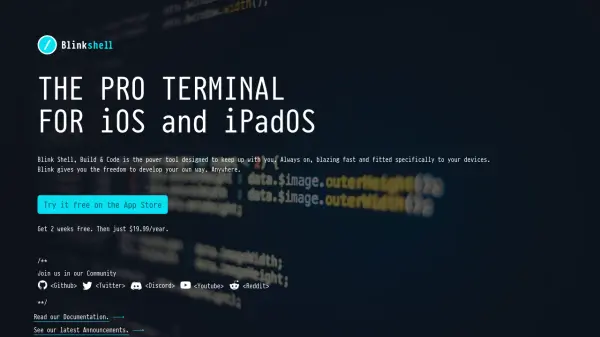
Blink Shell is a professional terminal application designed specifically for iOS and iPadOS, providing developers with a powerful command-line interface optimized for mobile devices. It features Mosh for robust, always-on connectivity that seamlessly handles network transitions and device sleep, ensuring uninterrupted sessions. The app includes SSH support with PKI and agent capabilities, SFTP integration with Files.app, and a suite of Unix base tools for comprehensive remote and local file management.
Blink Shell offers extensive customization options, including keyboard mapping for Emacs or Vim workflows, theme and font personalization, and support for external displays. It integrates with coding environments like Microsoft Visual Studio Code for web, GitHub Codespaces, and GitPod, enhancing productivity for development tasks. Built on open-source libraries like libssh and libssh2, it delivers a desktop-grade experience with lightning-fast performance and device synchronization.
Features
- Mosh, SSH and CLI tools: Provides robust connectivity with Mosh and SSH, along with command-line interface tools for development tasks
- PKI and Agent: Supports secure authentication with Public Key Infrastructure and SSH agent functionality
- SFTP & Files.app: Integrates SFTP for file transfers and works seamlessly with the iOS Files app
- Sync your devices: Allows synchronization across multiple iOS and iPadOS devices for consistent workflows
- Customize all things: Offers extensive customization including keyboard mappings, themes, and fonts
- External keyboard: Fully supports external Bluetooth keyboards with customizable key bindings
- Open Source: Built on open-source libraries like libssh and libssh2, with community collaboration
- Lightning fast: Delivers high-performance terminal operations optimized for mobile devices
Use Cases
- Remote server management via SSH on iOS devices
- Coding and development using integrated tools like VS Code and GitHub Codespaces
- File transfer and management with SFTP and Unix commands
- Network troubleshooting with built-in tools like ping, dig, and curl
- Presentations or demos displayed on external screens or Apple TV
- Long work sessions with customizable themes and keyboard setups
FAQs
-
What is Mosh and how does it work in Blink Shell?
Mosh is a protocol built for mobile connectivity that allows seamless transitions between networks and maintains sessions during device sleep, with intelligent local echo to reduce lag. -
Does Blink Shell support external keyboards?
Yes, it fully supports Bluetooth-coupled external keyboards with customizable key bindings, including options for Emacs or Vim workflows. -
Can I use Blink Shell with coding platforms like VS Code?
Yes, it integrates with Microsoft Visual Studio Code for web, GitHub Codespaces, GitPod, or your own VS Code server for a enhanced coding experience. -
Is Blink Shell open source?
Yes, it is built on open-source libraries like libssh and libssh2, and development is collaborative through platforms like GitHub. -
What file management tools are included?
It includes SFTP for transfers, integration with Files.app, and Unix base tools like vim, cat, grep, tar, and curl for comprehensive file operations.