
What is BananaFrame?
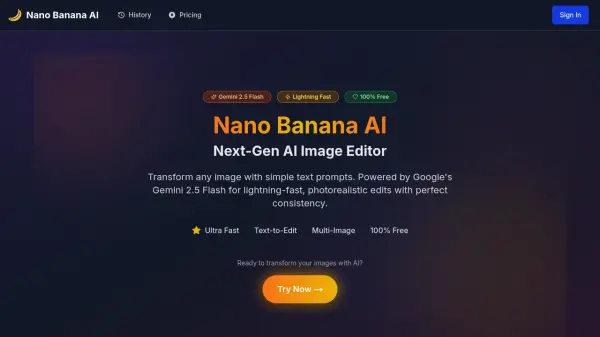
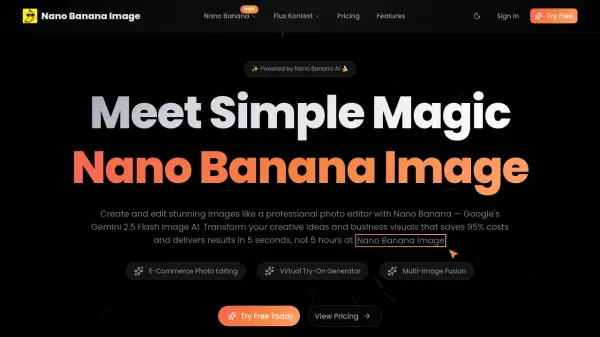
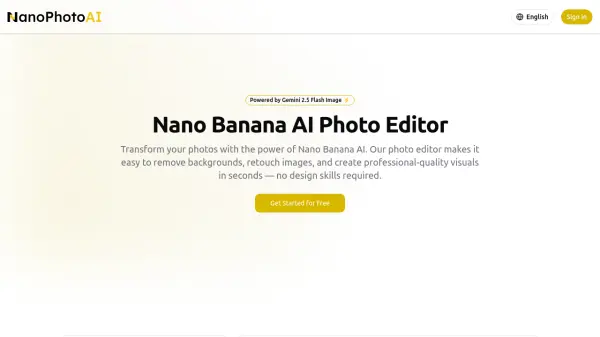
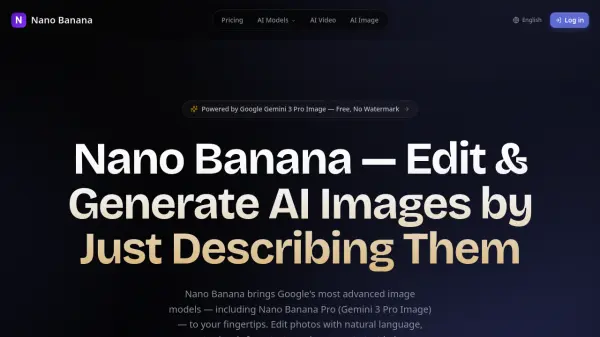
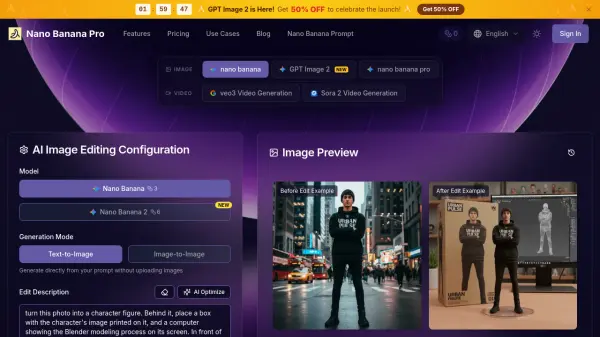
BananaFrame is an advanced AI-powered image editing platform that leverages Google's revolutionary nano banana technology and Gemini 2.5 Flash to transform creative workflows. The platform offers a conversational interface where users can simply describe desired changes in natural language, and the AI executes precise edits while maintaining photorealistic quality. It supports multi-image fusion with perfect character consistency, enabling complex editing sessions with cohesive results.
The platform provides a comprehensive suite of creative tools including image generation, video generation, hairstyle changing, face swapping, and headshot generation. All operations are protected by enterprise-grade encryption and feature automated SynthID watermarking for authenticity verification. Results are delivered in JPG or PNG formats, ready for commercial use, with premium subscribers receiving watermark-free images and full commercial rights.
Features
- Conversational Image Editing: Edit images using natural language commands with AI understanding of context and intent
- Multi-Image Fusion: Seamlessly combine multiple images while maintaining perfect character consistency across edits
- AI Magic Templates: Access 25+ specialized templates for toy transformations, photo enhancement, style transfer, and creative effects
- Enterprise Security: Protected by encryption and SynthID watermarking technology for authenticity verification
- Professional Output: Generate watermark-free images with full commercial rights for premium subscribers
Use Cases
- Transforming photos into collectible figurines with packaging displays
- Enhancing ordinary photos to professional photography masterpiece effects
- Converting anime characters to realistic cosplay photos with high fidelity
- Generating ultra-realistic professional portraits with detailed lighting
- Creating marketing content and social media assets with rapid iteration
FAQs
-
What types of image formats can I upload to the platform?
The platform supports multiple image formats for upload, though specific format details are not explicitly listed in the provided content. -
How long does it take to process video generation requests?
Video generation processing times are not specified, though image editing typically completes within 15-30 seconds according to the platform. -
Can I cancel my subscription at any time?
Subscription cancellation policies are not detailed in the provided content, though users can contact support via email for questions. -
Is there a limit to the number of images I can upload per session?
Upload limits per session are not specified, though credit systems govern the number of generations and edits available. -
What happens to my unused credits at the end of the billing cycle?
Credit rollover policies are not mentioned in the provided content regarding unused credits at cycle end.