What is Nano Banana AI Photo Editor?
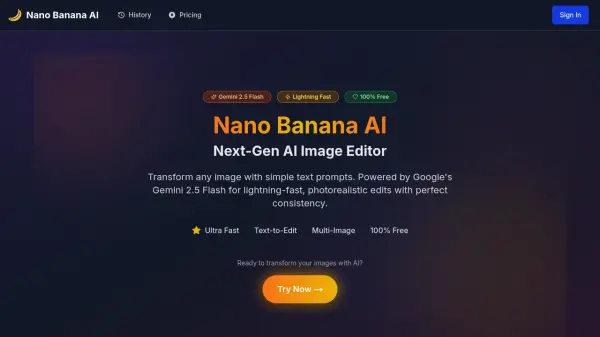
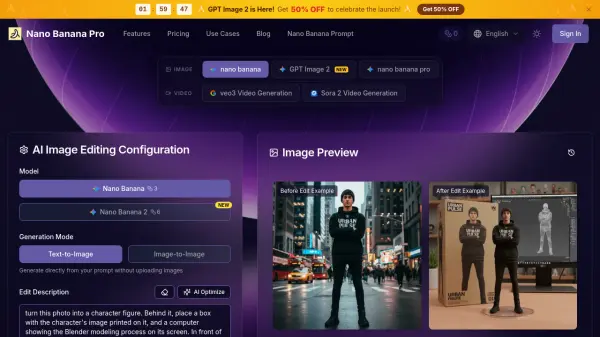
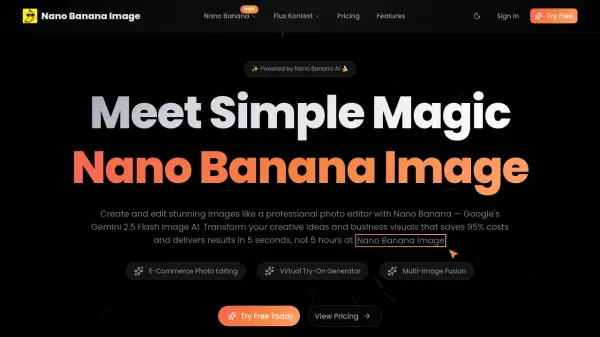
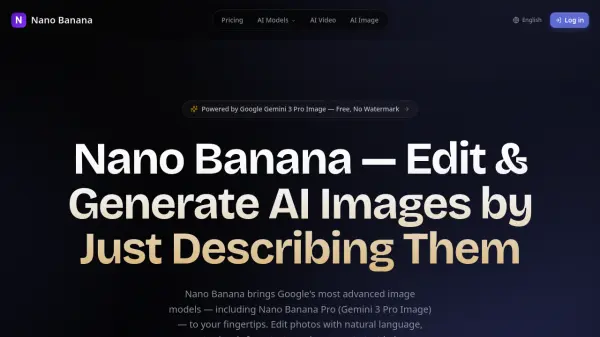
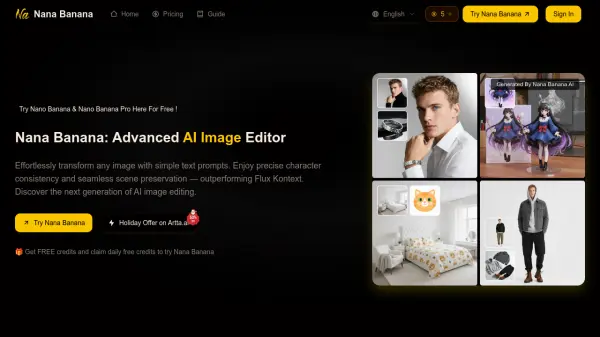
Nano Banana AI Photo Editor is an innovative AI-powered photo editing platform built on Google's Gemini 2.5 Flash Image model. The editor transforms traditional photo editing by allowing users to make complex edits through simple text commands, eliminating the need for technical expertise or complicated software interfaces.
The platform specializes in professional-quality image transformations, including background removal, object elimination, photo enhancement, and style transfers. What sets it apart is its ability to understand natural language instructions, making professional-grade photo editing accessible to users of all skill levels while maintaining high-quality output across various editing tasks.
Features
- AI Object Removal: Intelligent removal of unwanted objects with automatic background reconstruction
- Background Swap: Instant environment changes through text descriptions
- Image Enhancement: One-click professional quality improvements in lighting, color, and sharpness
- Consistent Character Generation: Maintain character appearance across multiple images
- Style Transfer: Apply artistic styles and effects through text commands
- Bulk Editing: Process multiple images while maintaining consistent style
- Multi-format Support: Compatible with JPG, PNG, WEBP, and HEIC formats
- Auto-resize: Automatic image resizing for various social media platforms
Use Cases
- Creating professional marketing visuals and social media content
- Enhancing product photography for e-commerce
- Designing YouTube thumbnails and channel art
- Generating podcast and ebook covers
- Creating mockups and moodboards for presentations
- Designing event invitations and posters
- Developing consistent brand assets and style guides
- Personal photo editing and creative projects
How It Works
Upload Your Image
Simply drag and drop your photo or click to browse. We support JPG, PNG, and most common image formats.
Describe Your Changes
Describe the changes you want to make to your image. You can use natural language or select from our pre-defined prompts.
Download Your Image
Preview your enhanced image and download in high quality. Share directly to social media or save for later use.
FAQs
-
What exactly is this Nano Banana AI Photo Editor, and how does it work?
Nano Banana AI Photo Editor is a tool built upon Google's Gemini 2.5 Flash Image model that understands text commands for photo editing. Instead of complex buttons and menus, users simply describe the changes they want, and the AI executes the task intelligently. -
Do I need any technical or design skills to use Nano Banana AI Image Editor?
No technical skills are required. The editor is designed for everyone, from complete beginners to professionals. Users only need to write simple sentences describing their desired changes. -
What are the limitations of Nano Banana?
The tool has limitations with very low-resolution or noisy photos, complex photorealistic lighting/reflections, tiny intricate text or logos, and certain edge cases requiring manual refinement. It also shouldn't be used for content that violates rights or impersonates people without consent. -
Is this the official Nano Banana tool from Google?
No, it's an independent application built to leverage Google's Nano Banana model, focused on providing a user-friendly and streamlined editing experience without requiring technical expertise.