What is AppMySite?
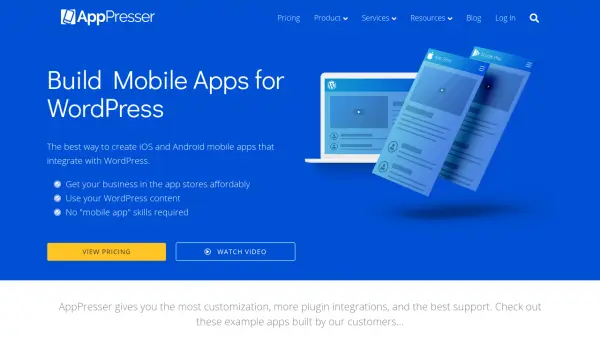
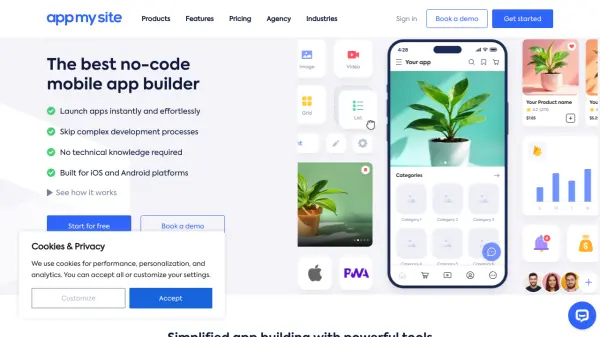
AppMySite is a comprehensive no-code app builder designed to transform websites or concepts into fully functional native mobile applications for iOS and Android. Catering to a wide range of industries, it streamlines the app development process by offering a drag-and-drop interface, real-time previews, and robust customization options, eliminating the need for technical knowledge or programming skills.
The platform supports deep integrations with WordPress, WooCommerce, and Shopify (via web views), as well as custom app building without the need for an existing website. Users can personalize app layouts, automate maintenance, access analytics, use multilingual support, and implement advanced features like push notifications, in-app purchases, and geolocation, making it an optimal choice for businesses, agencies, and entrepreneurs seeking scalable and cost-effective mobile app solutions.
Features
- No-Code Platform: Build mobile apps without any programming skills.
- Multi-Platform Support: Create native apps for iOS and Android.
- WordPress & WooCommerce Integration: Seamlessly convert existing sites into apps.
- Shopify & Web-to-App Conversion: Transform websites and stores into mobile apps via web views.
- Live Real-Time Previews: Instantly visualize design and functionality changes.
- Advanced Customization: Modify layouts, branding, navigation, and more.
- Push Notifications: Engage users with targeted alerts and updates.
- In-App Purchases & Monetization: Integrate payment options and ads for revenue.
- Comprehensive Analytics: Track user behavior and optimize app performance.
- Multilingual Support: Make apps accessible to a global audience.
Use Cases
- Create a native mobile app for an eCommerce business to boost online sales.
- Convert a WordPress blog into an interactive mobile application.
- Transform a WooCommerce store into an Android or iOS app to reach more shoppers.
- Launch a mobile app for a restaurant to streamline orders and reservations.
- Build an education app for easy access to courses and content.
- Develop a grocery or convenience store app for direct-to-customer services.
- Create a premium real estate app for property listings and communication.
- Deliver a branded, agency-level app solution to multiple clients.
FAQs
-
Do I need coding skills to use AppMySite?
No coding skills are required. AppMySite is a true no-code platform designed for users of all technical backgrounds. -
Can I try AppMySite for free before purchasing a plan?
Yes, AppMySite offers a free plan that allows you to create and preview your app before committing to a subscription. -
Which platforms can I publish my app on?
You can create native apps for both iOS and Android platforms and publish them to Apple App Store and Google Play Store. -
Does AppMySite charge a commission on sales through my app?
No, AppMySite does not charge any commission on sales made through your app. -
Can I migrate an existing app to AppMySite?
Yes, you can migrate your existing Android or iOS app to AppMySite and replace your app listing with a new version.