
What is Apphive?
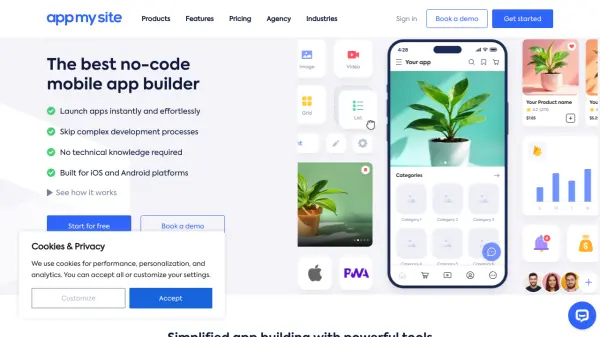
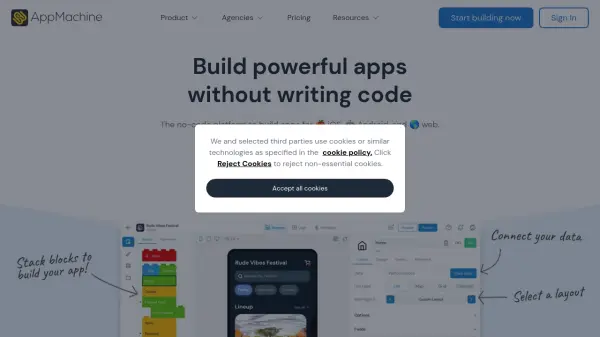
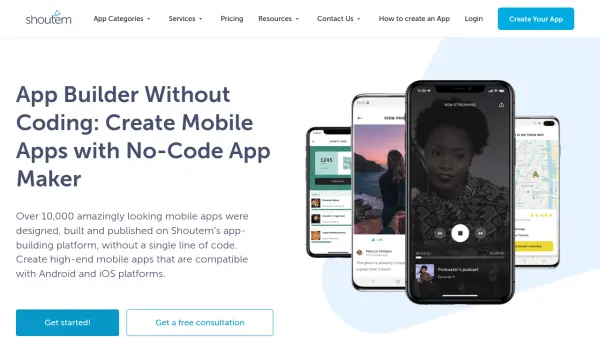
Apphive provides a powerful platform for building mobile applications through its intuitive drag-and-drop interface, allowing users to design and deploy apps without the need for coding expertise. The platform supports a wide range of features including GPS, notifications, payment processing, maps, and calendars, making it suitable for various application types such as academic, food delivery, driver services, event management, real estate, and healthcare.
Users can choose from pre-designed templates, customize functionalities to fit their needs, and publish apps directly to the Google Play Store and Apple App Store. With options for real-time preview, integrations with over 100 APIs, and cloud storage, Apphive offers flexibility and scalability for entrepreneurs, small businesses, and enterprises seeking to digitize their services efficiently.
Features
- No-Code Builder: Drag-and-drop interface to create apps without programming
- Customizable Templates: Wide selection of app templates for diverse industries
- Multi-Platform Publishing: Direct publishing to Google Play and Apple App Store
- Advanced Functionalities: Supports GPS, notifications, calendars, and payments
- API Integrations: Integrates with 100+ APIs and payment platforms
- Real-Time Preview: Instant preview of app changes
- Multi-User Collaboration: Add editors and testers for collaborative development
- Cloud Storage: Up to 1 GB for app data and versions
- Version Control: Automatic app version saving
- Custom Design Options: Change fonts, use animations, and customize splash screens
Use Cases
- Launching a food delivery app with menu browsing and online payments
- Developing a taxi or ride-sharing app with geolocation features
- Creating an event management app for registrations and ticket sales
- Building an academic tracking app for student progress monitoring
- Designing a real estate app for property listings and appointment bookings
- Setting up a healthcare app for patient tracking and consultation scheduling
FAQs
-
Is the Apphive service free?
Users can access the platform, configure applications, and add functions for free, allowing project validation without major investments. -
Does Apphive create the app for me?
No, users are responsible for developing their app using the platform’s tools, with support from tutorials, documentation, and community resources. -
Can I cancel my account plan at any time?
Yes, users can cancel their plan at any time, with the cancellation becoming effective at the end of the current billing month and no extra fees involved. -
What happens if I stop paying?
The app will become inactive in Google Play and the App Store, and may be deleted or become a public template for other users if payment is not renewed within 2 months.