
What is AnyWebP?
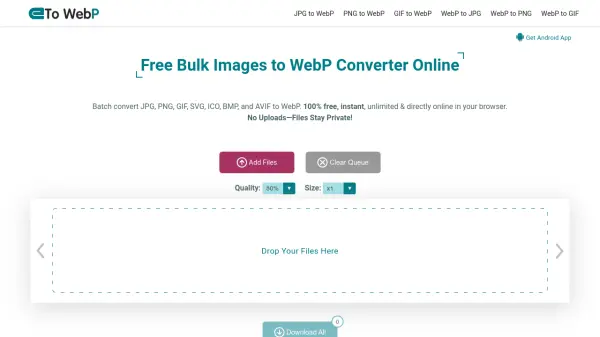
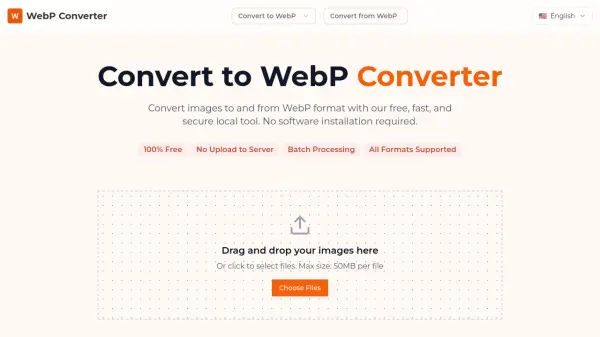
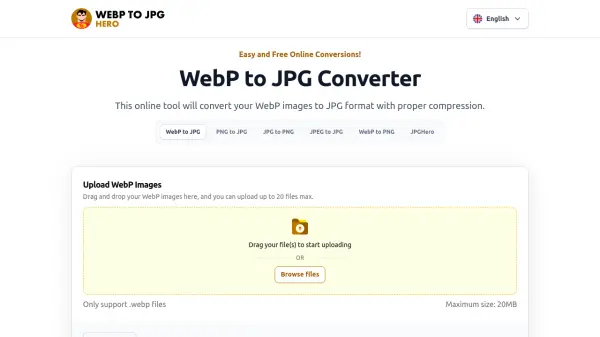
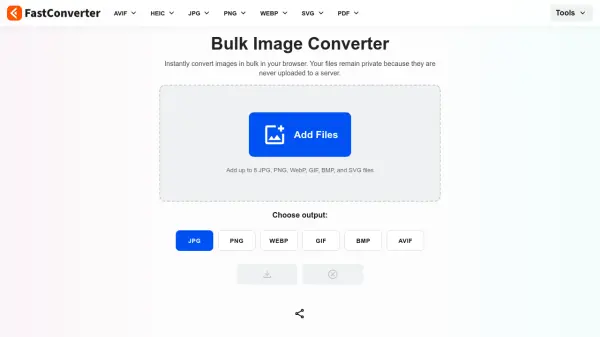
AnyWebP is a free browser-based WebP image converter that enables two-way image format conversion. It allows users to convert WebP files to JPG, PNG, BMP, and GIF, and convert JPG, PNG, BMP, and GIF images to WebP. All processing is performed locally in the browser using client-side technology, with no file uploads, no server processing, and no data storage.
The tool supports batch image conversion, allowing users to upload multiple image files at once and convert them simultaneously. Batch processing is handled entirely on the client side, ensuring fast performance, offline capability, and complete privacy protection. AnyWebP works on all modern browsers and operating systems, including Windows, macOS, Linux, iOS, and Android, without requiring any software installation.
Features
- Batch Processing: Convert hundreds of WebP files or other images simultaneously with fast speed
- Privacy-First Architecture: All image processing done locally in the browser with no file uploads or data storage
- Offline Capability: Operates without an internet connection after initial page load
- Wide Format Support: Convert between WebP and numerous image formats including JPG, PNG, BMP, GIF, SVG, TIFF, and more
- No Registration Required: 100% free tool with no signup or subscription needed
Use Cases
- Optimizing website images by converting to WebP for faster loading speeds
- Converting WebP images to more widely supported formats like JPG or PNG for editing
- Batch processing thousands of images for web development projects
- Improving SEO performance through image optimization
- Converting images for use in different applications or platforms
FAQs
-
What image formats can AnyWebP convert to and from?
AnyWebP supports converting WebP to formats like JPG, PNG, BMP, and GIF, and converting numerous formats including JPG, PNG, JPEG, SVG, BMP, TIFF, GIF, and many others to WebP. -
How does AnyWebP ensure data privacy during conversion?
AnyWebP uses client-side processing where all image decoding, conversion, and encoding happen locally on the user's device without uploading files to servers, ensuring complete data privacy. -
Can I use AnyWebP on mobile devices?
Yes, AnyWebP works on all modern browsers and operating systems including iOS and Android devices without requiring any software installation. -
Are there any usage limits or restrictions with AnyWebP?
No, AnyWebP is 100% free with no subscriptions, paywalls, registration requirements, or usage limits for any features including batch conversion. -
What are the benefits of using WebP format for images?
WebP reduces file size while preserving image quality, improving website loading speed, performance, user experience, and SEO rankings compared to traditional formats like JPEG.