-

Task Mind
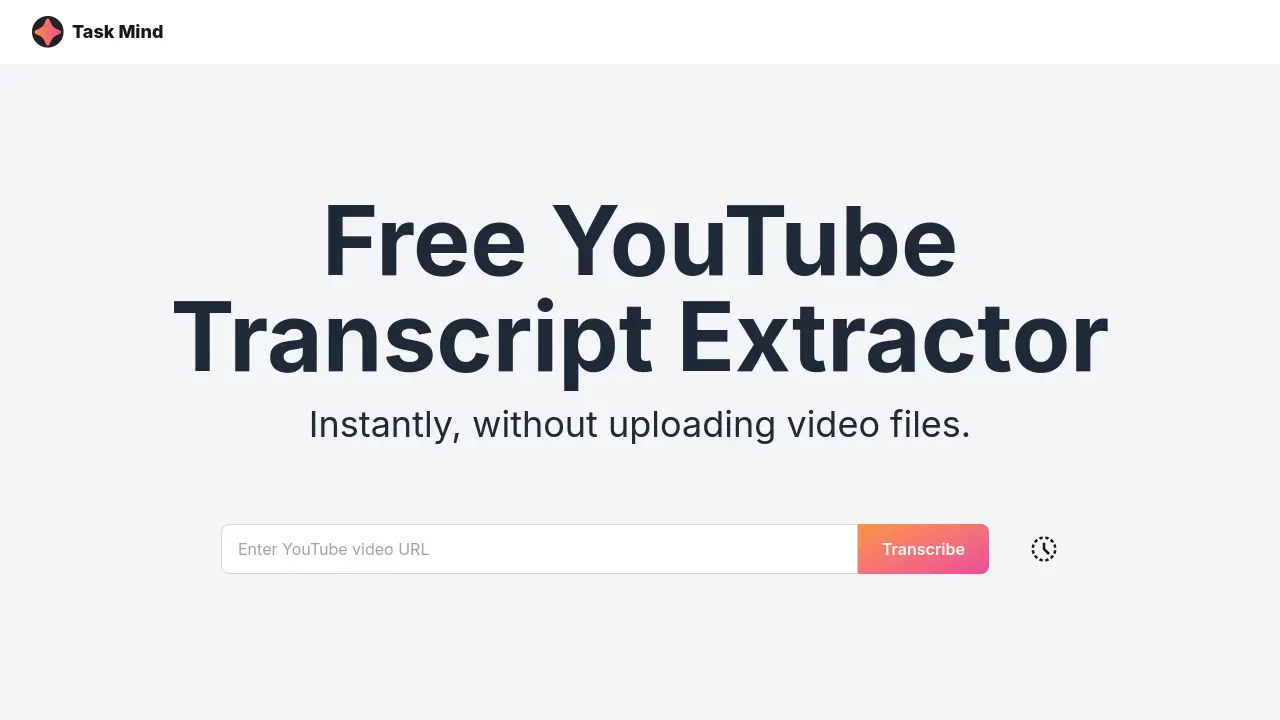
Free YouTube Transcript Extractor
 Free
FreeTask Mind provides a free YouTube transcript extractor that instantly converts YouTube subtitles to text. This tool allows users to easily download and export transcripts without uploading video files.
Key Features:
- Automatic YouTube Transcription: Generate transcriptions of YouTube videos automatically.
- YouTube Caption Extractor: Extract captions directly from YouTube videos.
- Multiple Export Formats: Download transcripts in various formats.
- Built-in Editing Capabilities: Edit the extracted transcripts within the tool.
- Free Service: Access the YouTube transcription service at no cost.
Use Cases:
- Creating text versions of video content for accessibility
- Generating searchable transcripts for video libraries
- Extracting subtitles for translation purposes
- Producing written records of online lectures or presentations
- Improving SEO by creating text-based content from videos
-

Tube Textify
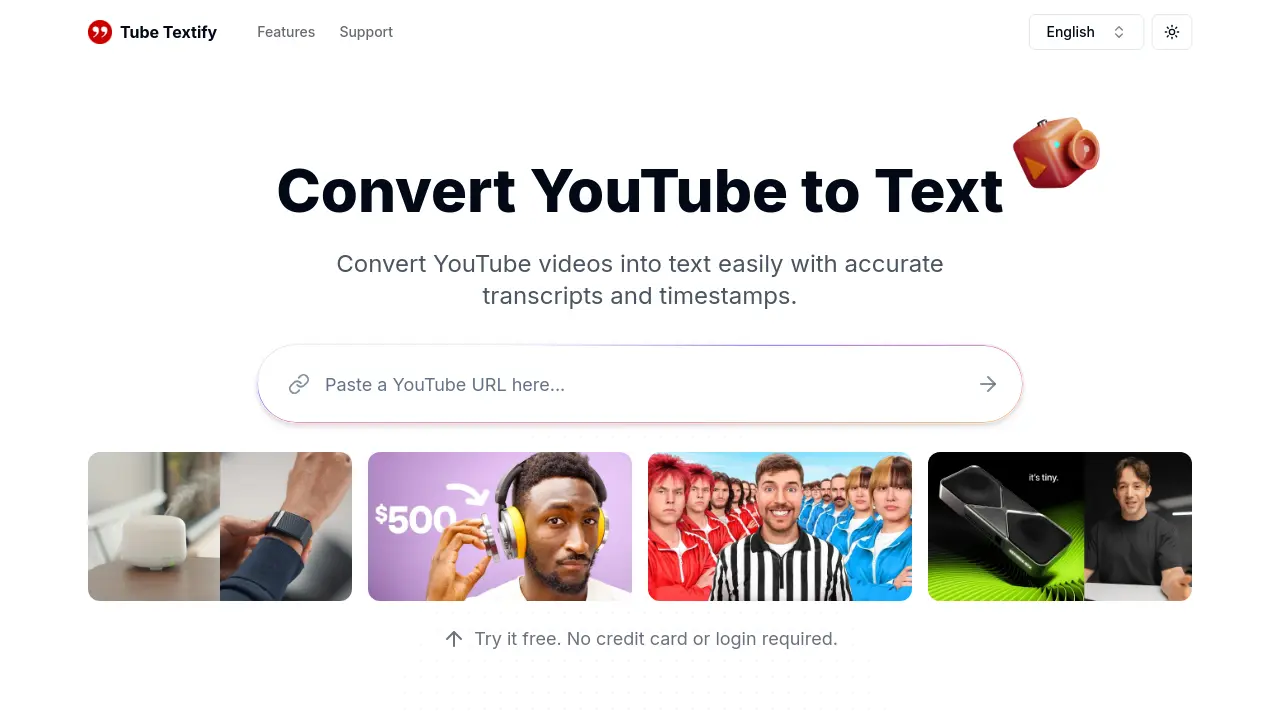
Convert YouTube videos into text easily with accurate transcripts and timestamps.
 Free
FreeTube Textify is a free online tool that converts public YouTube videos into text transcripts with timestamps. It supports multiple languages and provides AI-powered summaries for quick understanding.
Key Features:
- Instant Transcript Generation: Paste a YouTube video link to get accurate transcripts in seconds.
- Multilingual Transcription: Convert videos into text in multiple languages.
- Smart Summarization: Generate AI-powered summaries of video content.
- Export and Save: Download transcripts with timestamps in formats like .txt or .doc, or copy directly.
- Timestamped Navigation: Use transcripts with timestamps to easily locate specific video moments.
- Interactive Video Dialogue: Use transcripts for deeper insights and discussions.
Use Cases:
- Streamlining scriptwriting for content creators.
- Simplifying note-taking from video lectures for students.
- Analyzing video data for researchers.
- Repurposing video content for marketing materials.
- Improving accessibility of video content.
-
youtube-transcript-generator.net
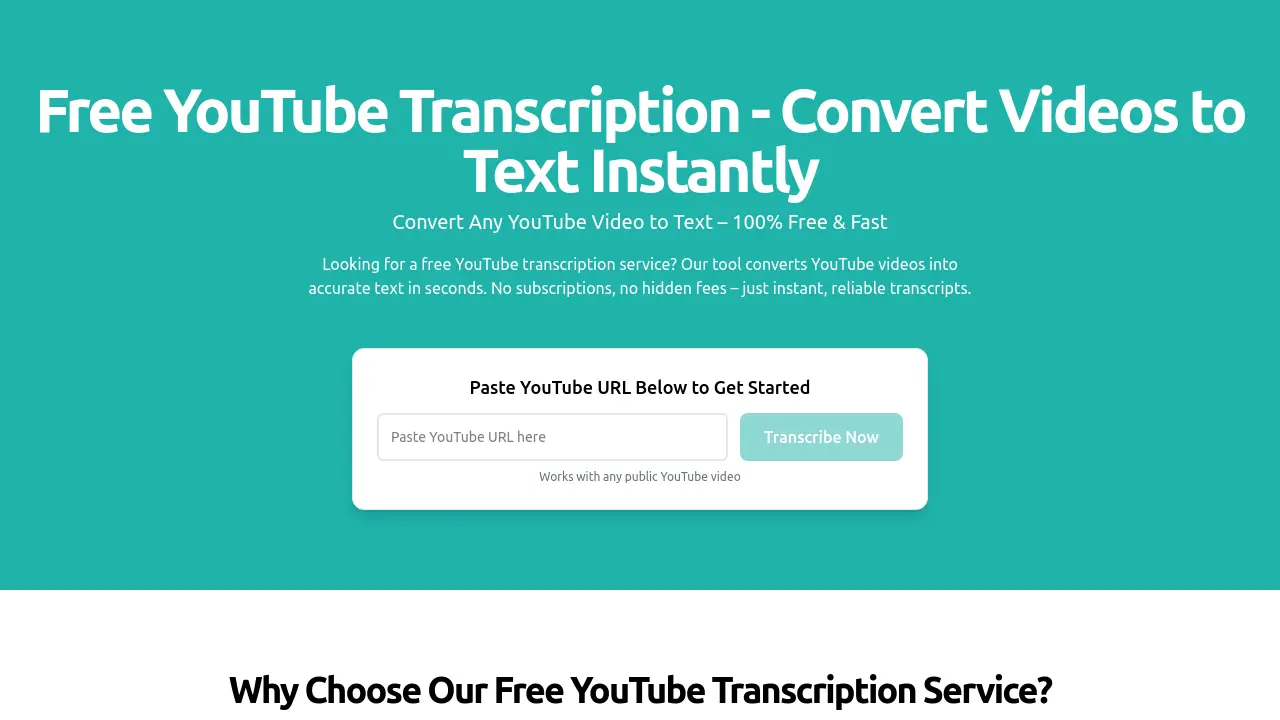
Convert YouTube videos to text instantly with AI-powered transcription
 Free
FreeFree YouTube Transcript is an AI-powered tool that converts any public YouTube video into accurate text transcripts in seconds, offering 100% free service with no sign-ups or hidden fees.
Key Features:
- 100% Free Service: No cost, no sign-ups, and no hidden fees
- AI-Powered Transcription: Fast processing with up to 95% accuracy for clear audio
- Universal Compatibility: Works with any public YouTube video of any length
- Instant Access: Get transcripts in seconds to minutes
- Easy Text Management: Quickly copy or download transcripts for various uses
- Privacy Protection: Never stores videos or shares user data
Use Cases:
- Creating captions for YouTube videos
- Generating blog content from video material
- Academic research using video content
- Content repurposing for social media
- Accessibility improvements with text alternatives
- Language learning through transcript analysis
- Content analysis and keyword extraction
- Creating study materials from educational videos
-

YouTubeToTranscript
Instantly convert YouTube videos into accurate, free transcripts using AI
 Free
FreeYouTubeToTranscript is an AI-powered online tool that generates free transcripts from YouTube videos, supporting over 120 languages with built-in translation and no sign-up required.
Key Features:
- Inbuilt Translation: Automatically translates transcripts into different languages after generation
- Download Transcript As TXT: Enables immediate download of transcripts as plain text files for easy editing and sharing
- Support Multiple Languages: Supports over 120 languages for transcription and translation
- Easy-to-Use Interface: Simple paste-and-generate process with fast results
- No Sign Up Required: No account creation needed to use the tool
- No Installation: Works directly in web browsers without downloads or installations
Use Cases:
- Generating transcripts for YouTube videos to improve accessibility
- Creating summaries of videos for note-taking or content research
- Translating video content into different languages to overcome language barriers
- Downloading transcripts as text files for editing or sharing
- Using transcripts for SEO optimization by analyzing video scripts
- Pitching content ideas to brands by providing video summaries
-

YouTube Transcript
AI-Powered Transcription and Summarization for YouTube Videos
 Freemium
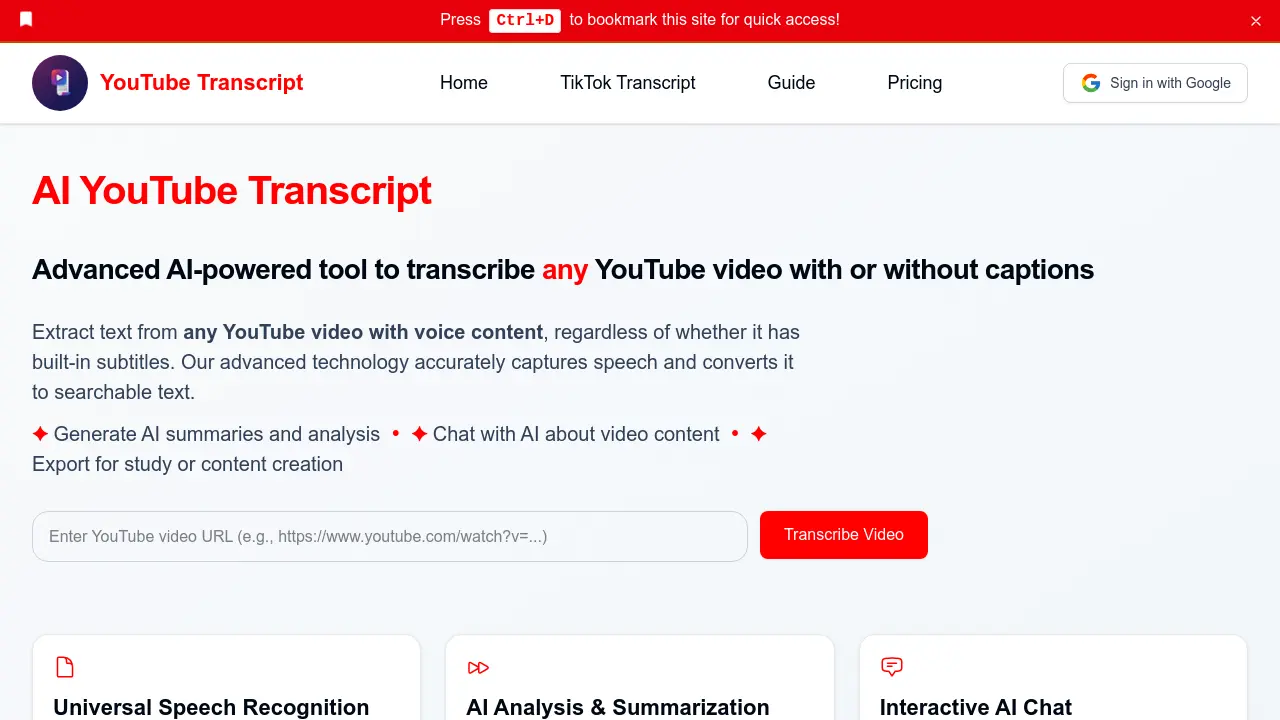
YouTube Transcript provides advanced AI-driven transcription, summarization, and analysis for any YouTube video, even those without built-in captions. Harness GPT-4o technology to generate accurate transcripts, summaries, translations, and interactive content insights for study, accessibility, SEO, and content repurposing.
Key Features:
- Universal Transcription: Extract accurate text from any YouTube video, with or without built-in captions.
- AI-Powered Summarization: Generate concise video summaries and extract key points using GPT-4o.
- Interactive AI Chat: Engage in conversational Q&A about the video content through an intuitive chat interface.
- Multi-language Translation: Instantly translate transcripts into over 100 different languages.
- Export & Document Generation: Download transcripts in various customizable formats for study or content creation.
- Searchable Transcripts: Perform full-text searches to quickly locate information within long videos.
- Speaker Identification: Distinguish multiple speakers and handle diverse accents and audio conditions.
- Secure Processing: Ensures all transcriptions and analyses remain private with advanced server-side encryption.
- Synchronize with Timestamps: Facilitates precise reference and navigation within video content.
- Accessibility Enhancements: Makes video content available to users with hearing impairments or those who prefer text.
Use Cases:
- Repurposing YouTube video content into blogs, ebooks, and social media posts
- Creating study guides and comprehensive notes from educational videos
- Extracting actionable insights from business webinars and industry talks
- Improving accessibility for hearing-impaired viewers with accurate transcripts
- Boosting SEO by providing text-based content alongside videos
- Translating video content for global audience reach and localization
- Enabling efficient research through searchable video transcripts
- Journalistic transcription for quoting and editorial workflows
-

YouTube Transcripts
Bulk Extract YouTube Video Transcripts in Seconds
 Usage Based
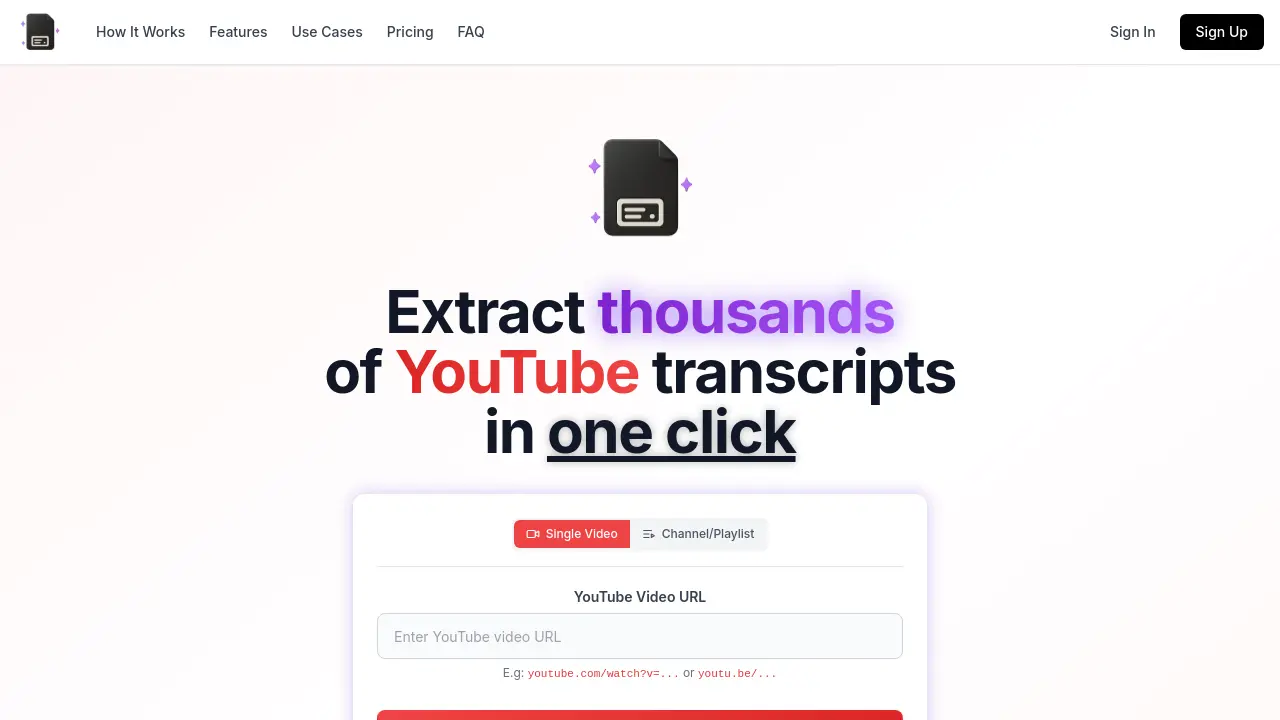
YouTube Transcripts enables users to extract and download transcripts from thousands of YouTube videos, channels, or playlists in just one click, offering multiple export formats and advanced customization for varied professional needs.
Key Features:
- Bulk Extraction: Extract transcripts from multiple YouTube videos, entire channels, or playlists with one click
- Multiple Export Formats: Download transcripts as TXT, JSON, CSV, SRT, or VTT
- Customization Options: Toggle inclusion of timestamps, video titles, channel names, and video IDs
- Preview & Copy: Interactive transcript preview with syntax highlighting before downloading
- Device Compatibility: Fully functional on both desktop and mobile devices
- Dark/Light Mode: Interface adapts to user preferences for comfortable viewing
- Combined Exports: Merge multiple transcripts into a single file or export individually
- Rapid Processing: Get results in seconds, saving significant manual effort
Use Cases:
- Repurposing video content into blogs, social media posts, and newsletters
- Extracting datasets for AI and large language model (LLM) training
- Compiling study notes from educational video content
- Researching and analyzing academic lectures, interviews, and presentations
- Supporting journalists with fast quote and information extraction
- Creating accessible content for users with hearing impairments
- Generating searchable references from video libraries
- Building custom Q&A systems with video-based training data
-

Free YouTube Transcript
Get free YouTube transcripts from any video instantly
 Free
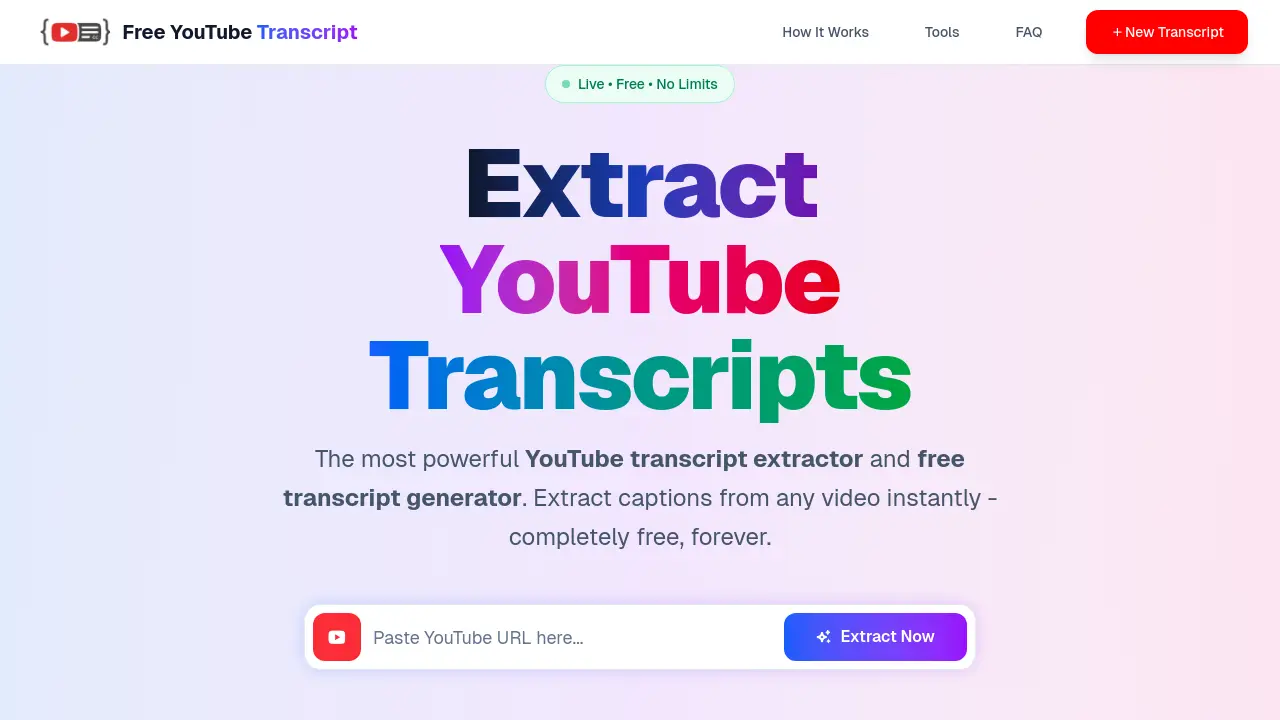
FreeFree YouTube Transcript is an AI-powered tool that extracts and generates transcripts from YouTube videos in over 120 languages, enabling users to download captions and subtitles for various applications.
Key Features:
- Transcript Extractor: Extracts transcripts from YouTube video URLs
- Transcript Generator: Generates transcripts in over 120 languages
- Download Transcripts: Allows downloading of captions and subtitles in multiple formats
- Content Hubs: Provides specialized hubs for education, content creation, business, research, technology, and accessibility
- Language Support: Supports transcripts in 19+ languages including English, Spanish, Hindi, Arabic, and Japanese
Use Cases:
- Extracting transcripts for educational video analysis
- Creating subtitles for content creation projects
- Generating business meeting transcripts from recorded videos
- Conducting research by transcribing academic or documentary videos
- Improving accessibility by providing captions for hearing-impaired viewers
- Translating video content into multiple languages for global audiences
-

NeatScribe
Convert Audio and Video to Accurate Text in Seconds
 FreemiumStarting at $10/month
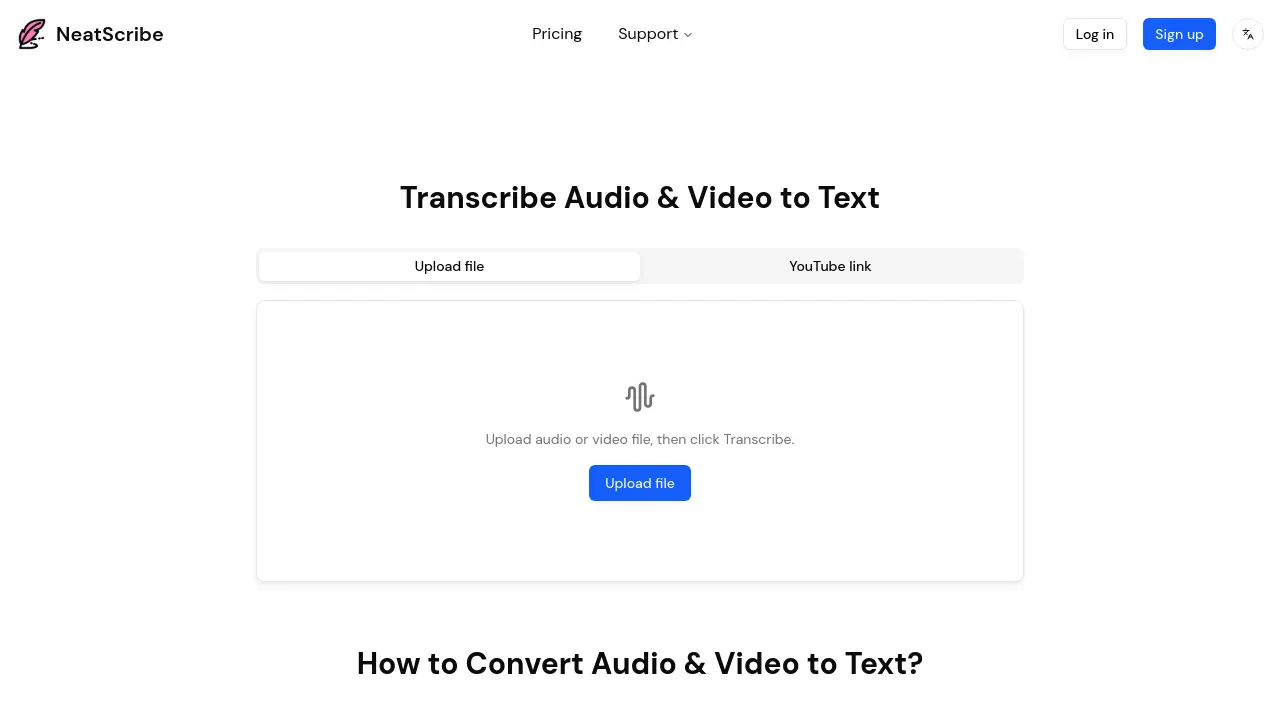
NeatScribe is an AI-powered transcription tool that converts audio and video files into accurate text transcripts across 98 languages with word-level timestamps and multiple export formats.
Key Features:
- Multi-Format Support: Accepts wide range of audio and video formats for transcription
- Word-Level Timestamps: Provides precise timestamps for easy navigation and editing
- Editable Transcripts: Edit transcripts like a document with real-time corrections
- Multiple Export Formats: Export to TXT, PDF, DOCX, SRT, VTT and more
- YouTube Link Support: Direct transcription from YouTube video links
- Speaker Labeling: Automatically identifies and labels different speakers
- 98 Language Support: Transcribe content in 98 different languages (Premium plan)
- Browser-Based Processing: Fast transcription directly in browser without downloads
- Premium Transcription Model: Ultra-fast processing speeds for Pro and Premium users
Use Cases:
- Transcribing podcast episodes for show notes and content repurposing
- Converting meeting recordings into searchable text documentation
- Creating subtitles and captions for video content
- Transcribing interviews for research and journalism projects
- Converting educational lectures into study materials
- Generating text versions of YouTube videos for accessibility
- Creating transcripts for legal and compliance documentation
- Documenting customer support calls and consultations
-

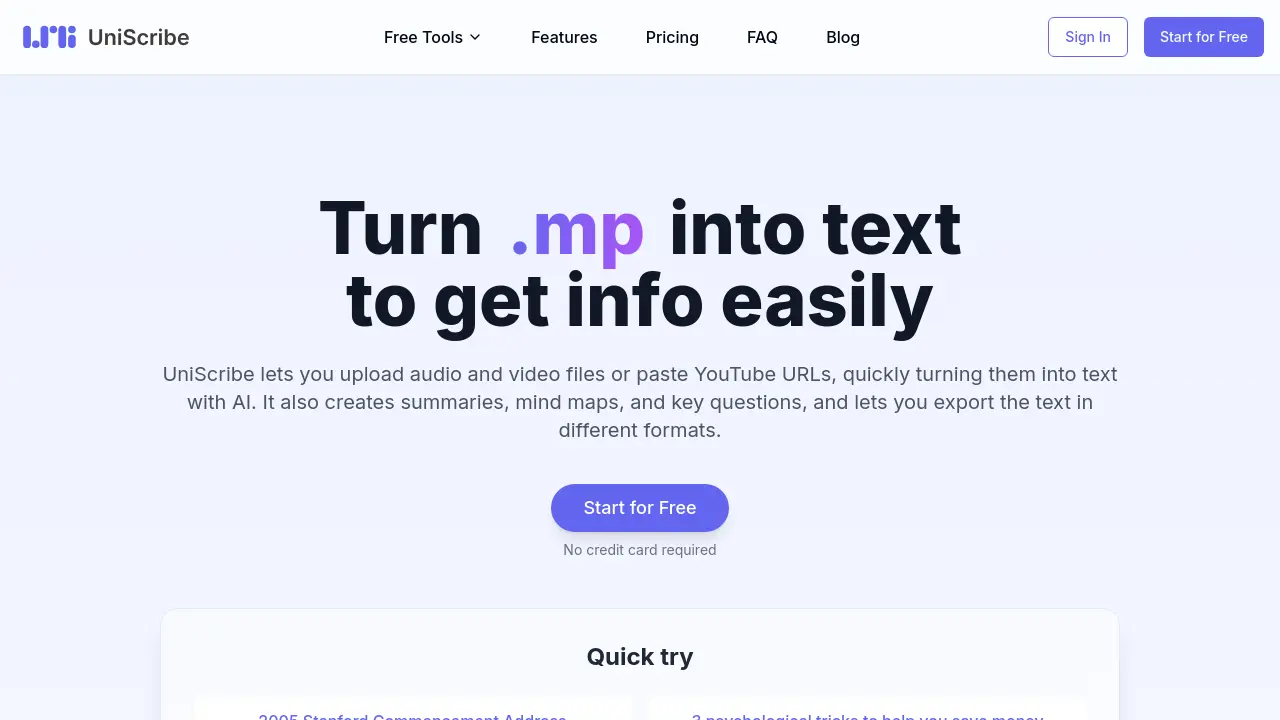
UniScribe
Turn audio and video into text to get info easily
 FreemiumStarting at $6/month
UniScribe uses AI to transcribe audio and video files, YouTube URLs, and generates summaries, mind maps, and key questions. It supports multiple formats for export.
Key Features:
- Fast Transcription: Quickly turn audio and video files into text using AI.
- Smart Summaries: Automatically create short summaries of audio and video content.
- Mind Mapping: Turn audio and video content into visual maps.
- Key Q&A: Pull out important questions and answers from your content.
- YouTube Transcription: Transcribe YouTube videos by pasting the URL.
- Multiple Export Formats: Export in TXT, SRT, VTT, Word, CSV, and PDF formats.
- 98 Languages Support: Transcription available in 98 languages.
Use Cases:
- Transcribing interviews for research or journalism
- Creating subtitles for videos
- Generating meeting minutes from recordings
- Summarizing lectures or presentations for studying
- Creating visual mind maps from audio content for brainstorming
- Extracting key questions and answers for content analysis
-

DubwithAI
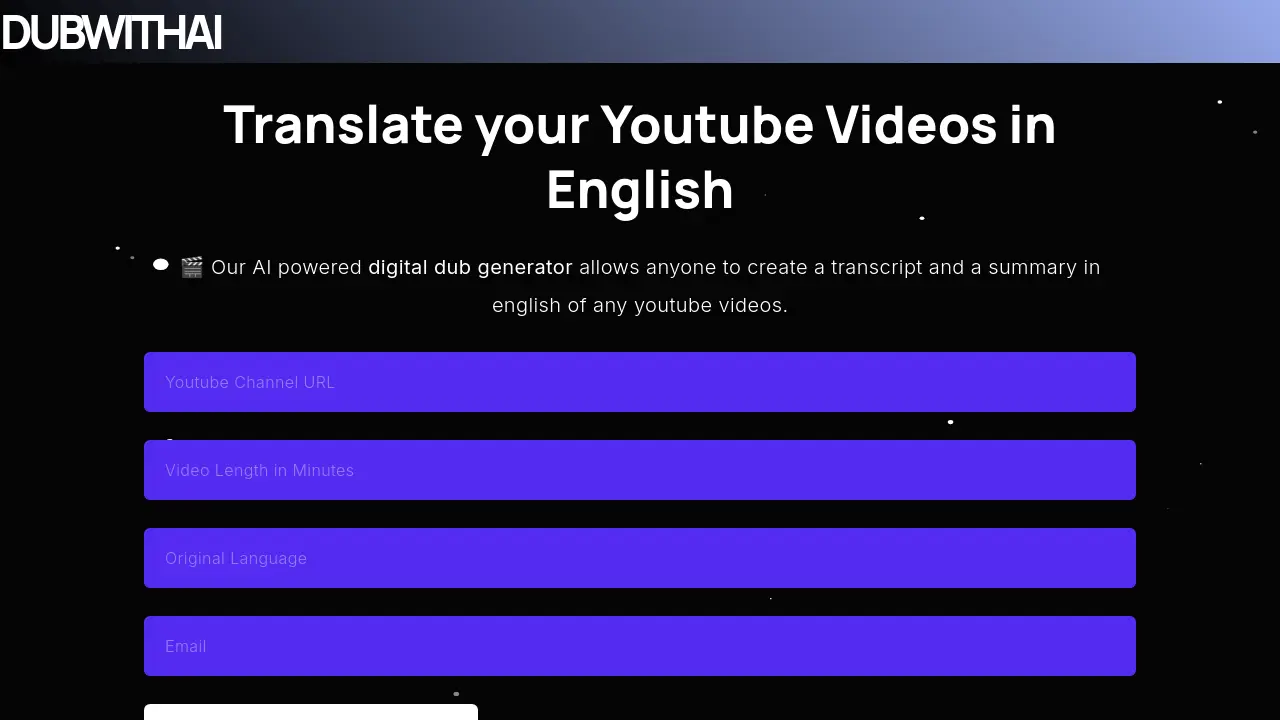
Translate your Youtube Videos in English
 Free
FreeDubwithAI utilizes AI to generate English transcripts and summaries from YouTube videos up to 30 minutes long.
Key Features:
- YouTube Video Processing: Accepts YouTube video URLs as input.
- English Transcript Generation: Creates a written transcript of the video's audio in English.
- English Summary Generation: Produces a concise summary of the video's content in English.
- Video Length Limit: Supports videos with a maximum duration of 30 minutes.
Use Cases:
- Understanding foreign-language YouTube videos.
- Creating quick summaries of YouTube content.
- Generating transcripts for accessibility or repurposing.
- Analyzing video content without watching the entire duration.
-
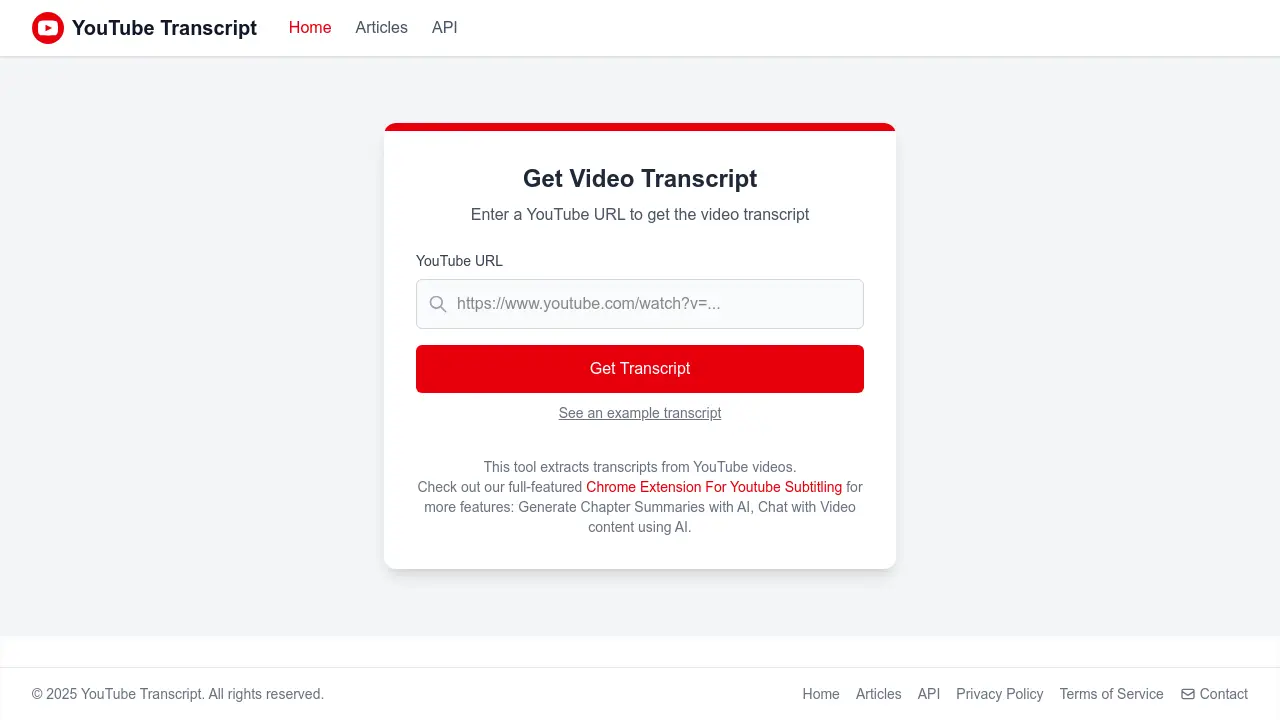
YouTube Video Transcripts
Extract and Analyze YouTube Video Transcripts with AI
 Free
FreeYouTube Video Transcripts is an online tool that extracts transcripts from YouTube videos and offers advanced AI-powered features for video content analysis.
Key Features:
- Transcript Extraction: Instantly retrieves text transcripts from any YouTube video.
- AI Chapter Summaries: Uses artificial intelligence to generate concise chapter summaries.
- Chat With Video: Allows users to interact and query video content via AI-driven chat.
- Chrome Extension: Offers enhanced features through a browser extension for seamless subtitle management.
Use Cases:
- Extracting transcripts for research or study from YouTube videos.
- Generating AI-powered chapter summaries for easier video navigation.
- Accessibility support for viewers needing text versions of video content.
- Content curation and repurposing based on video transcripts.
- Interacting with and querying video content using AI chat capabilities.
-

Tube Transcripts
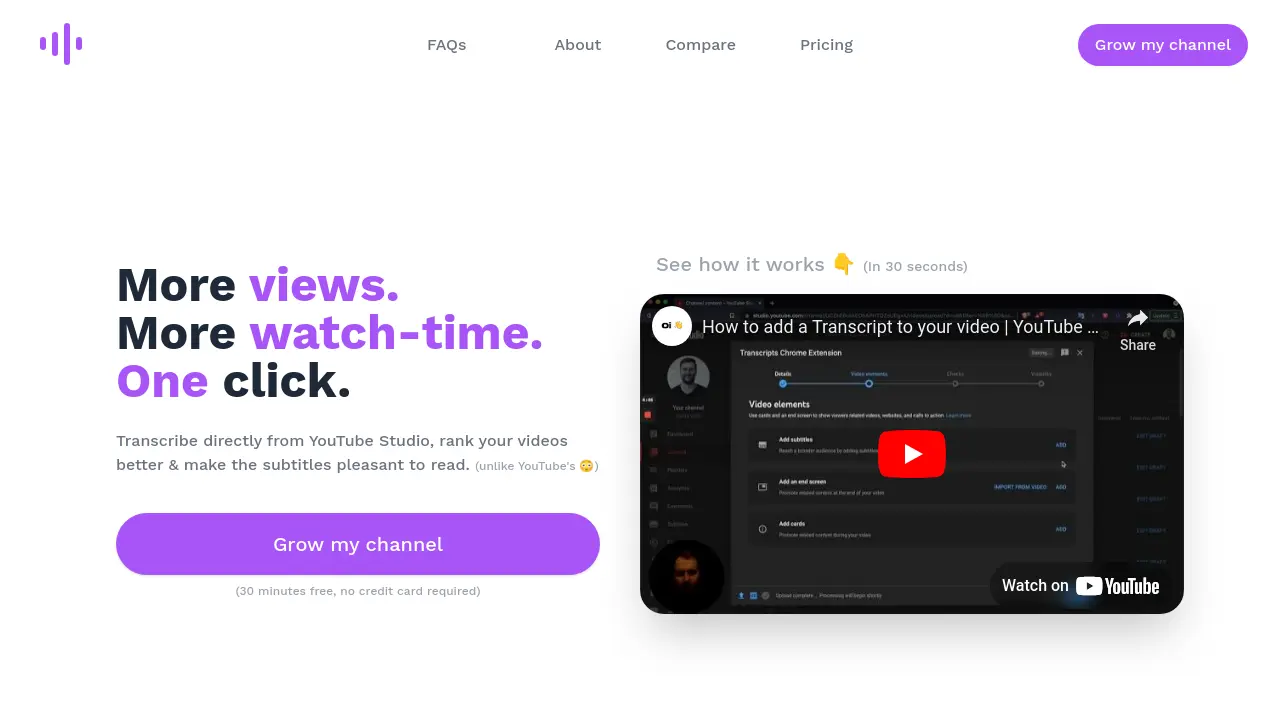
More views, more watch-time with one-click YouTube transcription
 FreemiumStarting at $10/month
Tube Transcripts is an AI-powered YouTube transcription tool that creates accurate, SEO-optimized subtitles directly within YouTube Studio. It offers automated transcription with ~90% accuracy, custom keyword mapping, and punctuation features at a fraction of human transcription costs.
Key Features:
- Direct YouTube Studio Integration: Seamless transcription within the YouTube platform
- AI-Powered Accuracy: ~90% initial accuracy with tools to reach 99.9%
- Custom Keyword Mapping: Support for niche-specific and technical terms
- Smart Punctuation: Automatic formatting with proper periods, commas, and capitalization
- Confidence Indicators: Highlights uncertain words for quick review
- Quick Turnaround: 3-minute processing for 10-minute videos
- Cost-Effective: $0.05 per minute versus traditional $1.25 per minute
Use Cases:
- YouTube SEO optimization
- Content accessibility improvement
- Silent viewing support
- Technical content transcription
- Multi-language audience reach
- Video content indexing
- Watch time optimization
-

Video Transcriber AI
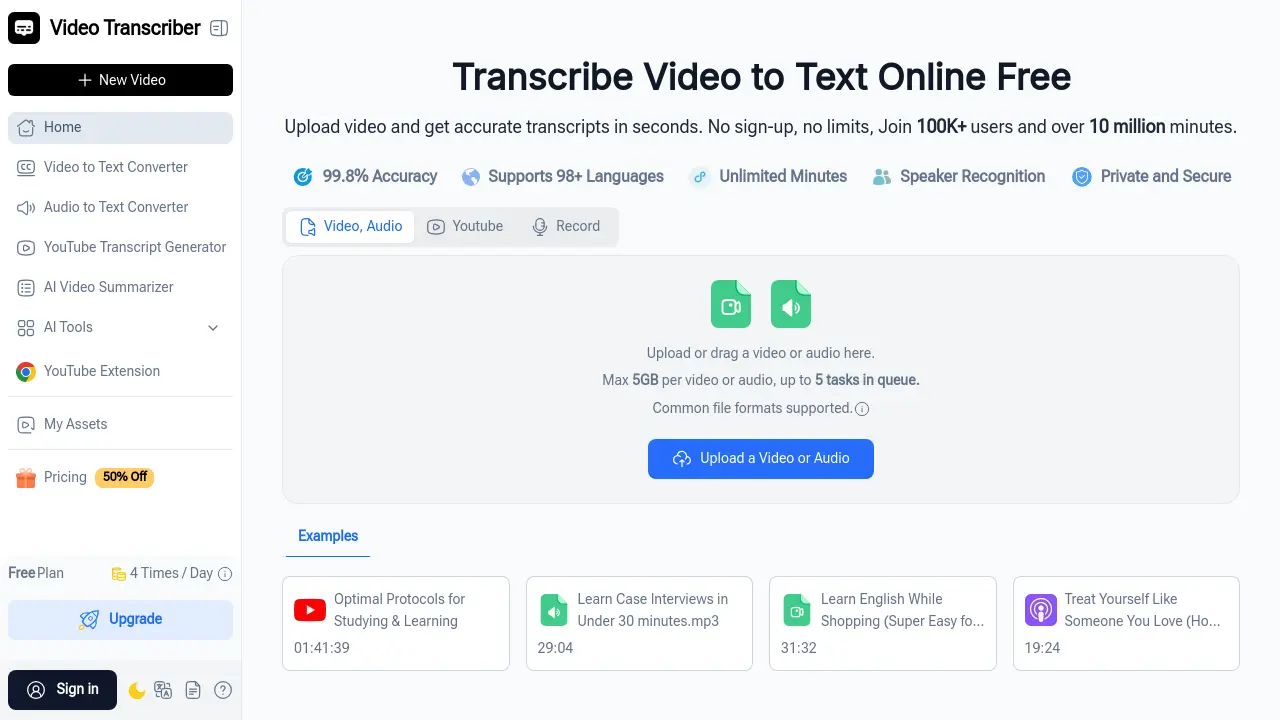
Transcribe Video to Text Online Free with 99.8% Accuracy
 FreemiumStarting at $4/month
Video Transcriber AI is a free online tool that converts video and audio files into accurate text transcripts in seconds, supporting 98+ languages with speaker recognition and no sign-up required.
Key Features:
- 99.8% Transcription Accuracy: Delivers highly accurate text conversion from video and audio content with multiple precision modes
- 98+ Language Support: Transcribes content in over 98 languages with translation capabilities for 100+ languages
- Speaker Recognition: Automatically identifies and labels different speakers in conversations, meetings, and interviews
- Large File Processing: Handles video and audio files up to 5GB with support for unlimited YouTube videos with subtitles
- Multiple Format Support: Works with MP4, MOV, AVI, Zoom recordings, YouTube links, and other common video/audio formats
- Batch Processing: Queue up to 5 videos or audio files simultaneously for efficient bulk transcription
- AI-Powered Features: Includes AI chat, automatic summarization, and content analysis capabilities
- Noise Reduction: Built-in technology to improve transcription accuracy from audio with background noise
Use Cases:
- Students transcribing online lectures and course videos into study notes for easier review and sharing
- Businesses converting Zoom meetings and webinars into searchable text records for documentation
- Content creators generating captions and scripts from YouTube videos for blogs and social media
- Journalists transcribing interviews and press conferences for accurate and timely reporting
- Researchers converting recorded interviews and talks into text for analysis and citation
- Teachers creating accessible lesson materials and handouts from recorded classes
- Podcasters generating transcripts for show notes and improved SEO
- Teams documenting training sessions and presentations for knowledge management
-

Video To Text AI
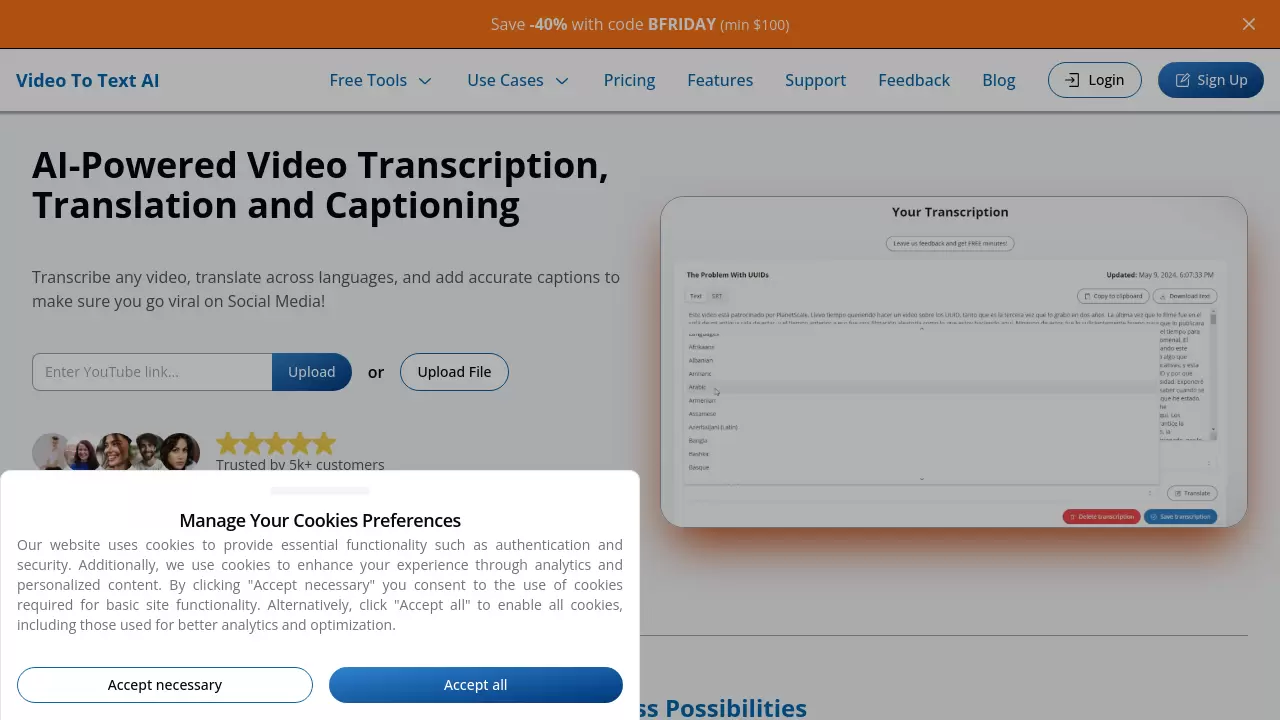
AI-Powered Video Transcription, Translation and Captioning
 FreemiumStarting at $100/month
A comprehensive AI platform that transcribes videos, translates content across 100+ languages, and generates captions for social media optimization. The service offers high-accuracy transcription with rapid turnaround times and multiple export options.
Key Features:
- Automatic Captioning: Instant creation and styling of social media-optimized captions
- Multi-Language Support: Transcription and translation in 100+ languages and dialects
- Rapid Processing: Quick turnaround for video transcription
- Multiple Export Formats: Support for TXT, SRT, and VTT file formats
- Speaker Diarization: Automatic identification and separation of different speakers
- Secure Storage: Permanent storage for transcribed content
- Platform Integration: Compatible with YouTube, Google Drive, and Dropbox
- Caption Rendering: Capability to burn captions directly into videos
Use Cases:
- Social media content creation
- Video localization
- Content accessibility enhancement
- Global audience engagement
- Video content management
- Educational content development
- Marketing material localization
-

TurboTranscript
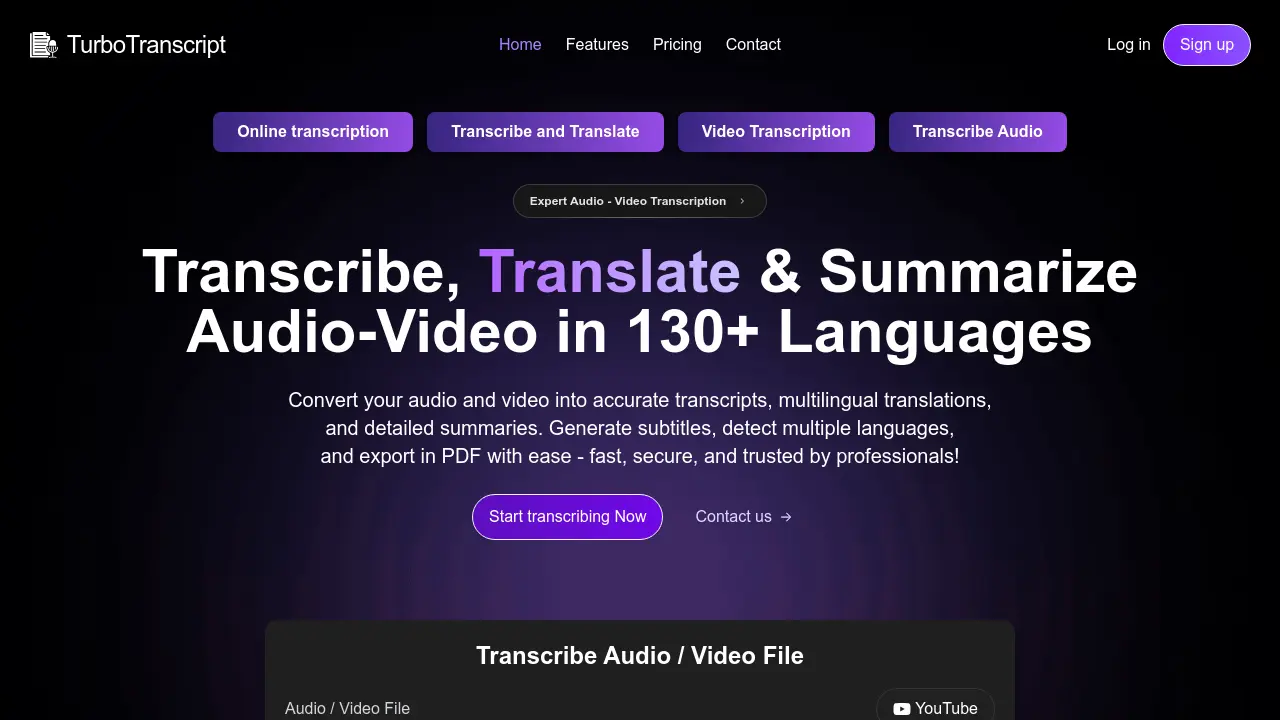
Transcribe, Translate & Summarize Audio-Video in 130+ Languages
 PaidStarting at $10/month
TurboTranscript offers expert audio and video transcription, translation into 130+ languages, detailed summarization, and subtitle generation (SRT/VTT). Features include speaker identification and toxicity detection.
Key Features:
- Advanced Speaker-Wise Transcripts: Generate accurate, speaker-specific transcripts for clear dialogue.
- Multi-Language Transcription & Translation: Supports transcription and translation across 130+ languages.
- Automatic Language Detection: Seamlessly detects multiple languages within media files.
- Real-Time Toxicity Detection: Instantly flags inappropriate or harmful content.
- Seamless Subtitle Creation: Easily generate SRT or VTT subtitle files from transcripts.
- Comprehensive Summarization: Provides automated, concise summaries of transcribed content.
- YouTube URL Transcription: Transcribe videos directly by providing their YouTube URL.
- PDF Export: Export transcripts, translations, and summaries to PDF format.
Use Cases:
- Transcribing webinars and online meetings.
- Creating subtitles for videos in multiple languages.
- Translating audio or video content for global audiences.
- Summarizing lectures, interviews, or long recordings.
- Analyzing dialogue with clear speaker identification.
- Moderating content by detecting toxic language.
- Repurposing YouTube video content into text formats.
-

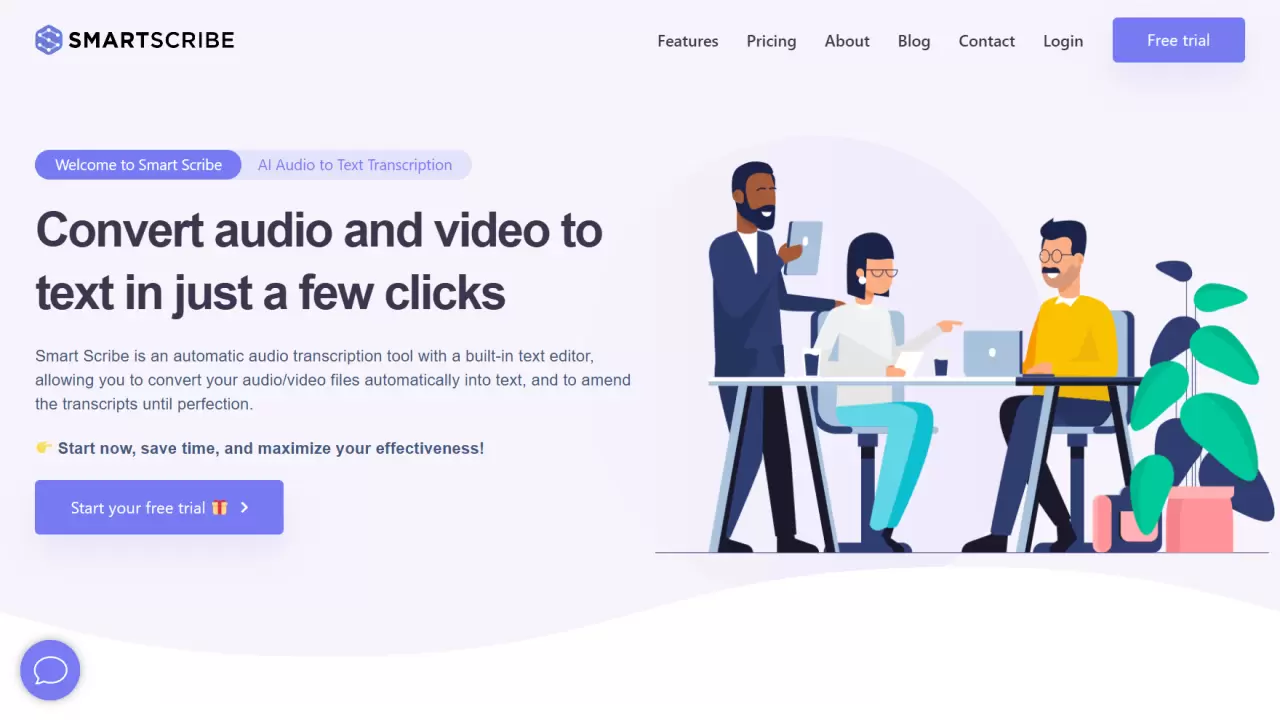
Smart Scribe
Convert audio and video to text in just a few clicks
 FreemiumStarting at $10/month
Smart Scribe is an AI-powered audio transcription tool that automatically converts audio and video files into text, featuring a built-in text editor for real-time editing and supporting over 30 languages.
Key Features:
- Quality & Accuracy: Near-perfect transcription with optimal recording quality
- Built-in Text Editor: Real-time editing and proofreading capabilities
- Export Options: Multiple format support including Word, PDF, TXT, and SRT subtitles
- Security & Privacy: Secure cloud storage with confidential data handling
- Language Support: Transcription available in 30+ languages
- Speaker Identification: Advanced audio synchronization with speaker tracking
Use Cases:
- Interview transcription
- Meeting documentation
- Podcast transcription
- Academic lecture transcription
- Conference recording conversion
- YouTube video subtitling
- Market research documentation
- Medical transcription
-

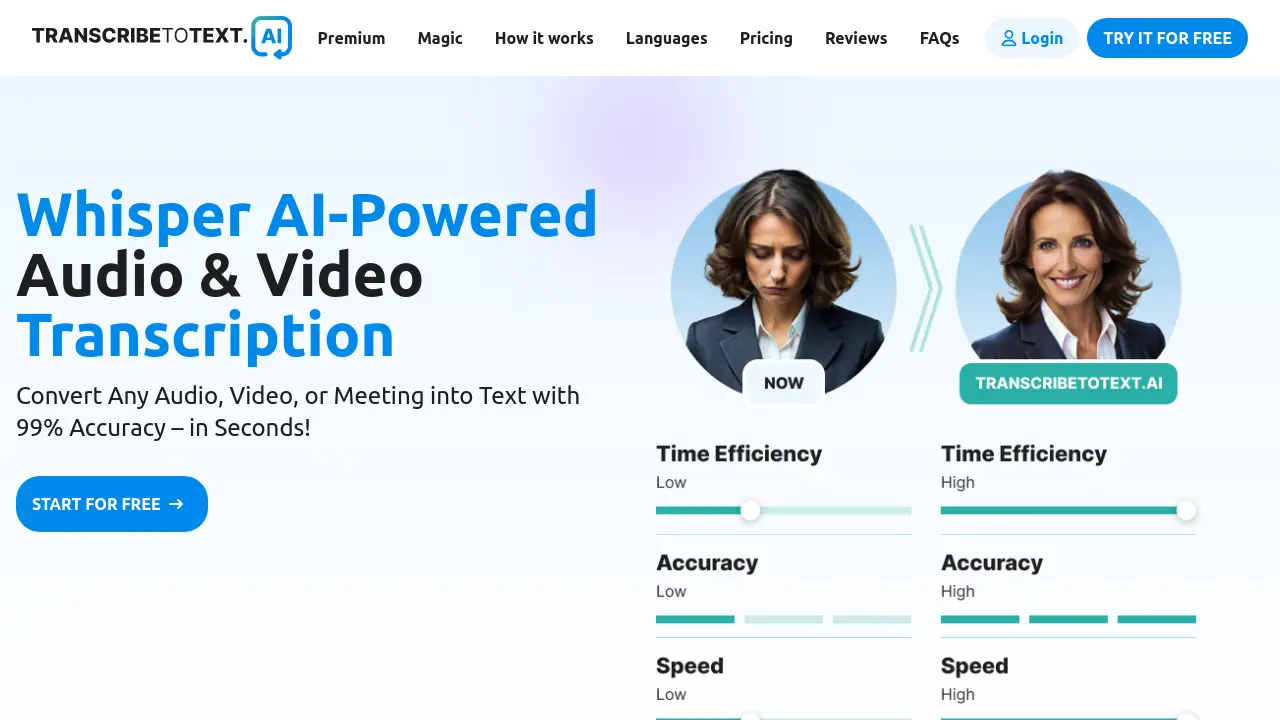
TranscribeToText.AI
Whisper AI-Powered Audio & Video Transcription
 FreemiumStarting at $10/month
TranscribeToText.AI offers 99% accurate audio and video transcription in 117+ languages. It supports various file formats and integrates with YouTube, Google Drive, Dropbox, Zoom, Google Meet, and Microsoft Teams.
Key Features:
- Unlimited Transcriptions: No daily limits, transcribe as much as you need.
- Extended File Uploads: Upload files up to 10 hours or 5GB and process multiple files at once.
- Advanced AI Features: Translate into 117+ languages, bulk exports, speaker recognition.
- Priority Processing: Get lightning-fast transcriptions.
- Multiple Export Formats: Save transcripts as DOCX, PDF, TXT, SRT, and VTT.
- Smart Speaker Identification: Easily differentiate speakers in recordings.
- Enhanced Privacy & Security: 100% secure with end-to-end encryption.
- Direct Link Transcription: Transcribe YouTube videos by URL.
- Online Meeting Transcription: Record & transcribe meetings in Google Meet, Zoom, and Microsoft Teams.
Use Cases:
- Transcribing interviews for qualitative research.
- Generating subtitles for videos.
- Creating text records of online meetings.
- Converting podcasts into blog posts.
- Transcribing lectures for educational purposes.
- Transcribing voice memos to text.
-

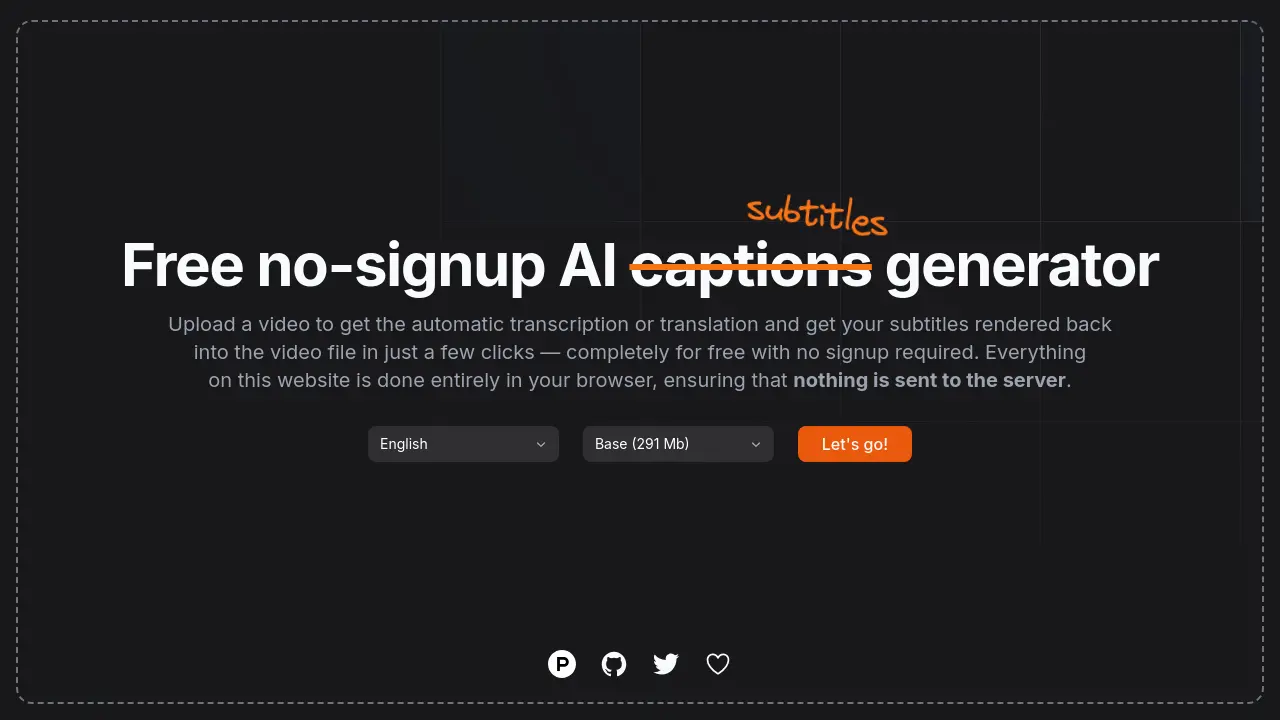
fframes subtitles
Transcribe video to subtitles with AI for free.
 Free
Freefframes subtitles is a free online tool that uses AI to automatically transcribe videos and generate subtitle files (SRT/VTT) in multiple languages.
Key Features:
- AI-Powered Transcription: Automatically transcribes video audio using artificial intelligence.
- Subtitle Generation: Creates downloadable subtitle files in SRT and VTT formats.
- Multi-language Support: Transcribes videos in numerous languages.
- Free Service: Offers transcription and subtitle generation at no cost.
- Simple User Interface: Easy three-step process (upload, transcribe, download).
Use Cases:
- Adding subtitles to social media videos for increased engagement and accessibility.
- Creating captions for educational or tutorial videos.
- Generating subtitles for personal video projects.
- Making video content accessible to hearing-impaired audiences.
- Quickly transcribing video interviews or lectures.
-

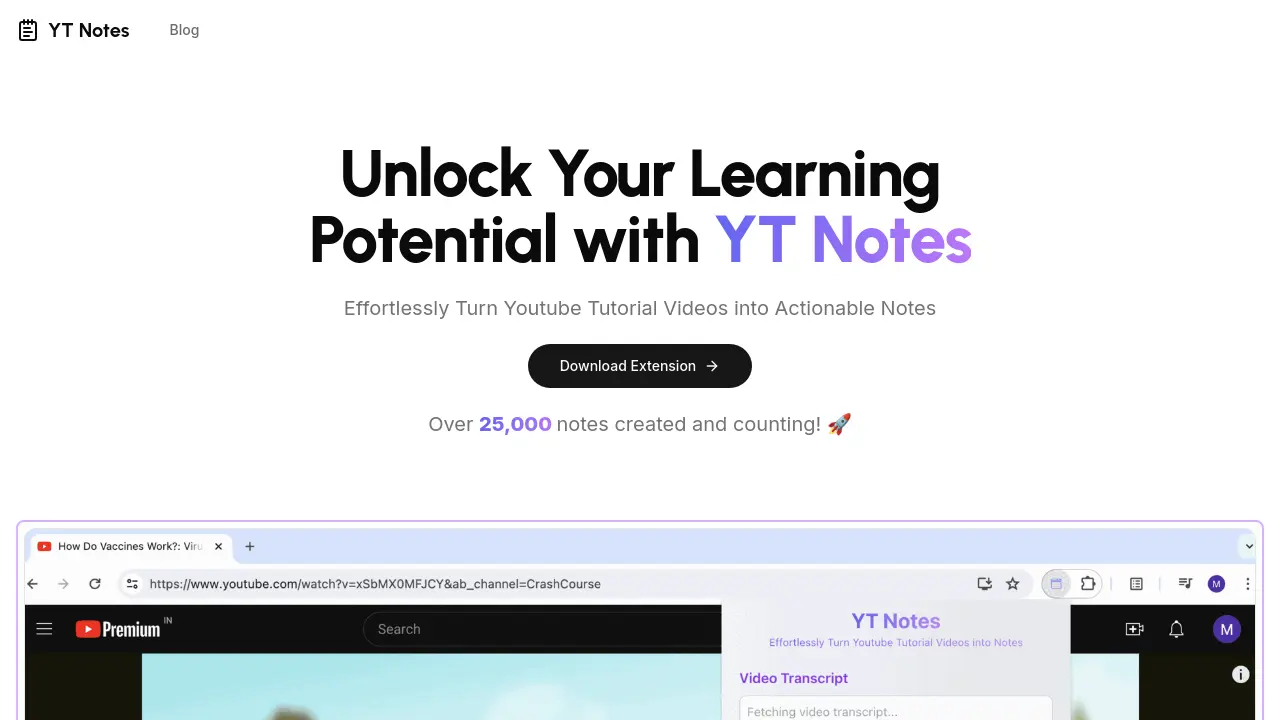
YT Notes
Effortlessly Turn Youtube Tutorial Videos into Actionable Notes
 FreemiumStarting at $15/month
YT Notes is an AI-powered browser extension that automatically transcribes YouTube tutorial videos into concise, editable notes, supporting multiple languages and export options.
Key Features:
- Automatic Transcription: Transforms tutorial videos into concise notes automatically.
- Note Editing: Allows users to tailor generated notes to their learning style.
- Timestamps: Generates notes specifically for selected video segments.
- Multi-Language Support: Extracts notes from videos in 10 different languages.
- Export Notes: Enables downloading notes in PDF and Markdown formats.
- Longer Video Notes: Processes hours-long content like podcasts and webinars into notes.
Use Cases:
- Quickly summarizing key points from online tutorials.
- Creating study notes from educational YouTube videos.
- Extracting actionable steps from how-to guides.
- Compiling resources from webinars or online talks.
- Learning new languages by capturing vocabulary and grammar from videos.
- Generating reference material from technical demonstrations.
-

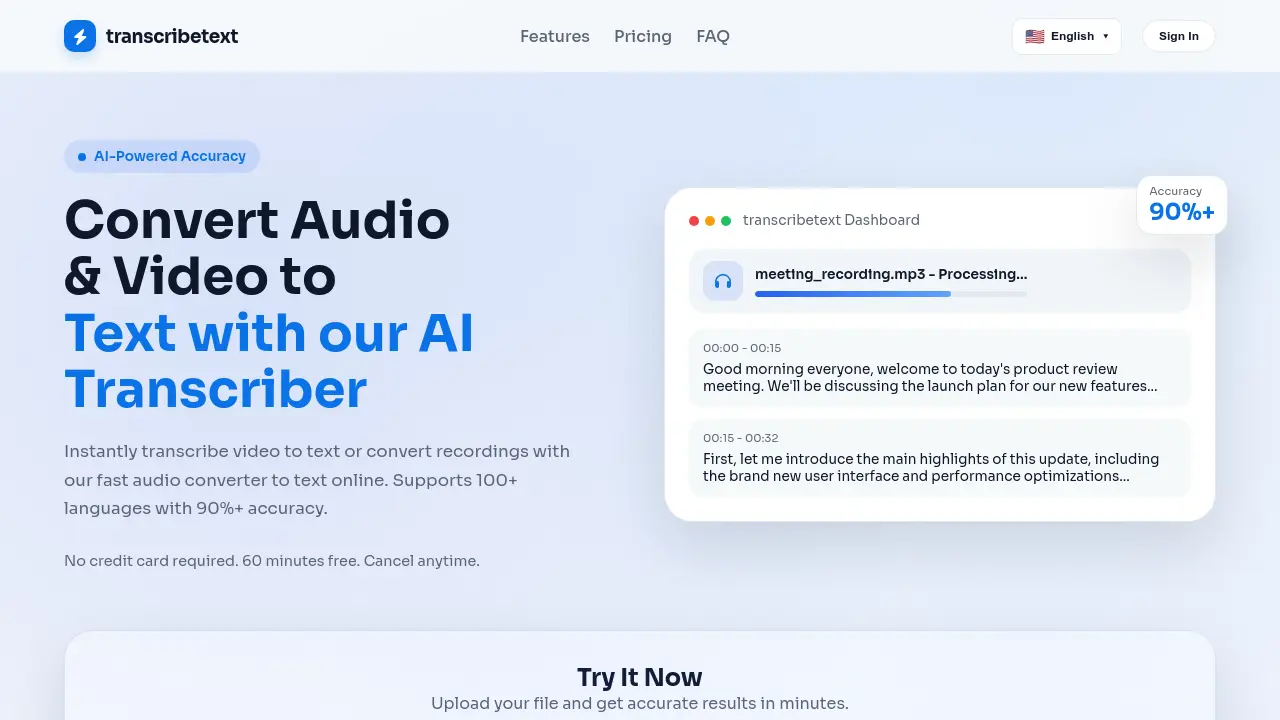
TranscribeText
Convert Audio & Video to Text with AI-Powered Accuracy
 Freemium
TranscribeText is an AI-powered transcription tool that converts audio and video files to text with over 90% accuracy, supporting 100+ languages and offering features like speaker diarization and subtitle translation.
Key Features:
- Smart Voice Recognition: Accurately recognizes accents, dialects, and technical terms even in noisy environments
- Lightning Fast Processing: GPU-accelerated processing handles one hour of content in minutes
- Speaker Diarization & Subtitle Translation: Built-in speaker separation with translated subtitle export in SRT/TXT formats
- Privacy & Security: Bank-level AES-256 encryption with automatic file deletion after processing
- Multi-Format Support: Processes MP3, MP4, WAV, M4A, WEBM, MOV and many other audio/video formats
Use Cases:
- Meeting transcription for business teams
- Podcast episode transcription and editing
- Academic research interview transcription
- Video content subtitle generation
- Media production workflow optimization
- Educational content accessibility creation
- Legal deposition documentation
- Journalistic interview analysis
-

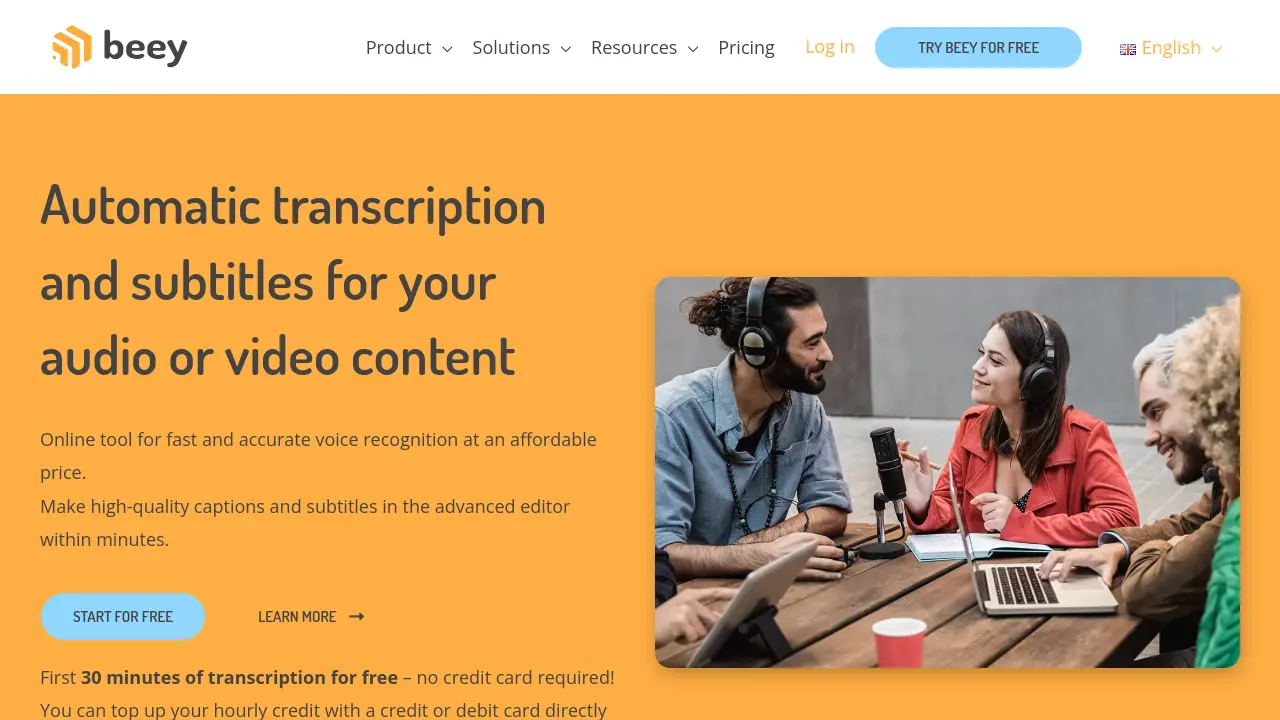
Beey
Automatic Transcription and Subtitles for Your Audio and Video Content
 FreemiumStarting at $25/month
Beey is an online tool that provides fast and accurate voice recognition for converting audio and video to text, offering features like subtitling and automatic translation.
Key Features:
- Fast and accurate: Converting audio and video to text with more than 90% precision for most English, German and Czech recordings.
- Smart editor: Facilitating text editing and formatting.
- Captions, subtitles & translations: Creating top quality captions and subtitles and Improving video accessibility.
- Automatic translation: Translate your project for free while keeping the timestamps of the transcript intact.
- Teamwork: Create a team with shared credit, projects and other benefits.
- API integration: Offers integration into your own system via API.
Use Cases:
- Transcribing interviews and meetings
- Creating subtitles for videos
- Generating transcripts of podcasts
- Converting online lectures to text
- Improving content accessibility through captions and translations
- Building searchable audio and video archives
Related blogs
-
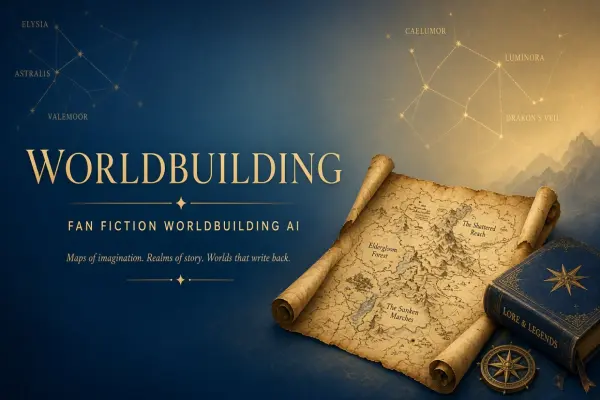
AI for Worldbuilding: A Workflow for Writers Who Still Own the Canon
Writers use AI for maps, languages, and lore bibles without outsourcing plot. Workflow separating ideation from prose.
-

Redesigning Workflows After AI Pilot Failure
Failed pilots still yield lessons. Structured retrospective and redesign path without blame.
-
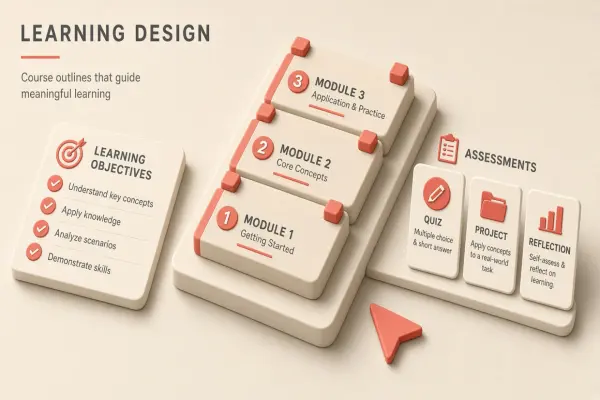
AI Workflow for Instructional Designers: Course Outlines
IDs accelerate outlines and assessments—learning objectives drive all AI drafts.
-
Texas AI Government Use Transparency Bill: 2026 Requirements
Texas advanced transparency rules for government AI use. Summarize disclosure duties, procurement rules, and vendor obligations.
-
GPT-6 Astra Launch: What OpenAI Changed and Who It Affects
OpenAI unveiled GPT-6 Astra with stronger reasoning and agent hooks. See what changed, how it compares to prior models, and what teams should test before switching.
-
AI Fraud and Scam Trends in 2026: Voice Cloning and Agent Abuse
Scammers scaled voice cloning, deepfake KYC, and agent-driven phishing in 2026. Learn patterns, losses, and defenses for consumers and firms.
Didn't find tool you were looking for?