-

Voice Notebook
Convert speech to text with advanced voice recognition across multiple platforms
 Free
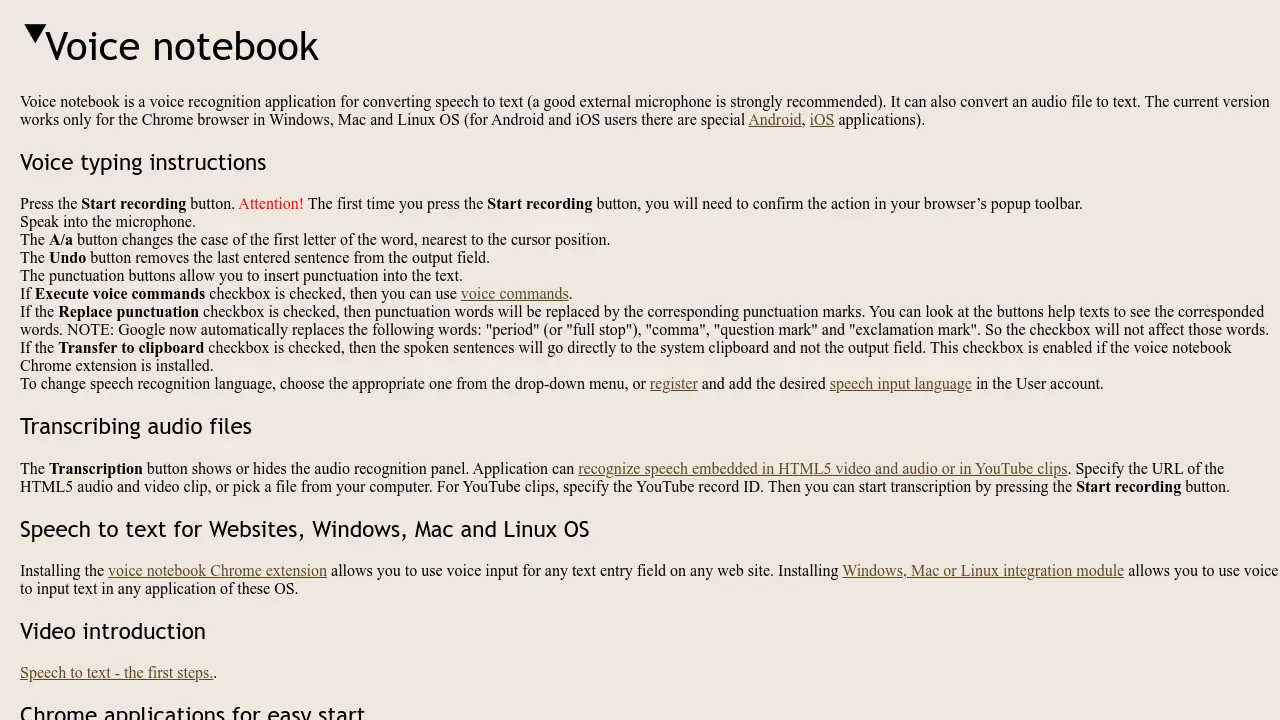
Voice Notebook is a voice recognition application that converts speech to text in real-time and transcribes audio files, supporting multiple languages and operating systems.
Key Features:
- Real-time Speech Recognition: Converts spoken words to text instantly with microphone input
- Audio File Transcription: Processes audio files, HTML5 media, and YouTube clips for text conversion
- Multi-language Support: Offers speech recognition in over 40 languages including English, Spanish, and Chinese
- Platform Integration: Works with Chrome browser, websites via extension, and desktop applications on Windows, Mac, and Linux
- Voice Commands: Allows execution of commands for text editing and punctuation insertion when enabled
Use Cases:
- Transcribing meetings or interviews in real-time
- Converting audio lectures or podcasts to text for study purposes
- Creating subtitles for videos by transcribing audio content
- Dictating documents or emails hands-free for productivity
- Assisting individuals with disabilities in text input through voice
-

SpeechTexter
Free Multilingual Speech-to-Text Transcription Tool
 Free
SpeechTexter is a free, multilingual speech-to-text application for transcribing notes, documents, and more using voice input. It supports over 70 languages and offers custom voice commands.
Key Features:
- Real-time Speech Recognition: Converts spoken words into text continuously as you speak.
- Multilingual Support: Offers transcription capabilities in over 70 languages.
- Custom Voice Commands: Allows users to define voice commands for punctuation, common phrases, and actions (e.g., new paragraph, undo).
- No Installation Required: Functions directly within compatible web browsers (primarily Chrome) without needing downloads or sign-ups.
- Customization Settings: Includes options for autosave, automatic capitalization, font adjustments, and dark theme.
- High Accuracy Potential: Aims for accuracy levels above 90%, dependent on language and speaker clarity.
- Audio File Transcription (Indirect): Can capture speech from audio/video playback by setting 'Stereo Mix' as the input.
Use Cases:
- Transcribing notes during lectures or meetings.
- Drafting documents, emails, or reports quickly.
- Writing blog posts or articles using voice.
- Assisting individuals with dyslexia or physical disabilities that hinder typing.
- Improving accessibility for users with hearing impairments by converting speech to text.
- Practicing pronunciation and fluency in foreign languages.
- Boosting productivity by reducing manual typing time.
-

Dictation.io
Type with your Voice in any language
 Free
Dictation.io is a web-based speech recognition tool that accurately transcribes voice to text in real-time, supporting multiple languages and voice commands within Google Chrome.
Key Features:
- Multi-language Support: Recognition of 50+ international languages
- Voice Commands: Add paragraphs, punctuation, and emojis using verbal instructions
- Real-time Transcription: Instant conversion of speech to text
- Local Storage: All data stored locally in browser for privacy
- Chrome Integration: Seamless functionality within Google Chrome browser
Use Cases:
- Email composition
- Document writing
- Multilingual text creation
- Accessibility typing
- Quick note-taking
-

Voice Out
The #1 Text-to-Speech Chrome Extension.
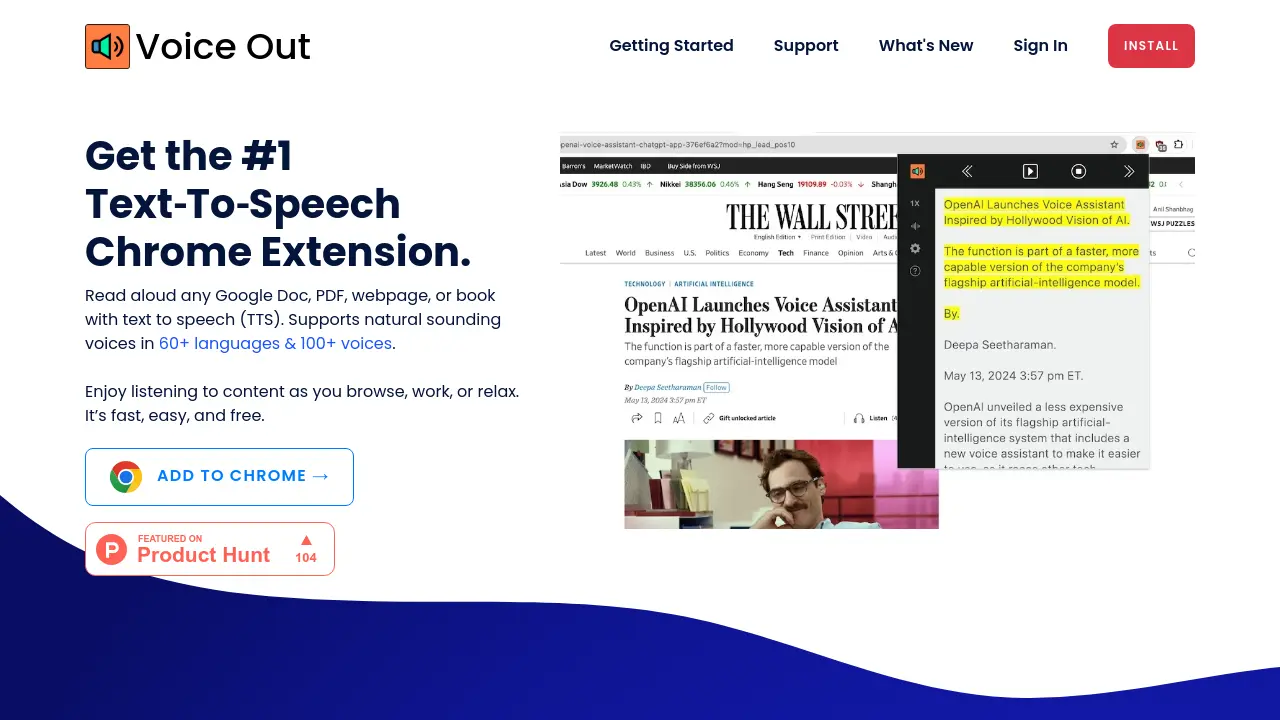 Free
Voice Out is a free text-to-speech Chrome extension that reads aloud any Google Doc, PDF, webpage, or book. It supports natural-sounding voices in over 60 languages and 100+ voices.
Key Features:
- Multi-lingual Support: Read aloud in 60+ languages.
- Broad Compatibility: Supports reading out any Google Doc, PDF, webpage, or book.
- Advanced Features: Background listening, highlighting, pausing, skipping, change pitch.
- Privacy Focused: Needs only minimal permissions to run. No tracking or data selling.
- Cross-Website Functionality: Works on a large number of websites, including news sites, email, and social media platforms.
Use Cases:
- Listen to articles while multitasking.
- Assist individuals with learning disabilities.
- Aid in learning a new language by listening to text.
- Review and edit written documents by hearing them read aloud.
- Enhance reading speed through speed-up functionality.
-

Intelligent Speaker
Last generation text-to-speech extension for browsers
 FreemiumStarting at $7/month
Intelligent Speaker is a browser extension that converts written text into natural-sounding speech using advanced AI technology, supporting web pages, local files, and 20 languages for enhanced productivity.
Key Features:
- Human-like Voice: Natural-sounding speech with real-life emotions and breathing effects
- Automatic Text Detection: Recognizes text on web pages and local HTML files automatically
- Multi-language Support: Speaks in 20 different languages
- Document Compatibility: Works with Google Docs, TXT, DOCX, and PDF files
- Offline Listening: Allows access to cached audio without an internet connection
- Podcast Sync: Synchronizes content with RSS/podcast readers for cross-device listening
- Speed Control: Adjustable playback speed to suit user preferences
- Privacy-focused: Does not store user texts on servers
Use Cases:
- Listening to articles, books, or documents while driving, cooking, or exercising
- Proofreading written content by hearing it read aloud with natural intonation
- Reducing eye strain by converting visual text into audio format
- Improving accessibility for individuals with visual impairments or reading difficulties
- Enhancing language learning by listening to content in different languages
- Creating personal podcasts from text-based content for on-the-go consumption
- Boosting work efficiency by multitasking with audio versions of documents
-

Speech Typing
Free Online Speech to Text & Voice Typing
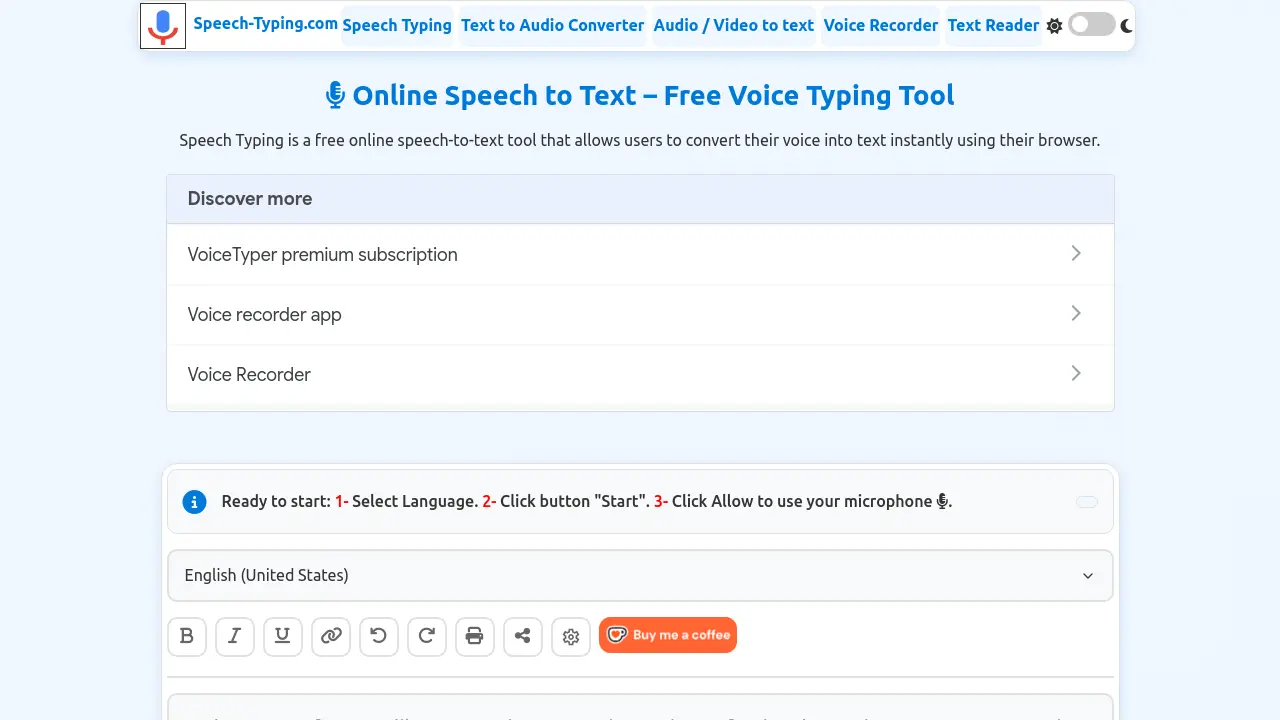 Free
Convert your voice into text instantly with this free online speech-to-text tool. Supports 100+ languages, works in your browser, and requires no sign-up.
Key Features:
- Real-Time Transcription: Converts speech to text instantly as you speak.
- 100+ Languages: Supports a wide range of languages and accents.
- Voice Commands: Add punctuation and formatting by saying "period", "comma", etc.
- No Sign-Up Required: Start dictating immediately without registration.
- Download Options: Save transcriptions as .TXT or .DOC files.
Use Cases:
- Taking notes during lectures or meetings
- Drafting emails and documents hands-free
- Creating content for blogs or social media
- Assisting individuals with dysgraphia or dyslexia
- Transcribing audio for accessibility purposes
-

VoiceMeetAI
Ace Your Interviews with AI in Real Time
 Freemium
VoiceMeetAI is an AI-powered Chrome extension that provides real-time speech-to-text transcription and intelligent insights for online meetings, interviews, and virtual lessons.
Key Features:
- Real-time Transcription: Instantly converts speech to text during meetings and interviews, working with tab audio and microphone input
- AI-Powered Insights: Provides intelligent analysis and contextual AI responses to help users ace interviews and stay on top of meetings
- Works Everywhere: Seamlessly integrates with Google Meet, Zoom, Teams, and any browser-based platform
- AI Screenshot Analysis: Captures screen content and provides instant AI-powered insights for diagrams, code snippets, and complex visuals
Use Cases:
- Online job interviews
- Virtual meetings and conferences
- Online lessons and educational sessions
- Recording and transcribing video calls
- Analyzing visual content during presentations
-

Readvox
Text to Speech reader with Natural AI voices
 Free
Readvox is a Chrome browser extension that converts text to speech using natural AI voices, designed for busy professionals and students, especially those with reading difficulties.
Key Features:
- Natural Voice Output: Lifelike AI voices for realistic text reading
- Select and Read: Convert any selected text on webpages to speech
- Browser Integration: Seamless functionality as a Chrome extension
- Accessibility Support: Assists users with reading difficulties
Use Cases:
- Listening to articles while multitasking
- Assisting users with reading difficulties
- Converting study materials to audio format
- Processing lengthy documents through audio