Readvox favicon

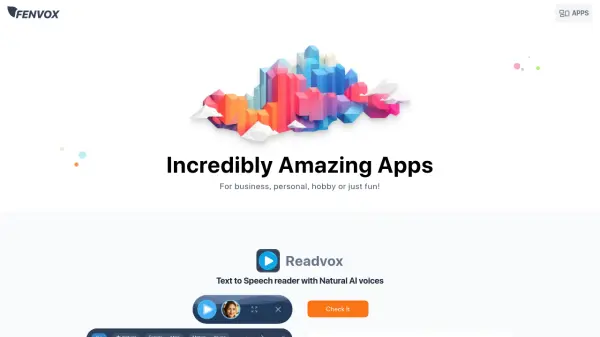
Readvox
Text to Speech reader with Natural AI voices

What is Readvox?

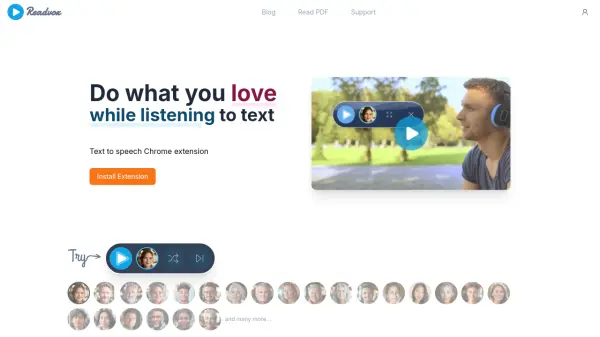
Readvox transforms written content into natural-sounding speech through its advanced AI voice technology. The Chrome browser extension allows users to select text from any webpage and have it read aloud with lifelike voices, making content consumption more accessible and efficient.

As a versatile text-to-speech solution, it seamlessly integrates into daily browsing activities, offering a hands-free way to consume written content while multitasking or addressing reading challenges.

Features

  • Natural Voice Output: Lifelike AI voices for realistic text reading
  • Select and Read: Convert any selected text on webpages to speech
  • Browser Integration: Seamless functionality as a Chrome extension
  • Accessibility Support: Assists users with reading difficulties

Use Cases

  • Listening to articles while multitasking
  • Assisting users with reading difficulties
  • Converting study materials to audio format
  • Processing lengthy documents through audio

FAQs

  • Which browsers support Readvox?
    Readvox is available as a Chrome browser extension.
  • What types of text can Readvox read?
    Readvox can read any selectable text from any webpage in your Chrome browser.
  • How natural do the AI voices sound?
    Readvox uses natural AI voices that sound lifelike, providing a more engaging listening experience.

Related Queries

Helpful for people in the following professions

Related Tools:

Blogs:

  • Best text to speech AI tools

    Best text to speech AI tools

    Text-to-speech (TTS) AI tools are designed to convert written or text-based content into natural-sounding spoken audio. These tools utilize various deep learning and neural network architectures to generate human-like speech from textual input.

  • Top 6 AI note-taking tools for 2026: in-person, online, and hybrid use cases

    Top 6 AI note-taking tools for 2026: in-person, online, and hybrid use cases

    Most AI note-taking lists are really lists of meeting bots, which join your video call and transcribe it. That's useful, but it's half the picture. Decisions happen in hallway conversations, client dinners, on-site visits, and hybrid rooms where nobody is on a video link. This guide covers different parts of the note-taking workflow: hardware capture for in-person settings, platform-native tools for online calls, and AI layers for organizing and synthesizing what you've captured. It compares six tools by capture context, workflow fit, pricing, and limitations.

Didn't find tool you were looking for?

Be as detailed as possible for better results