What is VoiceMeetAI?
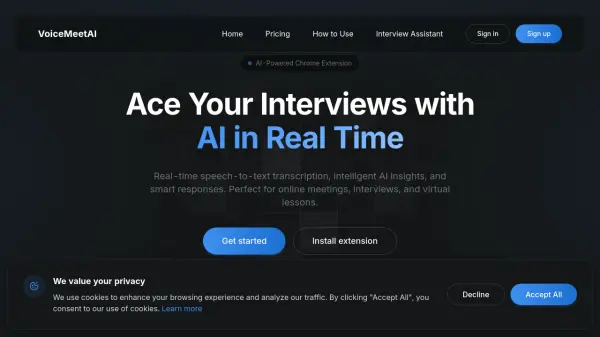
VoiceMeetAI is an AI-powered Chrome extension designed to enhance online communication experiences. The tool captures audio from browser tabs or microphones and instantly converts speech to text through real-time transcription. It provides intelligent analysis and contextual AI responses to help users excel in interviews and stay on top of meetings.
The extension seamlessly integrates with popular platforms like Google Meet, Zoom, Teams, and any browser-based system. It includes features such as one-click recording with instant transcription, real-time AI response generation, and AI screenshot analysis for visual content. VoiceMeetAI operates with user consent, starting recording only when manually activated, ensuring privacy and control.
Features
- Real-time Transcription: Instantly converts speech to text during meetings and interviews, working with tab audio and microphone input
- AI-Powered Insights: Provides intelligent analysis and contextual AI responses to help users ace interviews and stay on top of meetings
- Works Everywhere: Seamlessly integrates with Google Meet, Zoom, Teams, and any browser-based platform
- AI Screenshot Analysis: Captures screen content and provides instant AI-powered insights for diagrams, code snippets, and complex visuals
Use Cases
- Online job interviews
- Virtual meetings and conferences
- Online lessons and educational sessions
- Recording and transcribing video calls
- Analyzing visual content during presentations
FAQs
-
How does VoiceMeetAI handle privacy and recording?
VoiceMeetAI only starts recording when you click 'Start' and does not run in the background or record without your consent. -
What platforms does VoiceMeetAI work with?
VoiceMeetAI works with Google Meet, Zoom, Teams, and any browser-based platform through tab audio or microphone input. -
Is there a free version available?
Yes, VoiceMeetAI offers a free Starter plan with limited features, and users can upgrade anytime for more functionality.