What is MBox AI Meet?
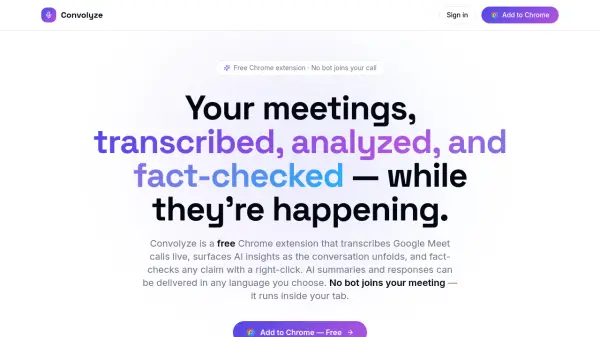
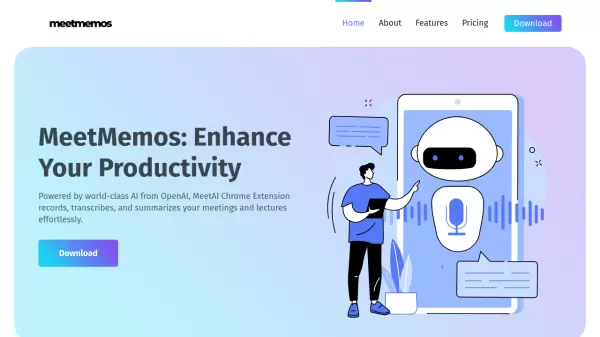
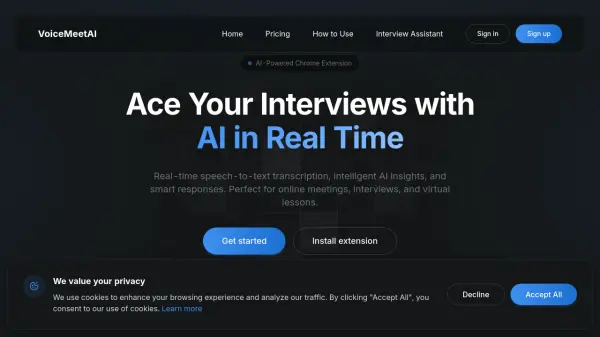
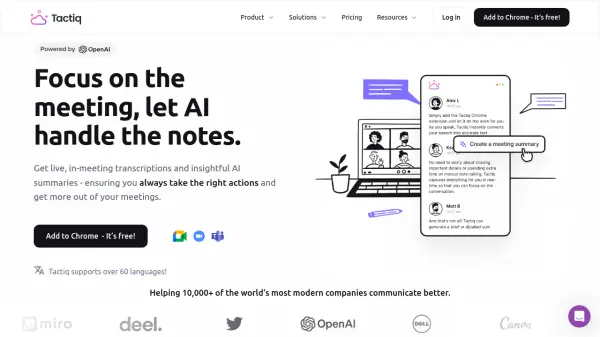
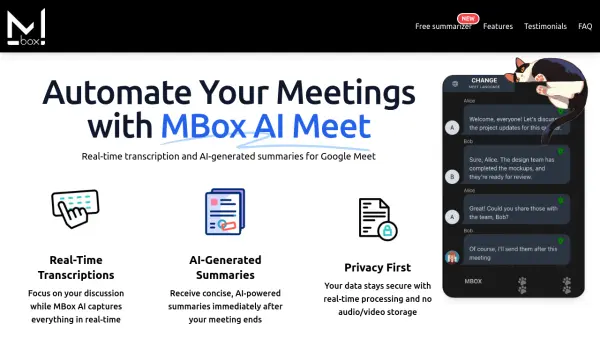
MBox AI Meet is a Chrome extension designed to enhance your Google Meet experience. It provides real-time transcription of your meetings, allowing you to focus on the discussion without worrying about taking notes.
After the meeting, MBox AI Meet generates concise summaries using Google's Gemini Pro model. This ensures that you receive a quick and accurate overview of the key points discussed. Your data privacy is prioritized; no audio or video is recorded or stored—only the transcribed text is saved.
Features
- Real-Time Transcriptions: Captures everything in real-time during your meeting.
- AI-Generated Summaries: Provides concise summaries immediately after your meeting ends.
- Privacy First: Ensures data security with real-time processing and no audio/video storage.
- Smart Action Tracking: Automatically identifies and highlights key action items.
- Customizable Summaries: Allows adjustment of the depth of AI-generated summaries.
- Multi-Language Support: Transcribes and summarizes meetings in multiple languages.
- End-to-End Encryption: Enhanced security ensures data safety and privacy.
- Advanced AI Model: Utilizes a powerful model for higher accuracy and larger token limits.
- Speaker Identification: Easily tracks who said what during the meeting.
Use Cases
- Automating meeting minutes for project management.
- Creating concise summaries for client consultations.
- Facilitating remote work collaboration.
- Managing large meetings with speaker identification.
- Supporting global teams with multi-language transcription.
- Enhancing productivity for freelancers and entrepreneurs.
- Simplifying meeting management for startup founders.
- Ensuring secure and reliable meeting records for IT specialists.
FAQs
-
Does MBox use ChatGPT?
No, MBox leverages Google's Gemini Pro model to ensure the highest accuracy and reliability. -
What does this extension do?
MBox is a Chrome extension that transcribes Google Meet sessions in real-time and sends a concise AI-generated summary directly to your email. -
Does MBox record the meeting audio?
No, MBox does not record or store audio. It processes transcriptions in real-time and saves only the text data. -
Can I customize the summaries?
Yes. You can fully customize the summaries to suit your preferences. -
Does MBox work with platforms other than Google Meet?
Currently, MBox is designed specifically for Google Meet. Compatibility with other platforms is under consideration.