What is Zoner Studio?
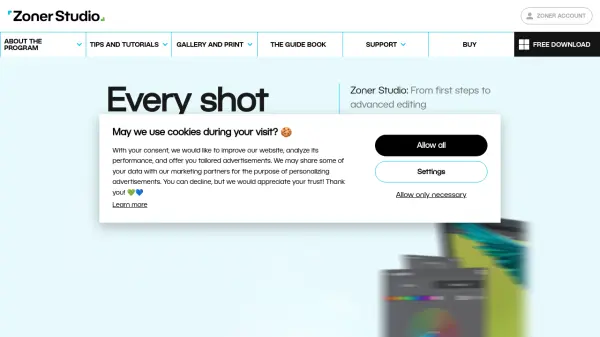
Zoner Studio provides comprehensive photo and video editing capabilities within a single program, eliminating the need for additional software. It supports editing of both standard image formats and RAW files, offering tools ranging from basic adjustments like cropping and exposure to advanced features such as layers, effects, and color correction. The software employs non-destructive editing to preserve original image data while enabling extensive modifications.
AI-powered tools enhance productivity by automating tasks like batch editing, face detection, and background removal. Regular updates introduce new features, including HDR editing and smart presets, ensuring users have access to the latest advancements. The intuitive interface is designed to accommodate beginners and professionals alike, with tutorials and guides available to support the learning process.
Features
- AI-Powered Editing: Automatic enhancement for batch processing, face detection, and one-click background removal
- Fast RAW Editing: Lightning-fast loading of RAW files with batch editing capabilities and intuitive presets
- True HDR Support: High-quality HDR photo editing with advanced tools
- Non-Destructive Editing: Preserves original image data while allowing extensive modifications
- All-in-One Platform: Combines photo editing, video editing, organization, sharing, and printing in a single program
Use Cases
- Editing travel and family photos with basic adjustments and creative effects
- Processing large batches of RAW photos from professional photography sessions
- Creating and editing short videos from vacation footage
- Removing backgrounds from product photos for e-commerce listings
- Applying HDR effects to landscape and architectural photography
FAQs
-
What operating systems does Zoner Studio support?
Zoner Studio runs on Windows 10 and 11. -
Can I use Zoner Studio on multiple devices?
Users with a valid subscription can use Zoner Studio on an unlimited number of devices. -
How often are new features added to Zoner Studio?
New tools and improvements are added twice a year.