
What is xcribe?
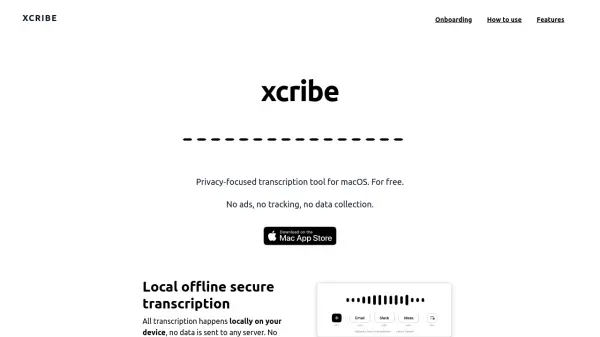
xcribe enables users to transcribe speech to text directly on their device, ensuring data privacy and security by keeping all processes offline. The tool works universally within any software that accepts text input, such as browsers, word processors, emails, and note-taking apps, requiring only a simple keyboard shortcut to activate voice input.
With xcribe, users can easily search and manage their transcriptions for future reuse, even when not connected to the internet. The absence of ads, tracking, and server-side processing guarantees that sensitive information remains local and confidential at all times.
Features
- Offline Transcription: Works entirely on the local device without internet.
- Universal Text Input: Compatible with any application accepting text.
- Hotkey Activation: Customizable keyboard shortcut to start transcription.
- Enhanced Privacy: No data transmitted to servers; secure and confidential.
- Transcription Management: Easy access, search, and reuse of past transcripts.
Use Cases
- Transcribing meeting notes in real time without internet access.
- Dictating emails directly into an email client securely.
- Recording and saving personal notes on the go.
- Drafting documents in word processors via voice.
- Maintaining searchable logs of verbal communications.