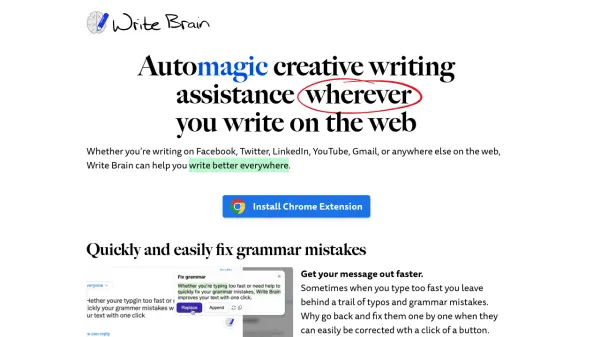
What is Write Brain?
Write Brain delivers comprehensive writing assistance directly in your web browser, enabling users to enhance their writing across various online platforms including Facebook, Twitter, LinkedIn, YouTube, and Gmail. The tool offers instant grammar correction, text optimization, and translation capabilities to help users communicate more effectively.
The platform specializes in streamlining the writing process by offering features like verbose text reduction, style enhancement, and automatic emoji suggestions. It helps users maintain professional communication by quickly fixing grammar mistakes, improving sentence structure, and facilitating multilingual communication through built-in translation features.
Features
- Grammar Correction: One-click grammar and typo fixes
- Text Enhancement: Improves writing with more descriptive language
- Translation Service: Translates text to and from multiple languages
- Text Optimization: Removes unnecessary words and corporate jargon
- Emoji Suggestions: Automatic emoji recommendations for paragraphs and lists
- Cross-platform Support: Works across all major web platforms
Use Cases
- Social media content writing
- Email composition
- Customer support communication
- Multi-language business correspondence
- Content creation for various web platforms
- Professional communication improvement
FAQs
-
How many edits do I get with the free plan?
The free Entry Writer plan includes 30 edits per month. -
Can I use Write Brain on any website?
Yes, Write Brain works across all major web platforms including Facebook, Twitter, LinkedIn, YouTube, Gmail, and other websites. -
Is there a pay-as-you-go option?
Yes, the Economy Writer plan offers pay-as-you-go options with packages of 300 edits for $9 or 900 edits for $19.