
What is Windstream Hosting?
Windstream Hosting offers an integrated online presence management platform that allows users to control various digital services through a single interface. The platform provides tools for website building, email administration, DNS configuration, and fax-to-email functionality, enabling users to manage their online operations efficiently from any location with internet access.
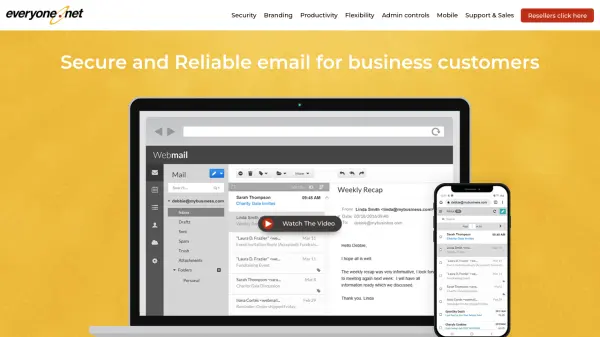
The service includes secure login portals for different service types, with separate access points for webmail, Exchange mail, and fax-to-email services. Users can access their email messages remotely through the online email portal, while the fax-to-email feature allows sending faxes without physical office equipment. The platform also offers DNS management tools including a DNS lookup utility and change request submission system.
Features
- Website Management: Tools for building and maintaining websites
- Email Administration: Webmail and Exchange mail access with remote capabilities
- DNS Configuration: DNS lookup tool and change request submission system
- Fax-to-Email: Online fax sending without physical office equipment
- Centralized Platform: Single interface for managing multiple online services
Use Cases
- Managing business websites and online presence
- Accessing email remotely while traveling
- Sending faxes without traditional fax machines
- Configuring DNS settings for domains
- Administering multiple online services from one platform