Windmill favicon

Windmill
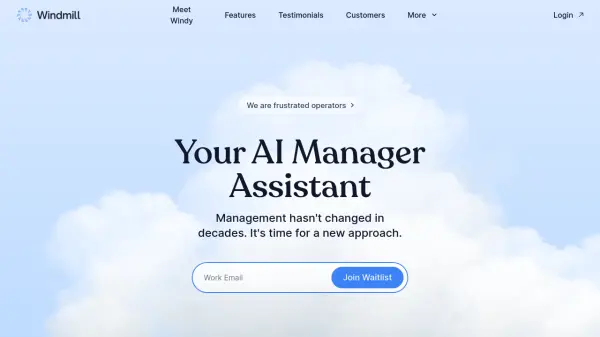
Your AI Manager Assistant

What is Windmill?

Windmill is an AI management assistant designed to streamline team management. It integrates with existing productivity tools to understand team dynamics and workflow. The AI, Windy, automates tasks such as gathering weekly accomplishments and collecting real-time feedback from team collaborations.

Windmill provides data-driven insights through detailed reports, performance metrics, and individual employee profiles. This helps managers focus on leadership rather than administrative overhead, promoting better team performance and business outcomes.

Features

  • Weekly Accomplishments: Gathers weekly accomplishments to ensure team alignment and productivity.
  • Realtime Feedback: Automatically collects feedback from collaborators in real-time.
  • Stats: Visualizes key performance metrics and trends.
  • Deep Dives: Generates detailed reports to understand team insights.
  • Employee Profiles: Provides instant access to profiles for every team member.

Use Cases

  • Streamlining performance management.
  • Automating feedback collection.
  • Gaining insights into team performance.
  • Improving team alignment and productivity.
  • Reducing administrative overhead for managers.

Related Tools:

Blogs:

  • Best ai tools for Twitter Growth

    Best ai tools for Twitter Growth

    The best AI tools for Twitter's growth are designed to enhance user engagement, increase followers, and optimize content strategy on the platform. These tools utilize artificial intelligence algorithms to analyze Twitter trends, identify relevant hashtags, suggest optimal posting times, and even curate personalized content.

  • Top 6 AI note-taking tools for 2026: in-person, online, and hybrid use cases

    Top 6 AI note-taking tools for 2026: in-person, online, and hybrid use cases

    Most AI note-taking lists are really lists of meeting bots, which join your video call and transcribe it. That's useful, but it's half the picture. Decisions happen in hallway conversations, client dinners, on-site visits, and hybrid rooms where nobody is on a video link. This guide covers different parts of the note-taking workflow: hardware capture for in-person settings, platform-native tools for online calls, and AI layers for organizing and synthesizing what you've captured. It compares six tools by capture context, workflow fit, pricing, and limitations.

Didn't find tool you were looking for?

Be as detailed as possible for better results