What is Whisprlist?
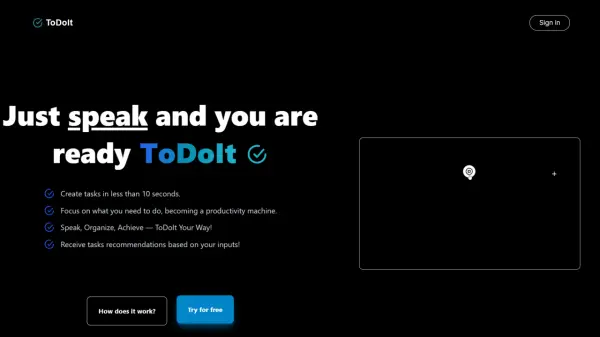
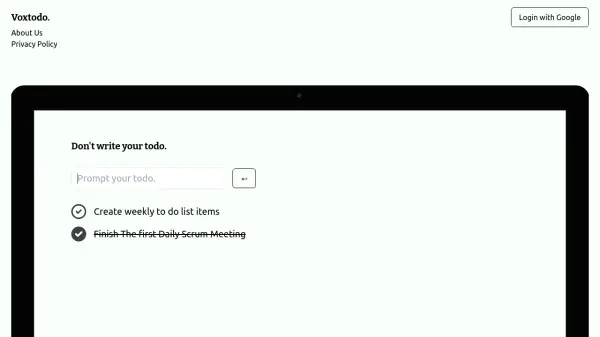
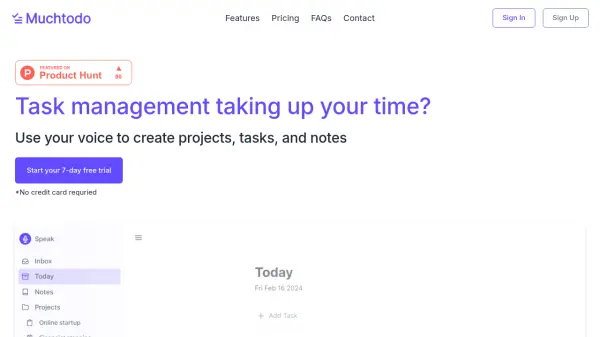
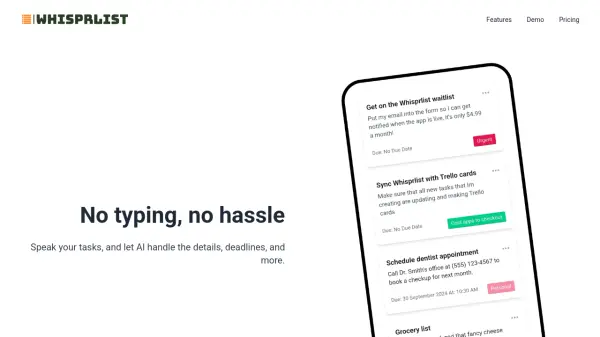
Transform your task management experience with a voice-first approach that eliminates the need for manual typing. The platform seamlessly converts spoken commands into well-organized tasks, automatically handling details, deadlines, and task organization.
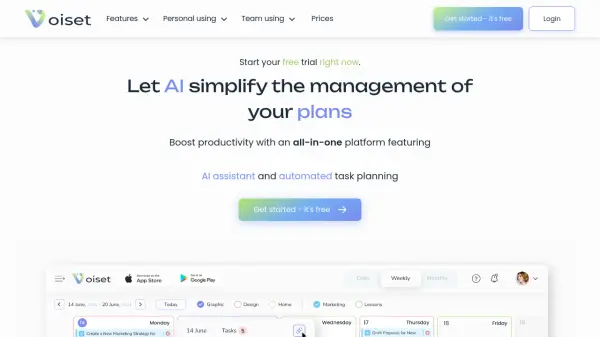
Through advanced AI capabilities, the system provides daily agenda summaries via email, helping users maintain focus and track upcoming responsibilities. The intelligent task organization ensures that every spoken command is efficiently processed and categorized for optimal productivity.
Features
- Voice-Activated Tasks: Create tasks by speaking with automatic organization
- AI Daily Summary: Personalized daily agenda emails with focus areas and task highlights
- Manual Task Creation: Option to create unlimited manual tasks
- Smart Task Organization: Efficient processing and categorization of spoken commands
Use Cases
- Daily task management and organization
- Creating to-do lists hands-free
- Managing personal and professional deadlines
- Receiving daily productivity summaries
- Quick task capture while multitasking
FAQs
-
What's the difference between Free and Premium plans?
The Free plan includes 20 voice tasks, unlimited manual tasks, and limited email agenda, while Premium offers unlimited voice tasks and manual tasks for $4.99/month. -
Can I switch between voice and manual task creation?
Yes, Whisprlist allows both voice-activated task creation and manual task input, giving users flexibility in how they manage their tasks. -
How does the daily agenda email work?
The AI generates and sends a daily email summarizing your focus areas and upcoming tasks to help keep you organized and on track.