
What is WhatWhen CRM?
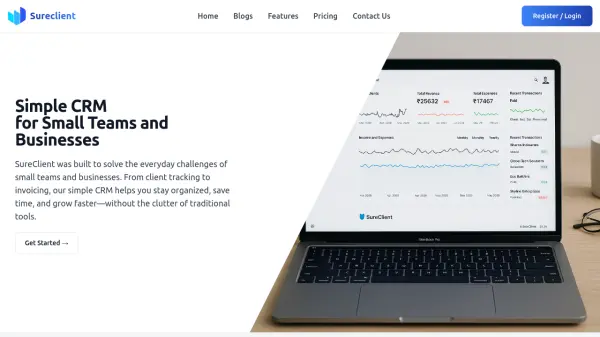
WhatWhen CRM provides a fresh approach to customer relationship management by eliminating the complexity often associated with traditional CRMs. It focuses on essential features like contact management and action tracking, presenting them in a straightforward interface that resembles a to-do list. This design helps users stay organized without the distraction of unnecessary plugins or overwhelming dashboards.
The tool includes functionalities such as logging past and upcoming actions, managing contacts in a centralized location, and receiving reminders through weekly summaries and nudges. It aims to reduce email overload and dashboard noise, allowing small businesses and freelancers to concentrate on what matters most in their operations.
Features
- Simple Interface: Designed to be as straightforward as a to-do list, reducing dashboard complexity and noise
- Contact Management: Centralizes all important contacts in one place with easy search capabilities
- Action Tracking: Allows logging of past and upcoming actions to keep track of important tasks
- Reminders: Provides weekly summaries and nudges to help users stay on track without email overload
Use Cases
- Managing customer relationships for small businesses
- Tracking client interactions and tasks for freelancers
- Organizing contacts and actions in a simple, centralized system
- Reducing CRM complexity to focus on essential business operations