

What is WhatsVegan?
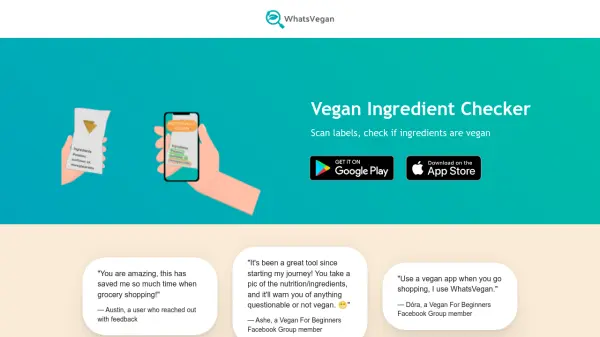
WhatsVegan is an AI-powered tool designed to assist users in determining whether products are vegan by scanning ingredient lists. Users simply take a photo of a product's ingredients, and the app analyzes the text to identify non-vegan, vegan, and potentially non-vegan ingredients. It provides color-coded results—green for vegan, red for not vegan, and orange for ingredients that may come from either animal or plant sources—offering clear, actionable insights.
Unlike barcode-based apps, WhatsVegan scans ingredients directly, making it compatible with all products regardless of whether they are in a database. This approach ensures broader usability and accuracy. The tool is intended for informational and educational purposes, helping users navigate grocery shopping more efficiently without providing dietary advice.
Features
- Ingredient Scanning: Uses AI to scan and analyze ingredient lists from photos
- Color-Coded Results: Marks ingredients as green (vegan), red (not vegan), or orange (possibly vegan)
- Universal Compatibility: Works with all products by scanning ingredients instead of barcodes
- Fast Processing: Checks if a product is vegan in seconds
Use Cases
- Checking if grocery products are vegan before purchase
- Identifying non-vegan ingredients in packaged foods
- Educating users about vegan-friendly ingredients
- Streamlining shopping for vegans and those transitioning to a vegan diet