

What is VeganVerify?
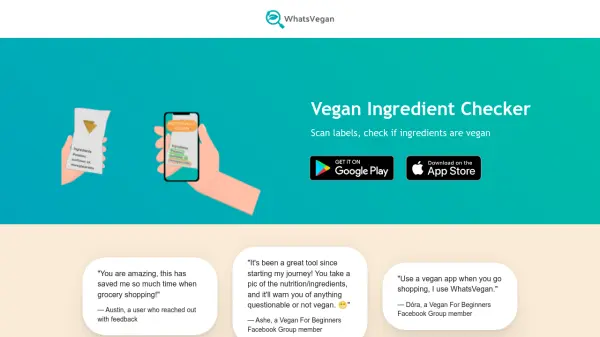
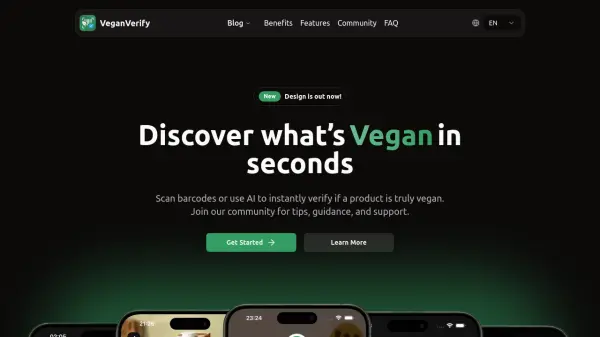
VeganVerify empowers consumers to identify vegan products quickly using advanced AI technology and barcode scanning. By pointing a mobile device at a product barcode or searching by name, users can instantly access product details, including clear indicators for vegan, non-vegan, and uncertain ingredients.
Backed by the trusted Open Food Facts database, VeganVerify's intelligent ingredient analysis detects hidden non-vegan components with ease and provides transparent explanations, enabling smarter and faster shopping decisions. Designed for simplicity and accuracy, the platform saves previous searches and supports a vibrant community sharing vegan shopping tips and guidance.
Features
- Instant Barcode Scanning: Quickly check vegan status of products by scanning barcodes.
- AI Ingredient Analysis: Automated detection of hidden animal-derived ingredients.
- Ingredient Breakdown: Visual identification of vegan, non-vegan, and uncertain ingredients.
- Manual Lookup: Search for products by name if a barcode is unavailable.
- History Tracking: All product scans are saved and accessible for future reference.
- Mobile Friendly: Optimized for speed and convenience on any mobile device.
- Community Support: Connect with a community for vegan lifestyle tips and guidance.
- Transparent Data: Relies on the Open Food Facts database for trustworthy information.
- Easy Scanning: Streamlined process for hassle-free product checks.
- Clear Visuals: Intuitive interface highlights ingredient statuses for fast decision-making.
Use Cases
- Checking food products for vegan suitability while shopping.
- Identifying hidden non-vegan ingredients in packaged goods.
- Searching by product name to confirm vegan status without barcode.
- Revisiting previous product scans to make repeat purchases.
- Gaining clarity on complex ingredient labels for a vegan lifestyle.
- Engaging with a community for advice and plant-based product recommendations.
FAQs
-
How does barcode scanning work?
Barcode scanning allows users to point their device's camera at a product barcode, instantly retrieving and analyzing product information to determine its vegan status using AI. -
What if the product isn't found?
If a product is not found via barcode, users can manually search for the product by name to check its vegan status. -
How does the ingredient photo scan work?
The ingredient photo scan leverages AI to analyze images of ingredient lists, identifying and highlighting vegan, non-vegan, and uncertain components. -
Can I search for products manually?
Yes, users are able to search for products by name within the app if a barcode is unavailable. -
What do 'Unknown' ingredients mean?
‘Unknown’ ingredients are components the AI cannot confidently verify as either vegan or non-vegan due to insufficient information.