What is WebinarIgnition?
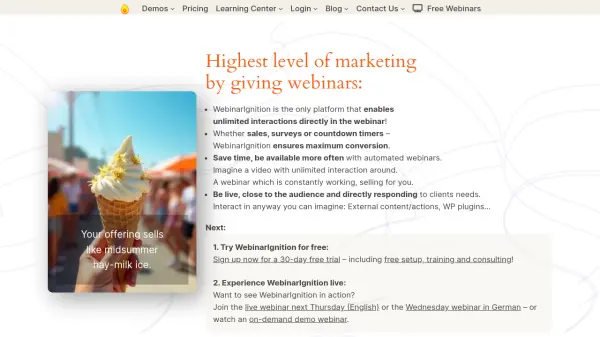
WebinarIgnition is a powerful WordPress plugin that enables users to create, host, and automate interactive webinars directly from their websites. The platform allows for real-time attendee participation through integrated interactions such as polls, group chat, call-to-actions, and embedded sales tools, ensuring maximum engagement and high conversion rates. It supports both live and evergreen webinars, efficiently handling small meetings and large-scale events with streaming capabilities for up to 10,000+ participants.
Designed for flexibility, WebinarIgnition is accessible to users ranging from creative individuals to automation experts, WordPress admins, and agencies. Its seamless integration with over 60,000 WordPress plugins enables extensive personalization, while intuitive registration via major social platforms simplifies attendee onboarding. The solution offers a hassle-free technical setup, a free 30-day trial, and ongoing support, making it an ideal choice for those seeking an advanced, customizable webinar experience.
Features
- Interactive Webinar Tools: Polls, group chat, embedded call-to-actions, and direct sales options within webinars
- Automated & Live Webinars: Host ongoing evergreen webinars or live sessions seamlessly
- Intuitive Registration: Quick sign-up via Facebook, YouTube, Google, Instagram, and one-click email access
- Scalable Streaming: Support for small meetings up to 10,000+ participants
- Personalized Integrations: Compatible with over 60,000 WordPress plugins for customized experiences
- High Conversion Sales: Integrates WooCommerce, Digistore24, and other sales platforms directly in webinars
- Easy Setup: Includes free setup, training, and consulting with a 30-day free trial
- Flexible Licensing: Single, 3-site, and 6-site licenses available
- Direct Browser Access: Attendees join webinars directly via web browser—no apps required
Use Cases
- Hosting live training or sales webinars for businesses
- Automating evergreen webinars for lead generation
- Running large-scale virtual conferences with real-time audience engagement
- Conducting interactive educational sessions for students or internal teams
- Selling products or services directly within webinars using integrated checkout tools
- Gathering attendee feedback through in-webinar surveys and polls
- Increasing client engagement through direct chat and personalized call-to-actions
FAQs
-
Does WebinarIgnition support both live and automated (evergreen) webinars?
Yes, WebinarIgnition allows you to host both live webinars and fully automated evergreen sessions. -
Is technical setup and support included?
A free technical setup, training, and consulting service is offered during the 30-day free trial, with continued support for all users. -
How many participants can join a webinar on WebinarIgnition?
The platform accommodates streaming for over 10,000 attendees and meeting modes for up to 300 participants. -
Does WebinarIgnition integrate with e-commerce platforms?
Yes, it integrates directly with platforms such as WooCommerce and Digistore24 for seamless in-webinar sales. -
Can I use WebinarIgnition with other WordPress plugins?
WebinarIgnition is compatible with over 60,000 WordPress plugins, allowing for extensive personalization and integration.