What is Visual Codes?
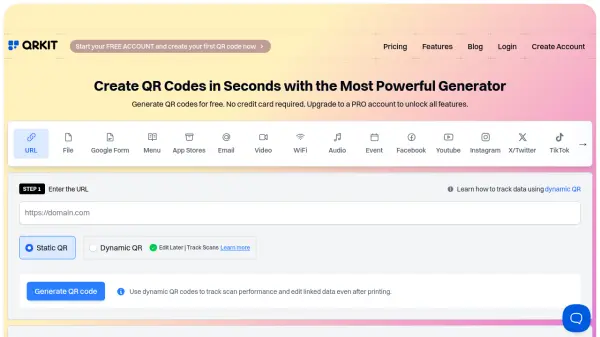
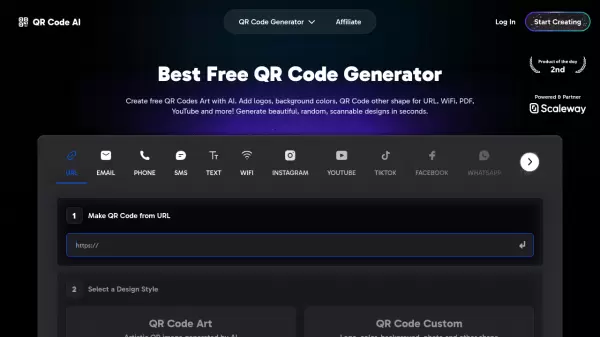
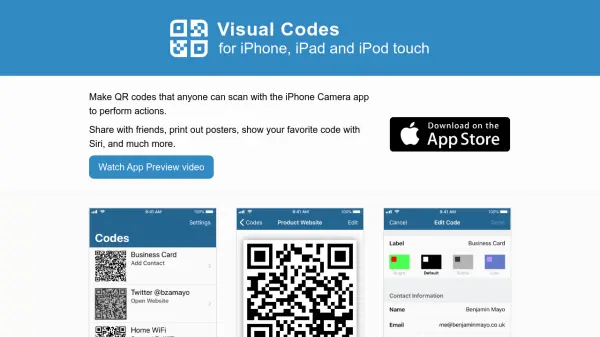
Visual Codes is an iOS application designed to create QR codes that can be scanned using the built-in iPhone and iPad Camera app on iOS 11 and later. It generates codes for a range of actions, including opening websites, searching the web, composing emails, adding contacts, mapping locations, calling phone numbers, and connecting to WiFi networks. The app ensures compatibility with other barcode-scanning apps and devices, such as most Android phones.
Users can easily create codes by tapping Add Code, selecting an action type, and saving them to a library for later access. The app offers scanning capabilities to interpret QR code content in a human-readable format, with options to save scanned codes. It includes advanced printing features like grid mode for multiple copies and poster mode for large displays, along with four color styles for customization. Integration with Siri allows quick access to pinned codes via voice commands, and the Apple Watch app mirrors the code library for convenient use on the go.
Features
- QR Code Generation: Create codes for actions like opening websites, WiFi connection, and mapping locations.
- Scanning Functionality: Scan QR codes to view content in human-readable form and save them to your library.
- Printing Options: Print codes in grid mode for multiple copies or as posters for large displays.
- Color Customization: Choose from four styles (Bright, Default, Subtle, Lilac) to customize code appearance.
- Siri Integration: Access pinned codes with voice commands for quick use without opening the app.
- Apple Watch App: Mirror your code library on Apple Watch for easy access and display.
Use Cases
- Generating QR codes for business contact information or promotional websites.
- Creating WiFi access codes for easy network connection in homes or offices.
- Printing QR codes as posters for events or shop windows to share information.
- Using Siri to quickly display frequently used codes, such as for home WiFi.
- Scanning and saving QR codes from other sources into a personal library for organization.
FAQs
-
What devices are compatible with Visual Codes?
Visual Codes is compatible with iPhone, iPad, and Apple Watch, and the QR codes work with most Android phones and other barcode-scanning apps. -
How do I create a QR code with Visual Codes?
Tap Add Code in the app, select the type of action (e.g., open website, connect to WiFi), and the code is generated and saved to your library. -
Can I scan QR codes with Visual Codes?
Yes, tap Scan Code from the Add Code screen to scan QR codes, view their content in a human-readable form, and save them to your library. -
What printing options are available in Visual Codes?
You can print codes in grid mode for multiple copies per sheet or as posters to fill a single page with optional headings. -
How does Siri integration work with Visual Codes?
Set a code as your Pinned Code, and use a voice command with Siri to display it without opening the app, useful for quick access to codes like WiFi.