
What is Barcodes?
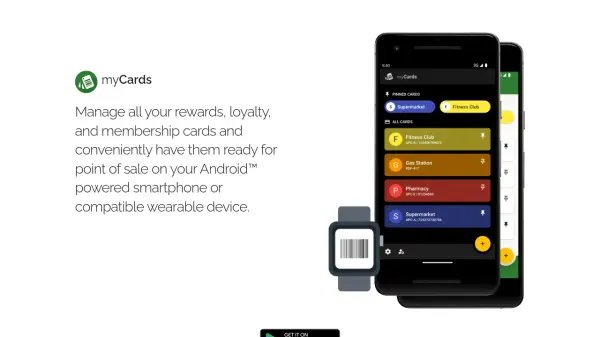
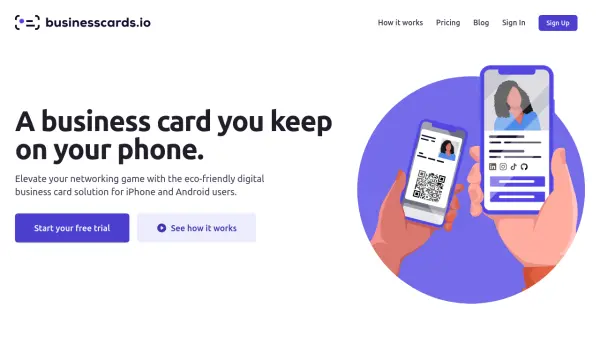
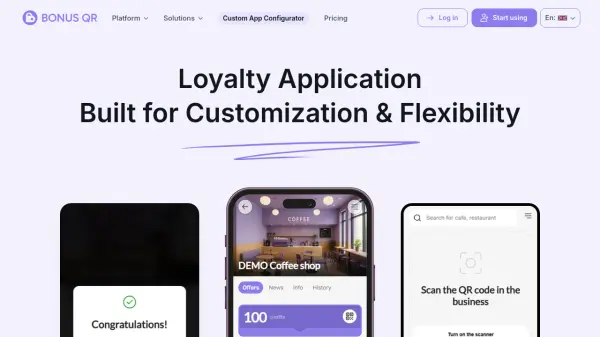
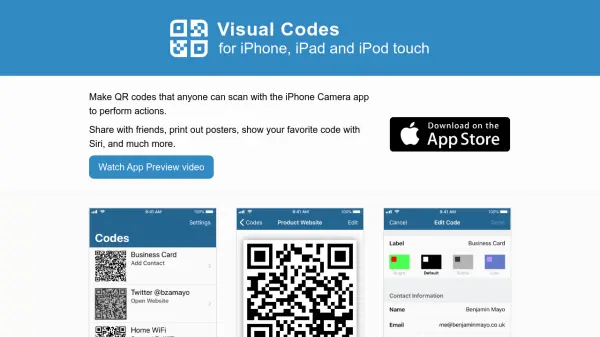
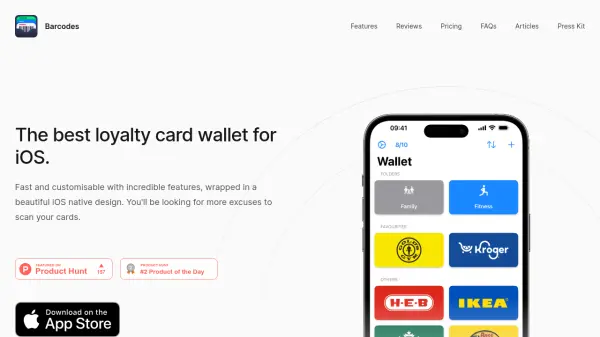
Barcodes is a comprehensive iOS application designed to simplify wallet management by digitally storing various card types, including QR codes, barcodes, loyalty cards, reward cards, and gym membership tags. It offers a user-friendly interface with customizable features, allowing users to import cards via camera scan, images, or screenshots and personalize them with symbols or brand logos.
The app ensures convenience with iCloud storage and sync for cross-device access, home screen and lock screen widgets for quick card retrieval, and an Apple Watch companion app for on-the-go use. It prioritizes privacy by not tracking user activity, making it a secure choice for managing sensitive card information without compromising data security.
Features
- Digital Wallet: Safely store and manage QR codes, barcodes, loyalty cards, reward cards, and gym membership tags in one place
- Automatic Card Scanning: Easily scan and store cards using device camera or import from photo library, including screenshots
- iCloud Storage and Sync: Access cards across all devices with iCloud sync without needing a separate account
- Customization: Personalize cards with customizable colors, symbols, and supported store logos, with various app icon options
- Convenient Access: Use home screen and lock screen widgets and Apple Watch companion app for quick card access
Use Cases
- Storing loyalty and reward cards for retail shopping
- Managing gym membership tags for fitness centers
- Organizing QR codes for events or services
- Keeping barcodes for library or access cards in one place
- Simplifying wallet by digitizing multiple card types
FAQs
-
How do I add my cards to Apple Wallet?
If you have Barcodes Unlimited, you can add any card with Aztec, PDF417, or QR format to Apple Wallet by going to Edit mode for the card and toggling the option on. -
How can I get my Apple Wallet passes to show on my Lock Screen when nearby?
Edit a card to add up to 10 relevant locations to the Apple Wallet pass and set the display distance; the pass will then show on your Lock Screen when nearby. -
Does Barcodes have access to my location?
No, Barcodes does not access your location, but Siri may suggest the app based on usage patterns for actions like scanning at gyms or checkouts. -
Why does the app require payment for full functionality?
Barcodes does not sell user data, so in-app purchases fund sustainable development; users can use it for free with limitations or upgrade to Barcodes Unlimited for full features. -
How can I make a suggestion?
Email [email protected] to share suggestions or feedback.