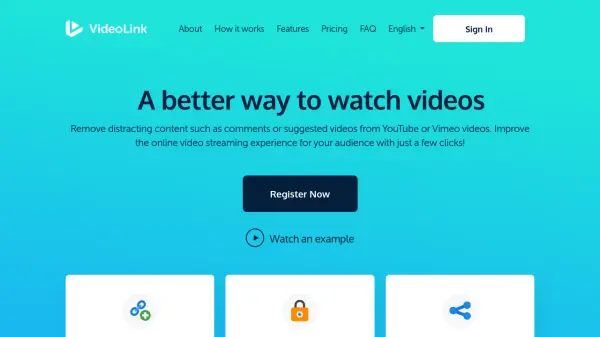
What is VideoLink?
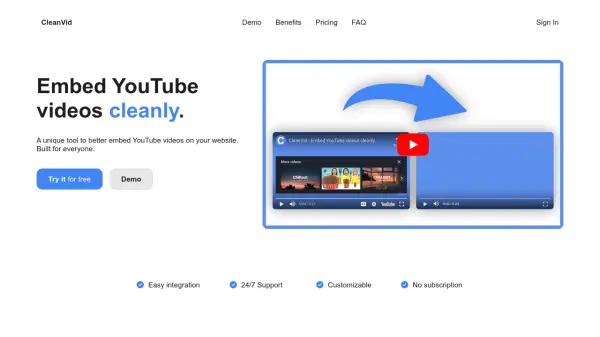
VideoLink is an independent tool designed to enhance the online video streaming experience by removing distracting elements such as comments, suggested videos, and harmful content from YouTube and Vimeo videos. Users can generate a VideoLink by simply copying and pasting any YouTube or Vimeo URL, which creates a distraction-free video page within seconds.
The platform offers features like customizing video titles and descriptions, generating shorter URLs, sharing via QR codes, and tracking video statistics. It includes a browser extension for creating safe video links directly from the video being watched. VideoLink is widely used by educators, professionals, and parents to share videos in safer, more focused environments without intrusive elements.
Features
- Distraction Removal: Removes comments, suggested videos, and harmful content from YouTube and Vimeo videos
- Customizable Links: Allows users to control video title, description, and create shorter URLs
- QR Code Sharing: Enables sharing videos via QR codes for easy access
- Browser Extension: Provides a bookmarklet for creating safe video links directly from the video page
- Link Tracking: Tracks video statistics including views and interactions
Use Cases
- Sharing educational videos in classrooms without distracting comments
- Presenting professional videos in office meetings with cleaner interfaces
- Parents allowing children to watch online videos safely
- Marketers sharing promotional videos with customized descriptions
- Online coaches distributing tutorial videos without intrusive elements
FAQs
-
What video platforms does VideoLink support?
VideoLink supports YouTube and Vimeo videos for creating distraction-free links. -
Is there a limit to how many VideoLinks I can create?
The free version has a limit of 20 VideoLinks, after which users need to upgrade to premium. -
Can I track how many people view my VideoLinks?
Yes, VideoLink offers link tracking features to monitor views and other interactions. -
Does VideoLink work with private or unembeddable videos?
No, VideoLink depends on the original platform's settings, so private or unembeddable videos will not play.