Vext favicon

Vext
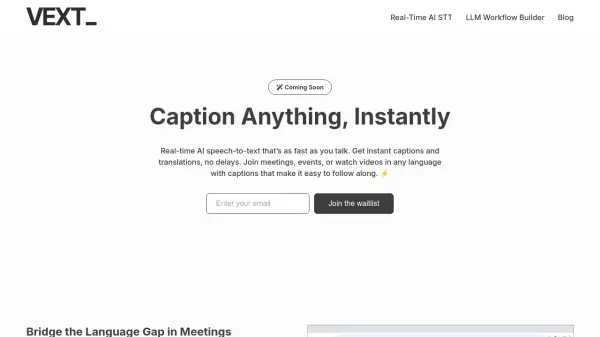
Caption Anything, Instantly

What is Vext?

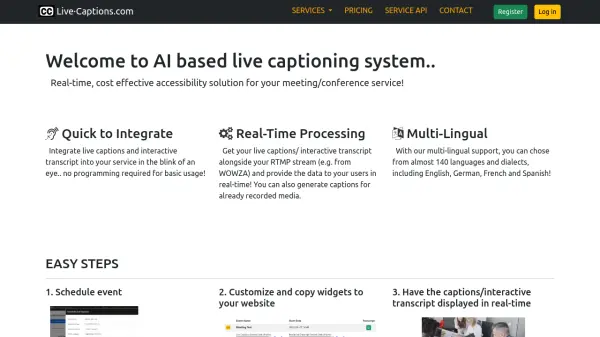
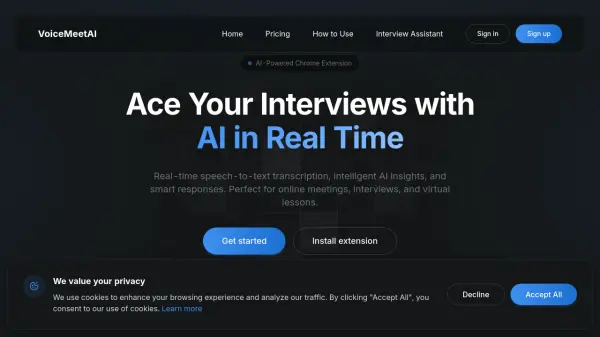
Vext is a real-time AI speech-to-text tool designed to provide instant captions and translations. The technology keeps pace with the speed of conversation, making it suitable for meetings, events, and videos.

Vext enhances communication by removing language barriers. It can be overlaid on any meeting app within a browser and provides accurate captions even for videos without native closed captions, surpassing auto-generated options in quality and delivery.

Features

  • Real-time Captions: Provides instant captions as fast as you talk.
  • Instant Translations: Offers real-time translations for meetings and videos.
  • Seamless Integration: Overlays on any meeting app within your browser.
  • Enhanced Accessibility: Delivers accurate captions for videos without native closed captions.

Use Cases

  • Enhancing meeting experiences with live captions and translations.
  • Providing accessibility for videos lacking native closed captions.
  • Facilitating multilingual communication in events.
  • Improving comprehension and participation in online meetings.

Related Tools:

Blogs:

  • Ghibli Art Generator AI tools

    Ghibli Art Generator AI tools

    List of the best AI tools to turn your photos into images that look like Studio Ghibli movies. Easy to use and fun for everyone.

  • Boost Engagement in Ads with AI

    Boost Engagement in Ads with AI

    Discover how AI music and AI SDR agents are reshaping modern advertising. Learn how emotional resonance through AI-generated soundtracks combined with smart, automated sales outreach can turn viewers into loyal customers faster, cheaper, and more personally than ever before.

  • Top 6 AI note-taking tools for 2026: in-person, online, and hybrid use cases

    Top 6 AI note-taking tools for 2026: in-person, online, and hybrid use cases

    Most AI note-taking lists are really lists of meeting bots, which join your video call and transcribe it. That's useful, but it's half the picture. Decisions happen in hallway conversations, client dinners, on-site visits, and hybrid rooms where nobody is on a video link. This guide covers different parts of the note-taking workflow: hardware capture for in-person settings, platform-native tools for online calls, and AI layers for organizing and synthesizing what you've captured. It compares six tools by capture context, workflow fit, pricing, and limitations.

Didn't find tool you were looking for?

Be as detailed as possible for better results