What is Vecticon?
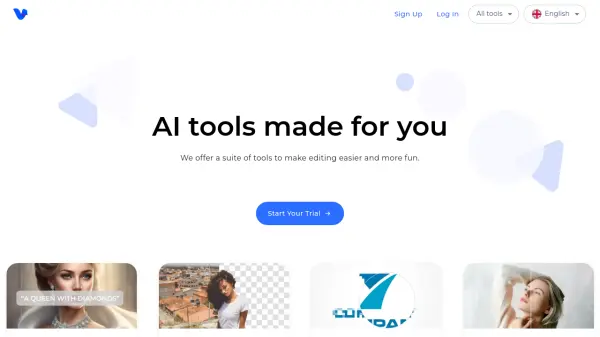
Vecticon provides a comprehensive suite of AI-powered tools designed to streamline and enhance various editing tasks for both images and audio content. The platform aims to make complex editing processes more accessible and efficient for users, regardless of their technical expertise. It offers a user-friendly interface to navigate its diverse functionalities, helping users achieve professional results quickly.
Key offerings include an AI Image Generator for creating unique visuals from scratch, a Background Remover for isolating subjects with clean cutouts, and an Image Vectorizer to convert raster images into scalable vector graphics. Users can also benefit from an Image Enhancer to improve picture quality and details, a Blur Remover for sharpening images, and an Image Upscaler that increases resolution up to ten times while preserving quality. Additional tools like an Image Colorizer for bringing old black and white photos to life, an Object Remover for cleaning up pictures, a Text to Speech converter for generating natural-sounding audio from text, along with File and DPI Converters, further expand its utility for various creative and professional projects.
Features
- AI Image Generator: Easily create beautiful photos in seconds.
- Background Remover: Remove the background from any image for a smooth & clean cutout fast.
- Image Vectorizer: Transform images and logos into vector graphics for clarity at any dimension.
- Image Enhancer: Increase the resolution and details of any image with one single click.
- Blur Remover: Unblur images and increase their quality and details.
- Image Upscaler: Upscale any image up to x10 times, while preserving its quality and resolution.
- Image Colorizer: Automatically colorize old black and white photos and increase their quality.
- Object Remover: Easily remove unwanted objects or people from photos.
- Text to Speech: Transform text into natural-sounding voices for an immersive audio experience.
- File Converter: Easily convert files to many formats.
- DPI Converter: Easily change the DPI of any image.
Use Cases
- Generating unique AI-driven images for creative projects or marketing materials.
- Removing backgrounds from product images for e-commerce or portraits for professional use.
- Converting logos and illustrations into scalable vector formats for print or web.
- Enhancing the quality and resolution of old, blurry, or low-resolution photographs.
- Restoring and colorizing vintage black and white photos.
- Removing unwanted objects, people, or blemishes from images.
- Creating voiceovers for videos, presentations, or e-learning content.
- Converting various file types into desired formats for compatibility.
- Adjusting image DPI for specific printing or display requirements.
FAQs
-
How many credits can I use during the trial period?
During your 2-day trial period, you will receive 30 credits to use across all tools available on the website. Each credit allows one use of any tool. For the text-to-speech tool, one credit equals 1,000 characters of generated audio. -
Can I cancel my plan?
Yes, you can cancel your plan at any time. You can typically do so from inside your account or by contacting our customer support team using the contact form. -
What payment methods do you support?
We accept payments via credit and debit cards, Google Pay and Apple Pay. -
My payments are not working. What should I do?
To resolve payment issues, such as declined or incomplete transactions, please contact us at [email protected].