
What is TypeCase?
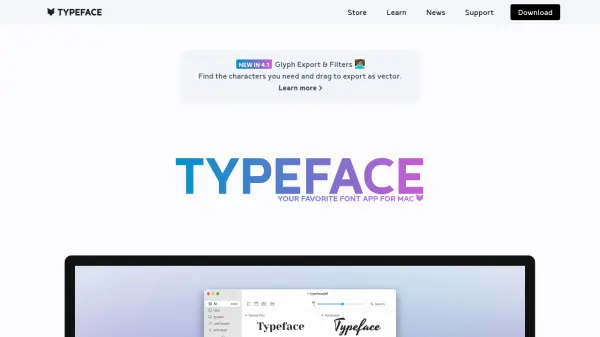
TypeCase is a specialized utility designed for Mac users who work with fonts. It simplifies the process of previewing and comparing typefaces by allowing users to drag any folder containing font files directly onto the application. This functionality works regardless of how disorganized the folders might be, making it easy to access and evaluate fonts without manual sorting.
The tool supports all major font formats and offers features such as changing preview text globally or per font, adjusting size and color for legibility and contrast testing, and adding labels to fonts for style guide organization. Users can save custom font sets for reference and generate PDF type specimens or style guides with a single click, which can be shared with clients or used for personal reference. Additionally, right-clicking on a font name reveals it in the Finder for easy installation with preferred font managers.
Features
- Drag-and-Drop Preview: Preview fonts by dragging any folder containing font files, regardless of folder organization
- Font Format Support: Supports all major font formats for comprehensive compatibility
- Customizable Comparison: Change preview text, size, and color globally or per font for easy typeface comparison and legibility testing
- Labeling and Organization: Add labels to fonts for style guide categorization (e.g., headline, body, blockquote)
- PDF Generation: Save custom font sets and generate PDF type specimens or style guides with a single click for sharing or reference
- Finder Integration: Right-click font names to reveal fonts in the Finder for easy installation with font managers
Use Cases
- Previewing and comparing fonts from messy folders for design projects
- Generating PDF type specimens or style guides to share with clients
- Organizing fonts with labels for style guide creation (e.g., headlines, body text)
- Testing font legibility and contrast by adjusting size and color settings
- Rediscovering lost or unused fonts in personal or project collections
- Creating perfect type pairings for branding or design work