What is TrackMySubs?
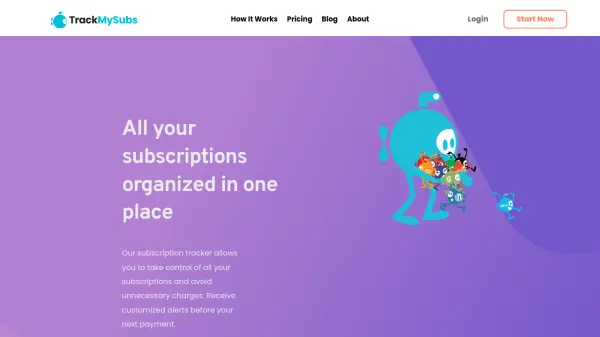
TrackMySubs provides a centralized platform for managing all subscription payments, enabling users to track expenses and receive customized alerts before renewals. The tool helps avoid forgotten charges by offering timely notifications and organizational features like folders, tags, and payment methods.
Designed for digital entrepreneurs, IT consultants, and small businesses, it supports CSV import/export, Zapier integrations, and detailed reports to monitor spending. Users can start with a free plan tracking up to 10 subscriptions and upgrade to unlimited plans for comprehensive expense management.
Features
- Alerts: Customize timing and send alerts to multiple emails before payments
- Expense Management: Organize subscriptions with folders, tags, and payment methods
- Reports: View spending details with clear reports on when, who, and how much
- CSV Import/Export: Bulk update subscriptions and backup data easily
- Integrations: Connect to other apps via Zapier for alerts on platforms like Slack
Use Cases
- Managing multiple client subscriptions for digital agencies
- Tracking personal subscriptions like gym memberships and warranties
- Monitoring business expenses for small businesses and IT consultants
- Avoiding forgotten payments and canceling unused services
- Organizing recurring bills for better budget control