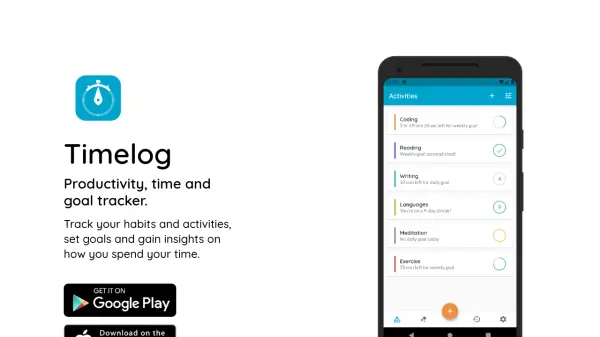


What is Timelog?
Timelog empowers individuals to maximize their productivity by tracking habits, time spent on activities, and progress toward personal goals. The intuitive interface includes in-app timers such as a stopwatch, countdown, and Pomodoro, as well as options for manual time entry. Users can set daily, weekly, or monthly goals, receive custom reminders, and monitor their routines through visual charts and reporting tools.
Beyond simple time tracking, Timelog encourages long-term improvement by helping users analyze their performance with trends, statistics, and streaks. It supports mood and performance tracking for a holistic overview, enabling continuous growth and better prioritization of key activities. With customizable tasks and categories, Timelog adapts to various productivity systems for both personal and professional development.
Features
- Time Tracker: In-app stopwatch, countdown, and Pomodoro timers for detailed time tracking.
- Goal Tracker: Daily, weekly, or monthly goal setting with progress and streak monitoring.
- Mood Tracker: Optional recording of mood or performance for holistic tracking.
- Charts, Trends, and Insights: Visual analytics revealing time allocation and productivity trends.
- Tasks and Categories: Customizable activity organization with support for sub-tasks and category grouping.
- Reminders: Custom alerts to maintain habits and achieve goals.
- Manual Time Entry: Flexibility to log time spent outside the app.
- Dark Mode: Eye-friendly interface for comfortable usage.
Use Cases
- Monitoring work and personal productivity on a daily or weekly basis.
- Building and maintaining new habits through routine tracking and reminders.
- Setting and achieving personal or professional goals with detailed progress visualization.
- Analyzing trends in time usage to identify areas for improvement.
- Tracking moods or performance for mental health and well-being alongside productivity.