
What is TextAnim?
TextAnim is a powerful and intuitive online tool designed for creating fully customized animated text. It supports multi-line text with up to 60 characters per line, enabling users to build titles, quotes, or layered messages across several lines. The tool works with almost all languages worldwide, featuring Unicode support for correct rendering of special characters, accents, and right-to-left scripts.
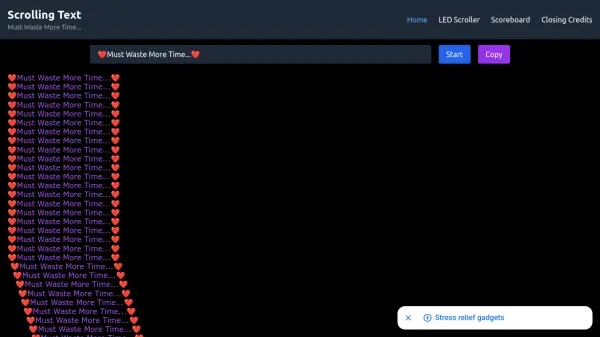
Users can customize every detail, including text size, font family, outline thickness, color, and choose from hundreds of background patterns to create vibrant, eye-catching animations. Animation direction is fully adjustable, offering options like top to bottom, left to right, or diagonal movements. With the built-in GIF/WebP generator, animations can be instantly downloaded or shared, making it ideal for social media, websites, presentations, and digital content. For optimal performance, TextAnim automatically exports animations in the modern WebP format, providing smaller file sizes and faster loading than GIF.
Features
- Multi-line Text Support: Allows up to 60 characters per line for titles, quotes, or layered messages
- Unicode Language Support: Works with almost all languages, including special characters and right-to-left scripts
- Customization Options: Adjust text size, font family, outline thickness, color, and background patterns
- Animation Direction Control: Fully adjustable directions such as top to bottom, left to right, or diagonal
- Built-in Export Generator: Instantly download or share animations in GIF or WebP format for optimal performance
Use Cases
- Creating animated titles for social media posts
- Designing quotes for websites or blogs
- Building layered messages for presentations
- Generating eye-catching text for digital content
- Producing animations for marketing materials