
What is Brat Text Generator?
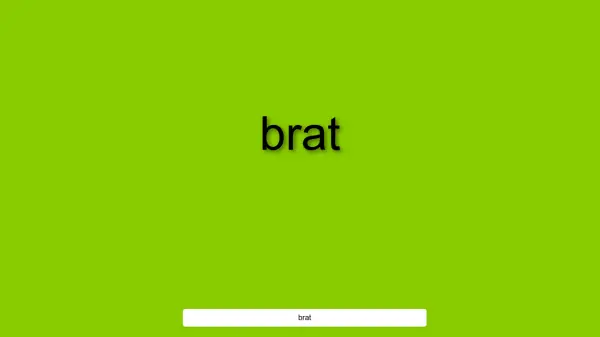
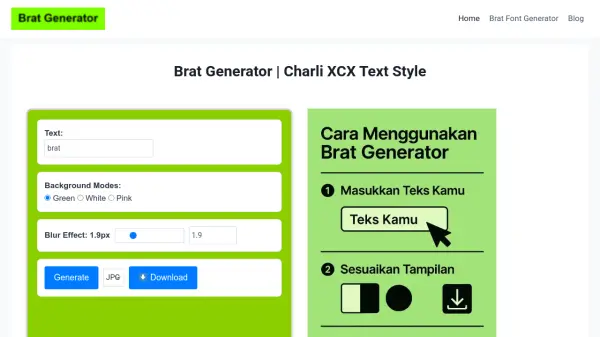
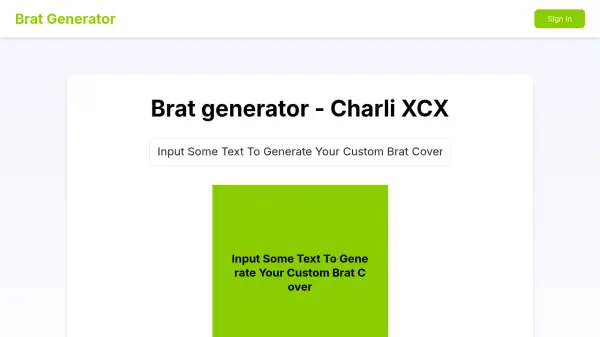
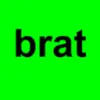
The Brat Text Generator provides a user-friendly interface for creating customized text images with a sassy aesthetic. Users can input their desired text and adjust various visual parameters including background color, font color, font size, and text blur effects. The tool offers real-time preview functionality, allowing immediate visualization of changes as they are made.
This mobile-friendly generator supports special characters, emojis, and symbols within the text input. Users can align text in multiple orientations and download their final designs as high-quality PNG files suitable for sharing across various platforms. The tool operates entirely through a web browser without requiring any software installation.
Features
- Real-time Preview: See text changes immediately as you customize colors and effects
- Color Customization: Adjust both background and text colors using color pickers or hex codes
- Text Effects: Apply blur effects for a soft, dreamy look to your text
- Multiple Alignment Options: Switch between left, right, center, and justify text alignments
- Mobile Compatibility: Works seamlessly on all devices including phones and tablets
- Special Character Support: Include emojis, symbols, and special characters in your text
- High-Quality Output: Download images as PNG files with good resolution
Use Cases
- Creating sassy text images for social media posts
- Designing customized text overlays for digital content
- Generating stylish text for meme creation
- Producing text-based graphics for personal projects
- Creating attention-grabbing text for online communications