What is AI Gif Generator?
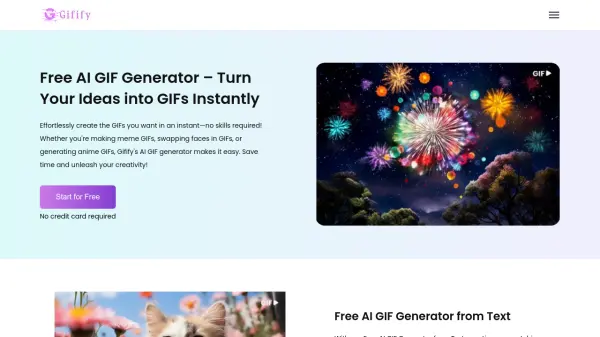
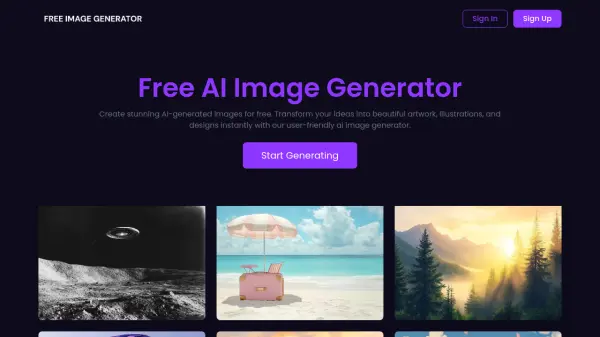
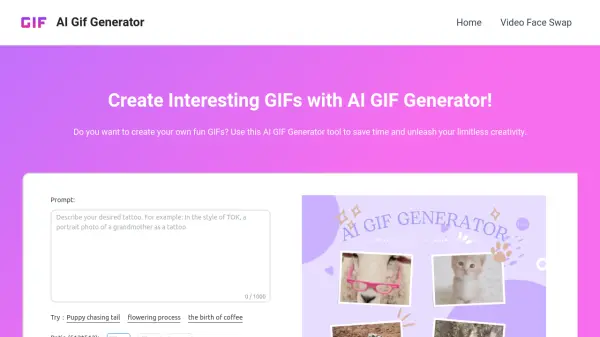
AI Gif Generator is an online tool powered by advanced AI technology that transforms text descriptions into vibrant GIF images. Users can access this tool on any device without downloads, making it convenient for creating dynamic animations from simple text inputs. The tool leverages AI models to generate diverse GIF styles based on detailed scene descriptions, eliminating the need for manual frame-by-frame creation.
This tool supports unlimited high-quality exports and is compatible with phones, computers, and tablets. It allows users to generate GIFs quickly, typically within seconds, and download them for sharing on social media or personal use. By providing a text-based interface, it simplifies the GIF creation process, enabling creativity without technical expertise.
Features
- Free Online Generation: No payment required to use the tool for creating GIFs
- Advanced AI Models: Utilizes AI image technology to generate high-quality GIFs from text
- Diverse GIF Styles: Produces varied GIF animations that match user expectations based on text descriptions
- Compatible with Any Device: Works on phones, computers, and tablets with no downloads needed
- Unlimited High-Quality Exports: Allows unlimited downloads of generated GIFs for sharing
Use Cases
- Creating fun GIFs for social media posts to attract followers
- Generating personalized reaction GIFs for communication
- Producing creative animations for greetings or humor sharing
- Developing dynamic content for online creativity expression
- Making GIFs for educational or presentation purposes
FAQs
-
What types of text can I input into the AI GIF Generator?
You can input any text, including phrases, sentences, or single words, and the AI will generate a corresponding GIF based on your input. -
How long does it take to generate a GIF?
GIF generation typically completes within a few seconds, depending on the text content and server load. -
Can I use the AI GIF Generator on mobile devices?
Yes, the AI GIF Generator is compatible with phones, computers, and tablets, requiring no downloads. -
Is there a limit to how many GIFs I can generate or download?
No, you can generate and export high-quality GIFs an unlimited number of times. -
Do I need design skills to use the AI GIF Generator?
No, you can create creative GIF images simply by providing a text description without any design skills.