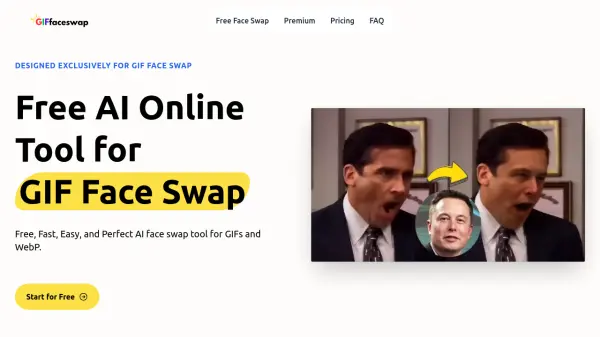
What is GIF Face Swap?
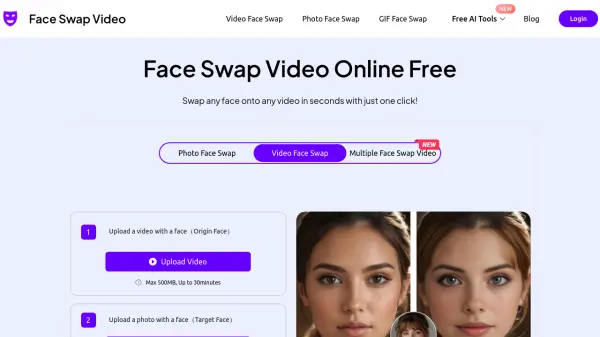
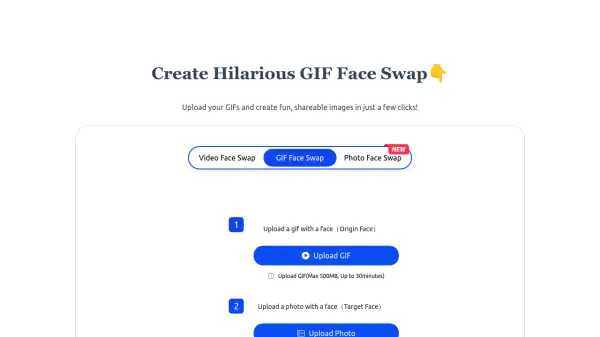
GIF Face Swap is an innovative online platform that enables users to perform instant face swapping in GIF files without requiring registration or login. The tool processes uploads up to 500MB in size and supports various image input formats, making it accessible for different user needs.
The platform offers a straightforward three-step process for face swapping, delivering high-quality results while maintaining the original GIF's smoothness. With its real-time processing capabilities, users can instantly preview their creations and share them across various social media platforms for enhanced engagement.
Features
- Instant Processing: Real-time face swapping with immediate results
- No Registration Required: Direct access to face swapping functionality
- Multiple Format Support: Compatible with various image input formats
- Large File Support: Handles files up to 500MB
- High-Quality Output: Maintains smooth and clear face-swapped results
- Daily Credits: 10 free credits per day
- Easy Sharing: Direct download and social media sharing options
Use Cases
- Creating engaging social media content
- Producing comedy content for blogs and vlogs
- Designing personalized event and party invitations
- Enhancing social media engagement
- Creating entertaining content for friends and followers
How It Works
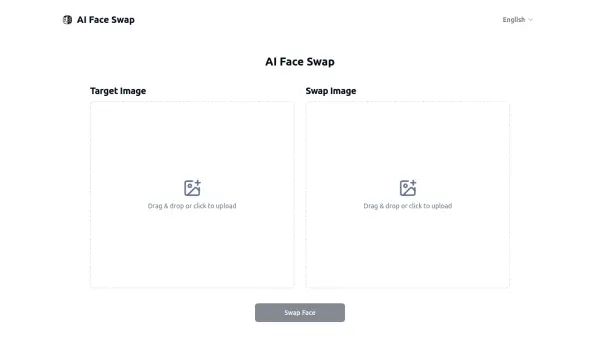
Upload a GIF that includes a face
Upload a GIF of the face you want to replace, ensure clear facial details
Upload a target face image
Upload a photo of the face you want to replace. Facial clarity is also required.
Click to wait for generation
Click the "Swap GIF Face Now" button to generate a GIF after swapping faces
FAQs
-
What is the GIF Face Swap?
The GIF Face Swap is a free online tool that allows users to upload GIF images and easily swap faces to create fun effects. -
Do I need to register or log in to use this tool?
No, you can directly upload your GIF for face swapping without any registration or login required. -
Is this tool free to use?
Yes, the GIF Face Swap tool is completely free to use, allowing you to enjoy the fun of face swapping without any cost. -
Will the resulting GIF be of high quality?
We strive to ensure that the resulting GIF is clear and smooth; however, the quality may depend on the source GIF's quality.