What is Tatsu?
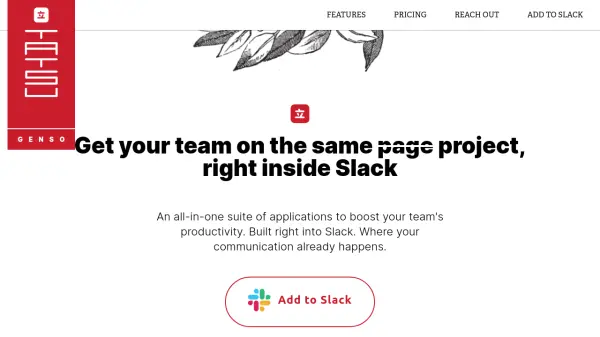
Tatsu is an all-in-one suite of Slack-native applications designed to boost team productivity. It provides a dashboard within Slack to see daily tasks, manage projects through channels, and use follow-up buttons to keep track of action items. Tatsu enables asynchronous discussions, scheduling polls, and automating repetitive tasks with templates, helping teams work harmoniously and reduce meetings.
Features
- Dashboard: View all tasks and follow-ups for the day directly in Slack.
- Follow Up Button: Instantly add follow-ups when someone pings you.
- Project Channels: Use Slack channels as project homes with archiving capability.
- Teamwork Tools: Schedule polls, syncups, and messages; assign tasks and track progress.
- Automated Templates: Create and use templates to automate repetitive team tasks.
- Asynchronous Discussions: Foster more async discussions to replace synchronous meetings.
Use Cases
- Organize daily tasks and follow-ups for remote teams.
- Manage multiple projects within Slack channels.
- Automate recurring team check-ins and information gathering.
- Reduce meeting overload by encouraging async communication.
- Track project progress with task assignments and updates.
FAQs
-
Can I try Tatsu for free?
Yes, you can install Tatsu without a credit card and try it free for 14 days. After the trial, you will be asked to select a plan. -
How does billing work?
Your first billing period starts 14 days after installation. Monthly plans are billed every 30 days for the number of Tatsu participants. Annual plans are billed yearly with prorated charges for new participants added during the year. -
What is a Tatsu participant and when are they charged?
A Tatsu participant is any Slack user who creates or interacts with a Tatsu discussion point (task, poll, etc.). They are counted at the end of each billing period. -
Can I switch between monthly and annual plans?
Yes, you can switch at any time using the /tatsu billing command. Switching from annual to monthly takes effect at the end of the current annual cycle. Switching from monthly to annual results in immediate billing with proration. -
Do you offer discounts for educational or non-profit organizations?
Yes, please install Tatsu for a free trial and then contact us about your organization for potential discounts.