Talkie OCR - Image to Speech favicon

Talkie OCR - Image to Speech
Let books speaks in your native language

What is Talkie OCR - Image to Speech?

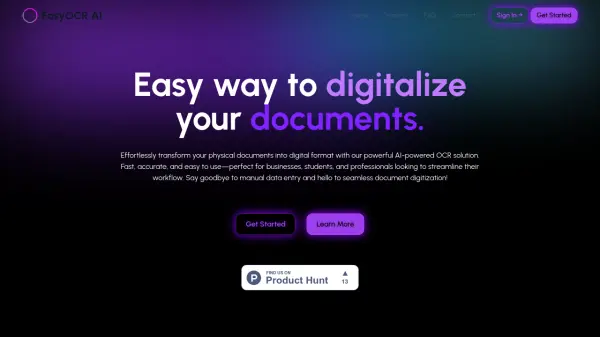
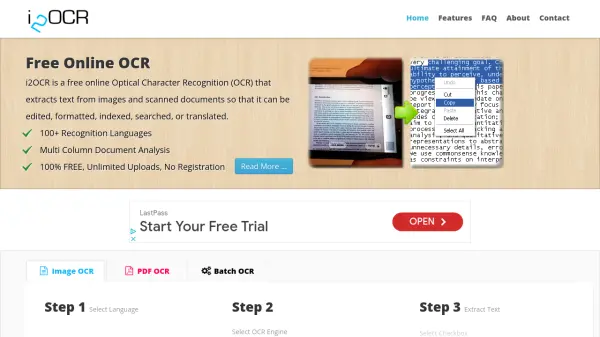
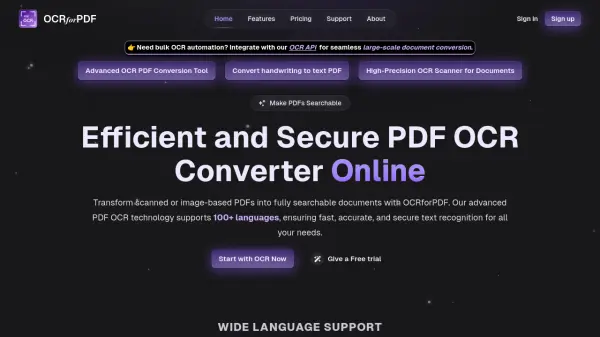
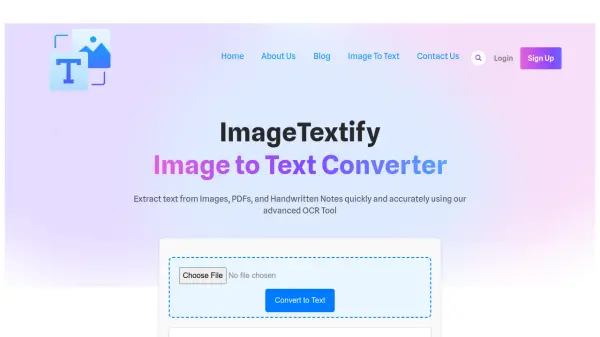
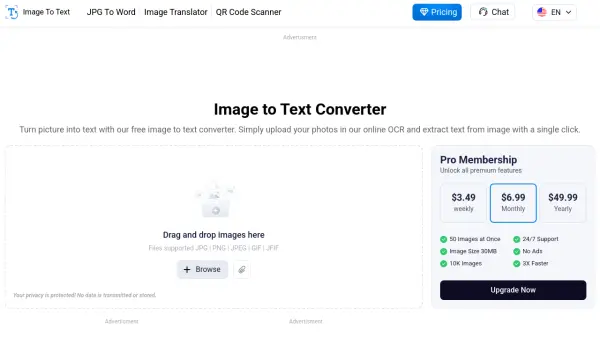
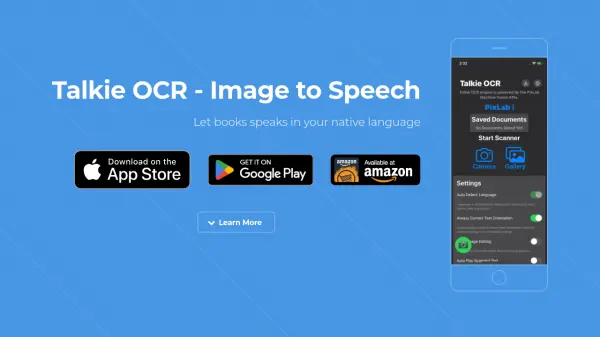
Talkie OCR - Image to Speech employs advanced Optical Character Recognition (OCR) technology to convert images containing text into digital text content. This enables users to capture images of various printed materials like book pages, magazines, journals, or scientific papers and transform them into an accessible format.

After text extraction, the application converts the content into natural-sounding speech, offering playback options in over 45 languages and corresponding accents, with automatic detection of the input language. Furthermore, it features an integrated translation service capable of translating the text into more than 75 languages. Users can also manage the output by generating PDFs, copying the text to their device's clipboard, or sharing it directly.

Features

  • OCR Scanning: Converts images with human-readable characters into text.
  • Text-to-Speech Conversion: Transforms recognized text into human voice.
  • Automatic Language Detection: Identifies the language of the text in the image automatically.
  • Multi-Language & Accent Support: Provides speech output in over 45 languages and accents.
  • Built-in Translation: Translates extracted text into over 75 languages.
  • Output Management: Options to generate PDF documents, copy text, and share.

Use Cases

  • Listening to printed books or documents.
  • Assisting individuals with visual impairments or reading difficulties.
  • Digitizing and listening to notes or articles quickly.
  • Translating and understanding foreign language text from images.
  • Learning pronunciation in different languages by listening.
  • Making printed content accessible on the go.

Related Tools:

Blogs:

  • Best text to speech AI tools

    Best text to speech AI tools

    Text-to-speech (TTS) AI tools are designed to convert written or text-based content into natural-sounding spoken audio. These tools utilize various deep learning and neural network architectures to generate human-like speech from textual input.

  • Top 6 AI note-taking tools for 2026: in-person, online, and hybrid use cases

    Top 6 AI note-taking tools for 2026: in-person, online, and hybrid use cases

    Most AI note-taking lists are really lists of meeting bots, which join your video call and transcribe it. That's useful, but it's half the picture. Decisions happen in hallway conversations, client dinners, on-site visits, and hybrid rooms where nobody is on a video link. This guide covers different parts of the note-taking workflow: hardware capture for in-person settings, platform-native tools for online calls, and AI layers for organizing and synthesizing what you've captured. It compares six tools by capture context, workflow fit, pricing, and limitations.

  • Best AI Tools For Startups

    Best AI Tools For Startups

    we've compiled a straightforward list of user-friendly AI tools designed to give startups a boost. Discover practical solutions to streamline everyday tasks, enhance productivity, and gain valuable insights without the need for a tech expert. Learn where and how these tools can be applied in your startup journey, from automating repetitive tasks to unlocking powerful data analysis. Join us as we explore the features that make these AI tools accessible and beneficial for startups in various industries. Elevate your business with technology that works for you!

Didn't find tool you were looking for?

Be as detailed as possible for better results